


ChatGPT40 에서 "네이버 금융 사이트에서 삼성전자 재무제표를 크롤링해서 데이터프레임으로 보여주는 Python 코드를 작성해줘" 나온 코드가 실행이 안되요.
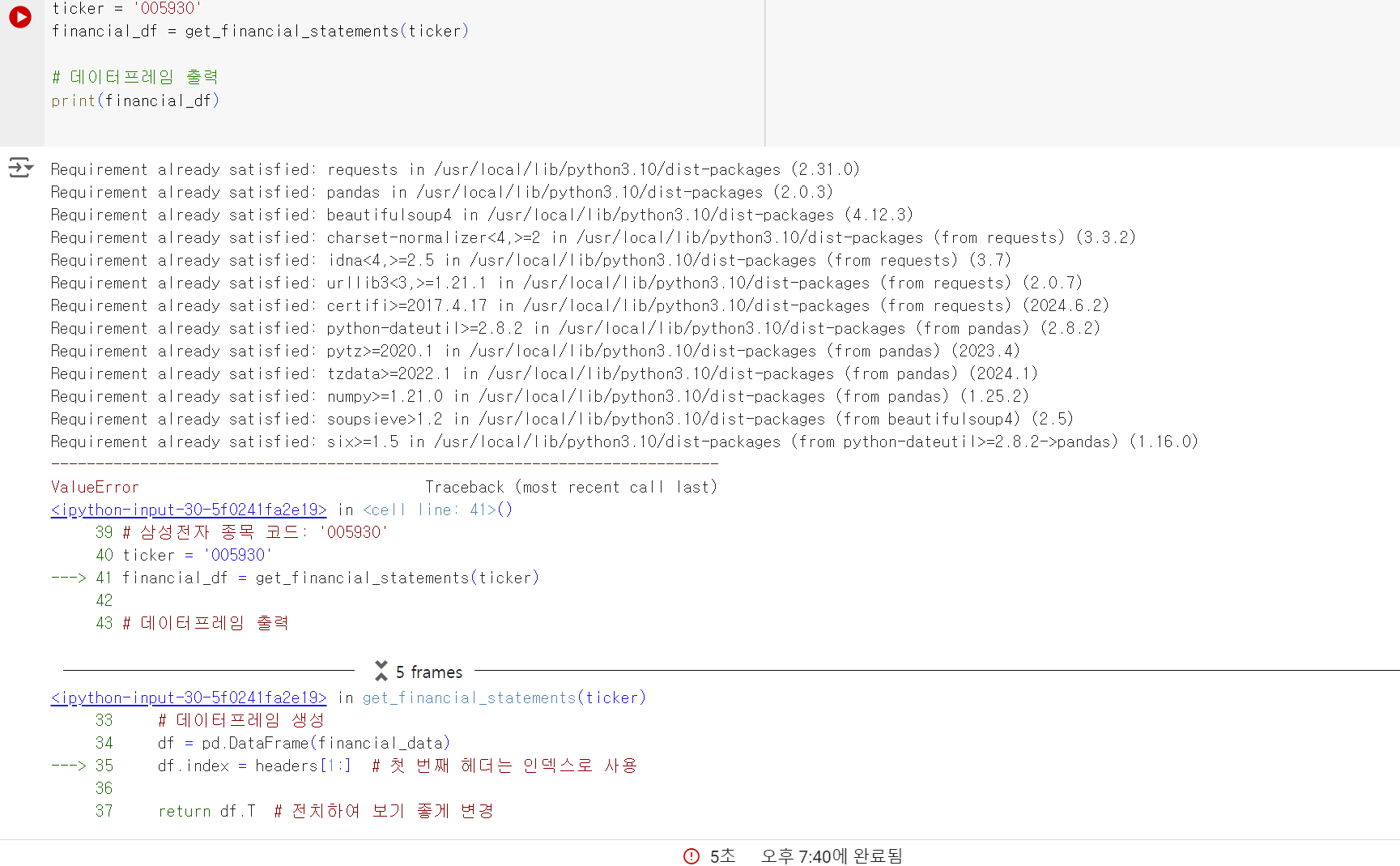
작성한 코드 및 에러 메세지
!pip install requests pandas beautifulsoup4
import requests
import pandas as pd
from bs4 import BeautifulSoup
def get_financial_statements(ticker):
# 네이버 금융 URL 설정
url = f'https://finance.naver.com/item/main.nhn?code={ticker}'
# 웹 페이지 요청
response = requests.get(url)
response.raise_for_status()
# BeautifulSoup으로 HTML 파싱
soup = BeautifulSoup(response.text, 'html.parser')
# 재무제표 테이블 찾기
financial_data = {}
tables = soup.select('div.section.cop_analysis div.sub_section')[0].select('table')
for table in tables:
# 테이블 헤더 추출
headers = [header.get_text().strip() for header in table.select('thead th')]
rows = table.select('tbody tr')
for row in rows:
columns = row.select('td')
key = columns[0].get_text().strip()
values = [value.get_text().strip().replace(',', '') for value in columns[1:]]
financial_data[key] = values
# 데이터프레임 생성
df = pd.DataFrame(financial_data)
df.index = headers[1:] # 첫 번째 헤더는 인덱스로 사용
return df.T # 전치하여 보기 좋게 변경
# 삼성전자 종목 코드: '005930'
ticker = '005930'
financial_df = get_financial_statements(ticker)
# 데이터프레임 출력
print(financial_df)
=======================================
Requirement already satisfied: requests in /usr/local/lib/python3.10/dist-packages (2.31.0)
Requirement already satisfied: pandas in /usr/local/lib/python3.10/dist-packages (2.0.3)
Requirement already satisfied: beautifulsoup4 in /usr/local/lib/python3.10/dist-packages (4.12.3)
Requirement already satisfied: charset-normalizer<4,>=2 in /usr/local/lib/python3.10/dist-packages (from requests) (3.3.2)
Requirement already satisfied: idna<4,>=2.5 in /usr/local/lib/python3.10/dist-packages (from requests) (3.7)
Requirement already satisfied: urllib3<3,>=1.21.1 in /usr/local/lib/python3.10/dist-packages (from requests) (2.0.7)
Requirement already satisfied: certifi>=2017.4.17 in /usr/local/lib/python3.10/dist-packages (from requests) (2024.6.2)
Requirement already satisfied: python-dateutil>=2.8.2 in /usr/local/lib/python3.10/dist-packages (from pandas) (2.8.2)
Requirement already satisfied: pytz>=2020.1 in /usr/local/lib/python3.10/dist-packages (from pandas) (2023.4)
Requirement already satisfied: tzdata>=2022.1 in /usr/local/lib/python3.10/dist-packages (from pandas) (2024.1)
Requirement already satisfied: numpy>=1.21.0 in /usr/local/lib/python3.10/dist-packages (from pandas) (1.25.2)
Requirement already satisfied: soupsieve>1.2 in /usr/local/lib/python3.10/dist-packages (from beautifulsoup4) (2.5)
Requirement already satisfied: six>=1.5 in /usr/local/lib/python3.10/dist-packages (from python-dateutil>=2.8.2->pandas) (1.16.0)
---------------------------------------------------------------------------
ValueError                                Traceback (most recent call last)
<ipython-input-30-5f0241fa2e19> in <cell line: 41>()
     39 # 삼성전자 종목 코드: '005930'
     40 ticker = '005930'
---> 41 financial_df = get_financial_statements(ticker)
     42
     43 # 데이터프레임 출력
5 frames
/usr/local/lib/python3.10/dist-packages/pandas/core/internals/base.py in _validate_set_axis(self, axis, new_labels)
     68
     69         elif new_len != old_len:
---> 70             raise ValueError(
     71                 f"Length mismatch: Expected axis has {old_len} elements, new "
     72                 f"values have {new_len} elements"
ValueError: Length mismatch: Expected axis has 9 elements, new values have 22 elements


