


* 겪고 있는 문제 상황을 최대한 자세하게 작성해주세요.
* 문제 해결을 위해 어떤 시도를 해보았는지 구체적으로 함께 알려주세요.
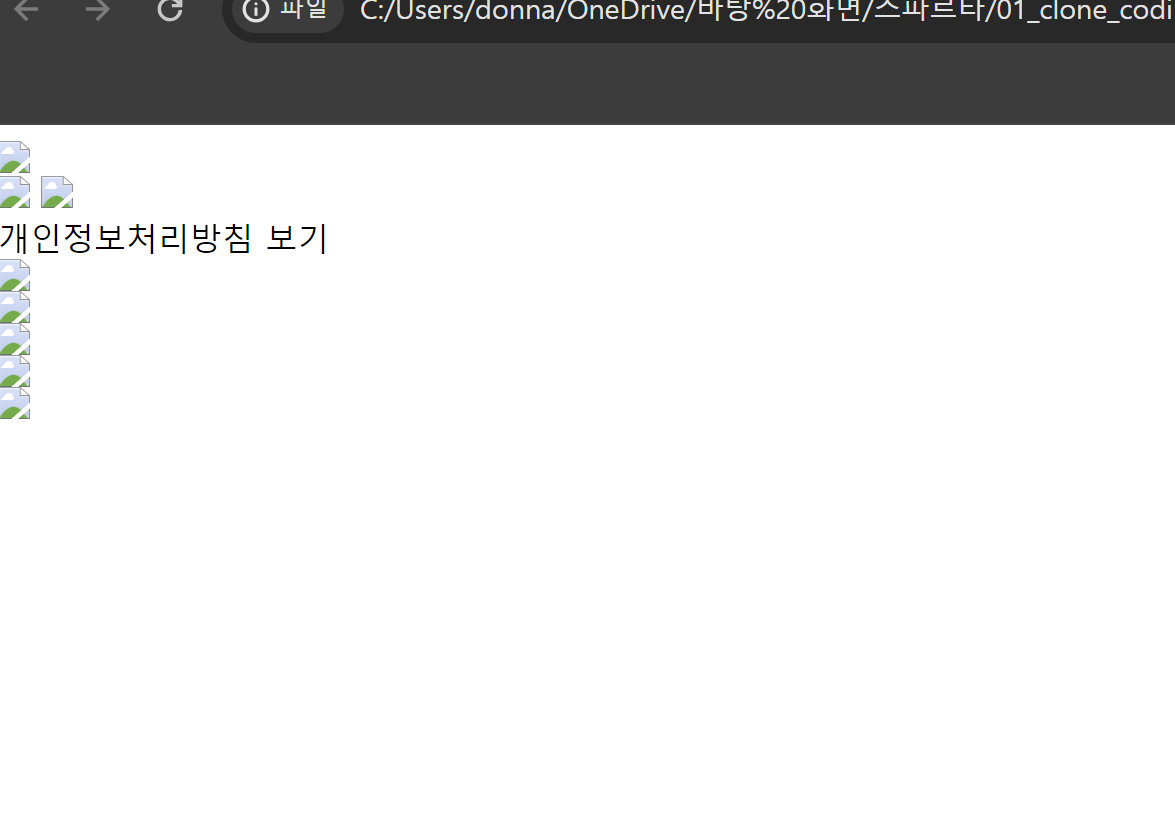
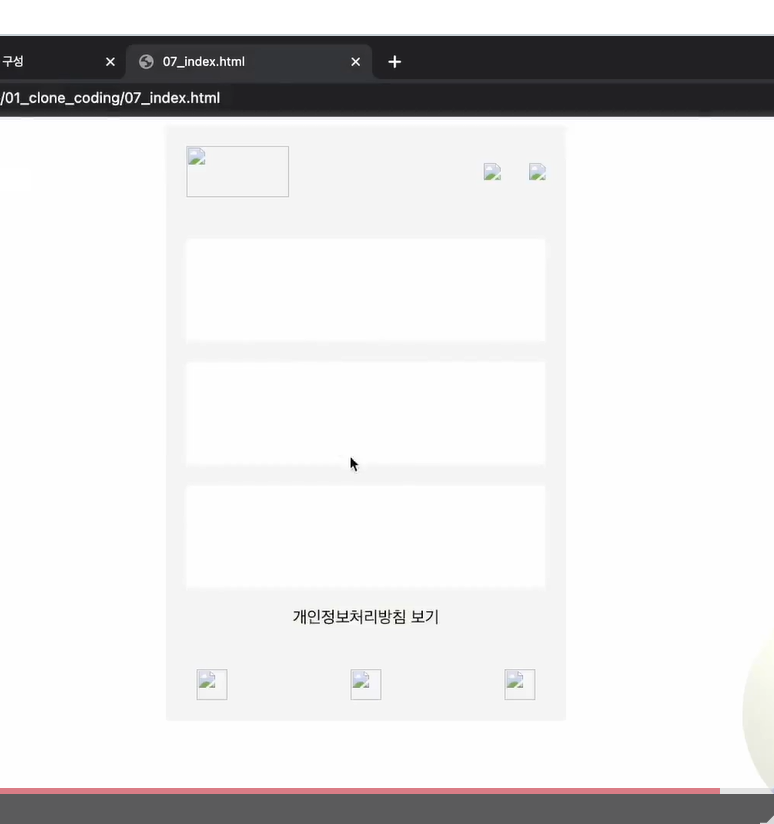
강의 자료에 있는 코드 그대로를 복사해왔는데 강의 내용과 달리 박스 형태가 보이지 않아요.
css 박스 부분 코드에 설정값을 넣지 않아 그런건가요? 강의 자료에 있는 코드에도 따로 설정이 되어 있지 않아 그대로 복사해서 사용했습니다ㅜ
<html lang="ko-KR">
<head>
<meta charset="UTF-8">
<link rel="stylesheet" href="07_styles.css">
</head>
<body>
<div class="container">
<div class="header">
<img class="logo" src="logo.png">
<div class="icons">
<img src="icon1.png">
<img src="icon2.png">
</div>
</div>
<div class="main">
<div class="box box1"></div>
<div class="box box2"></div>
<div class="box box3"></div>
<div class="privacy-policy">개인정보처리방침 보기</div>
</div>
<div class="footer">
<div class="footer-icon">
<img src="icon1.png">
</div>
<div class="footer-icon">
<img src="icon2.png">
</div>
<div class="footer-icon">
<img src="icon3.png">
</div>
<div class="footer-icon">
<img src="icon4.png">
</div>
<div class="footer-icon">
<img src="icon5.png">
</div>
</div>
</div>
</body>
</html>
css부분
.container {
width: 390px;
margin: 0 auto;
background-color: #f5f5f5;
}
.header {
display: flex;
justify-content: space-between;
align-items: center;
padding: 20px;
}
.logo {
width: 100px;
height: 50px;
}
.icons {
display: flex;
justify-content: space-between;
width: 60px;
}
.main {
padding: 20px;
}
.box {
height: 100px;
margin-bottom: 20px;
background-color: #fff;
}
.box1 {
/* custom styles for box1 */
}
.box2 {
/* custom styles for box2 */
}
.box3 {
/* custom styles for box3 */
}
.privacy-policy {
margin-top: 20px;
text-align: center;
}
.footer {
display: flex;
justify-content: space-between;
align-items: center;
padding: 20px;
}
.footer-icon {
flex: 1;
display: flex;
justify-content: center;
}
.footer-icon img {
width: 30px;
height: 30px;
}


