* 겪고 있는 문제 상황을 최대한 자세하게 작성해주세요.해적
* 문제 해결을 위해 어떤 시도를 해보았는지 구체적으로 함께 알려주세요.
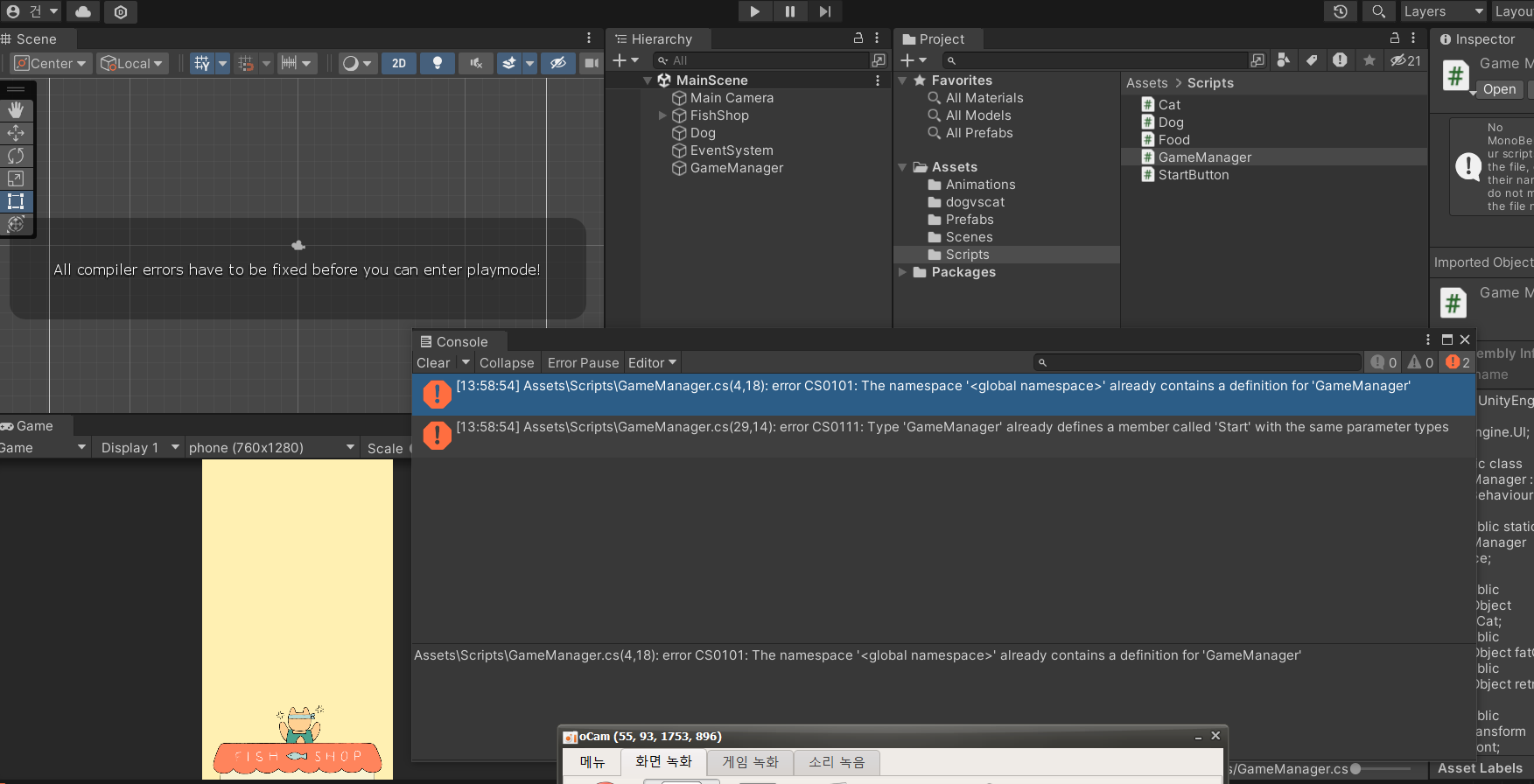
3주차강의 고양이 밥주기 게임에서 게임메니저 에러가나오고 play 버튼실행시 에러가 나옵니다 해결책좀 알려주세요
아래첫번째 화면- 게임메니저 스크립트 두번째 화면-유니티 에러화면
게임메니저 코드입니다(첫번째화면)
using UnityEngine;
using UnityEngine.UI;
public class GameManager : MonoBehaviour
{
public static GameManager Instance;
public GameObject normalCat;
public GameObject fatCat;
public GameObject retryBtn;
public RectTransform levelFront;
public Text levelTxt;
public int level = 0;
int score = 0;
private void Awake()
{
if(Instance == null)
{
Instance = this;
}
Application.targetFrameRate = 60;
Time.timeScale = 1.0f;
}
// Start is called before the first frame update
void Start()
{
InvokeRepeating("MakeCat", 0f, 1f);
}
void MakeCat()
{
Instantiate(normalCat);
// lv.1 20% 확률로 고양이를 더 생성해준다.
if(level == 1)
{
int p = Random.Range(0, 10);
if(p < 2) Instantiate(normalCat);
}
else if(level == 2)
{
// lv.2 50% 확률로 고양이를 더 생성해준다.
int p = Random.Range(0, 10);
if (p < 5) Instantiate(normalCat);
}
else if(level == 3)
{
// lv.3 뚱뚱한 고양이를 생성해준다.
Instantiate(fatCat);
}
}
public void GameOver()
{
retryBtn.SetActive(true);
Time.timeScale = 0f;
}
public void AddScore()
{
score++;
level = score / 5;
levelTxt.text = level.ToString();
levelFront.localScale = new Vector3((score - level * 5) / 5.0f, 1f, 1f);
}
}
두번째 화면-유니티 화면 에러메세지