


* 겪고 있는 문제 상황을 최대한 자세하게 작성해주세요.
* 문제 해결을 위해 어떤 시도를 해보았는지 구체적으로 함께 알려주세요.
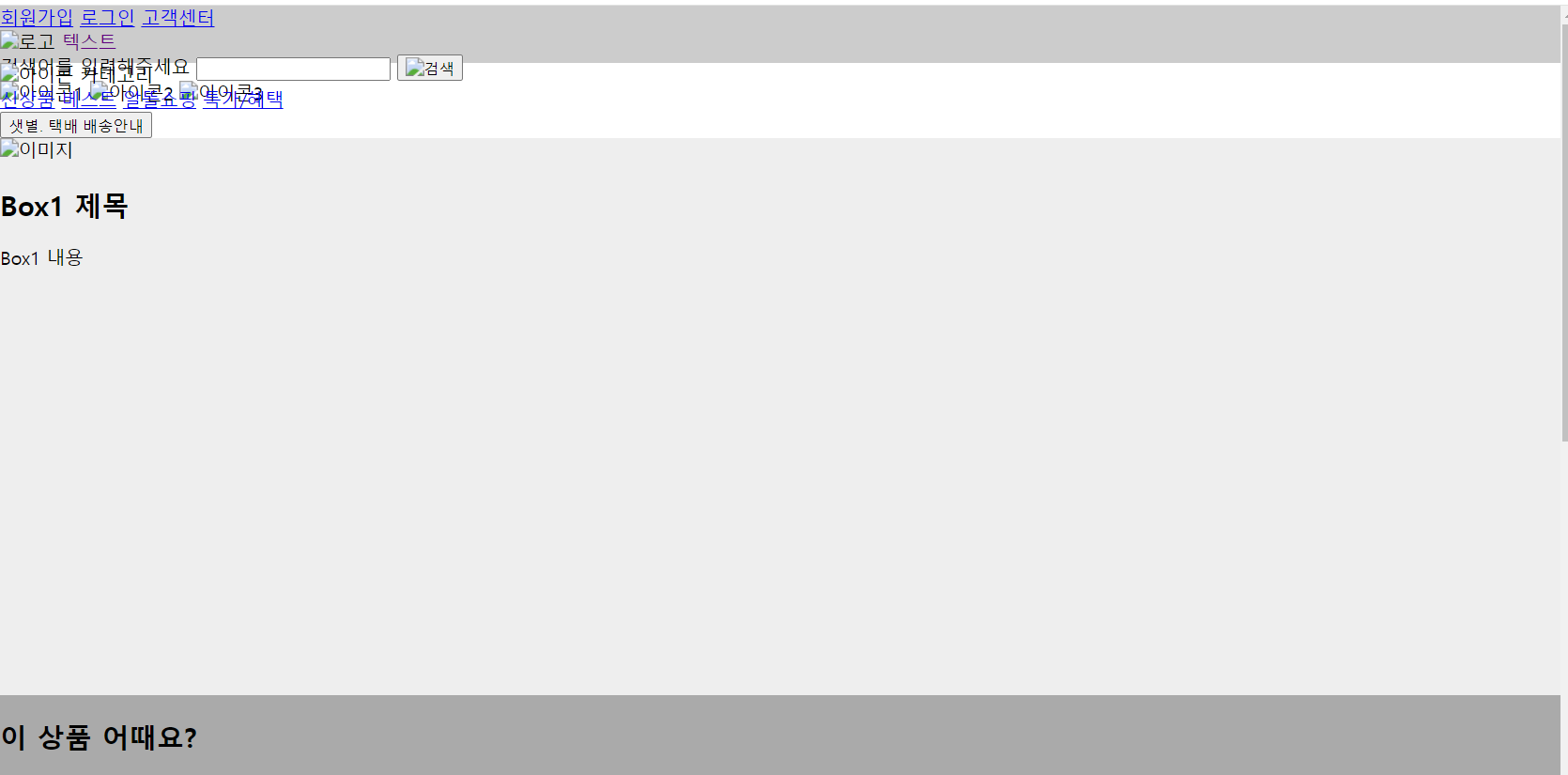
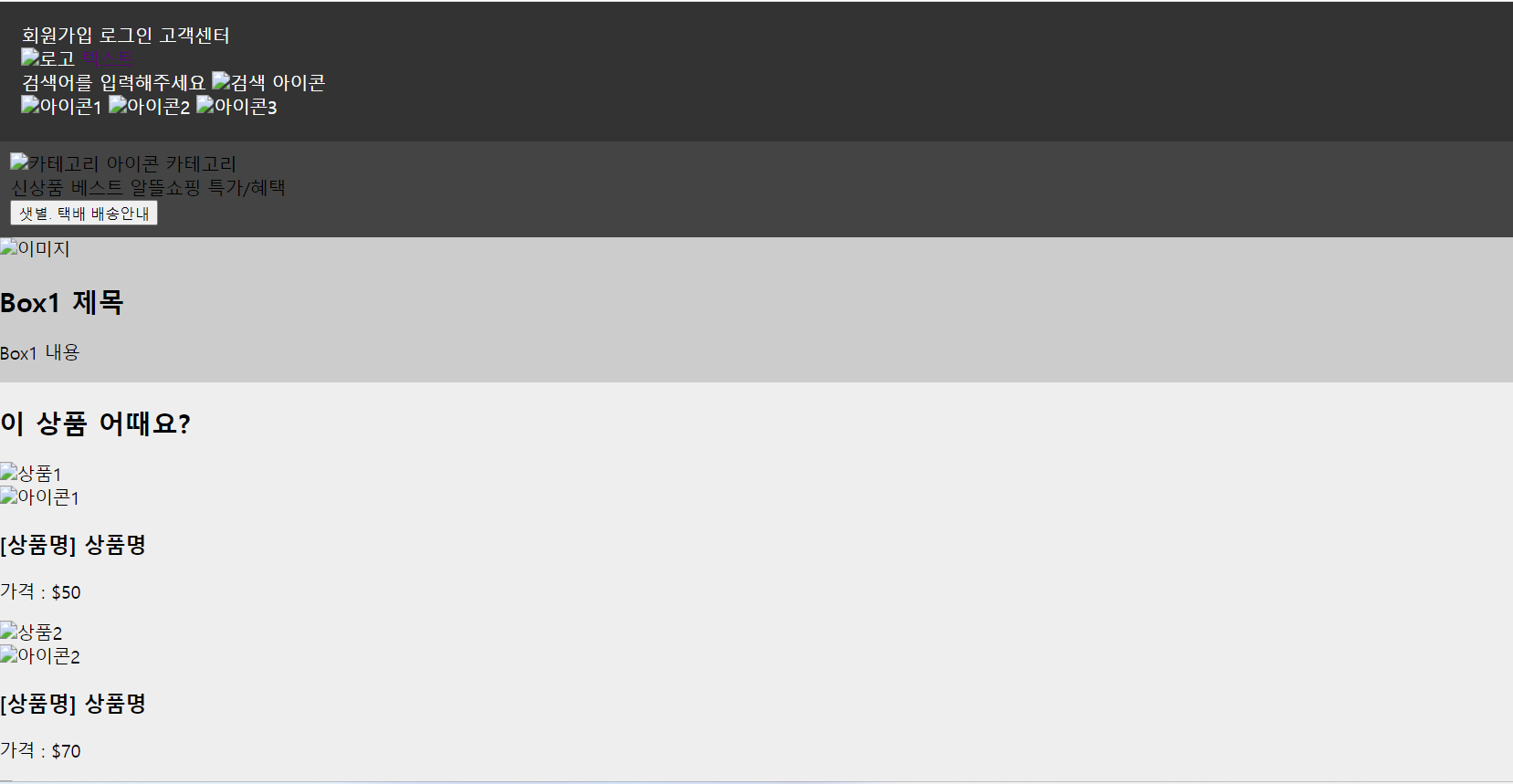
6-3 내용과 같이 ChatGPT 질의 하여 코드 생성후 VS로 돌려도 그렇고 코드스니펫 소스를 긁어다 붙여도 결과화면 처럼 나오지 않는데 저만 그런건지 다른분들도 이렇게 나오는지 궁금합니다. 기존에는 ChatGPT 질의 결과 내용만으로도 구현이 되었었는데 이번 차시는 샘 소스를 붙여도 동일하네요 ㅜㅜ
코드스니펫 소스 화면
제가 직접 질의한 결과 화면
작성한 코드 및 에러 메세지
[코드스니펫 소스] 03_index.html
<!DOCTYPE html>
<html lang="ko">
<head>
<meta charset="UTF-8">
<title>마켓 컬리</title>
<link rel="stylesheet" href="02_styles.css">
</head>
<body>
<div class="container">
<!-- 이부분에 붙여 넣기-->
<header>
<div class="header-box1">
<div class="header-box1-right">
<a href="#">회원가입</a>
<a href="#">로그인</a>
<a href="#">고객센터</a>
</div>
</div>
<div class="header-box2">
<div class="header-box2-left">
<img src="logo.png" alt="로고">
<span style="color: #5F0080;">텍스트</span>
</div>
<div class="header-box2-center">
<form>
<label for="search">검색어를 입력해주세요</label>
<input type="text" id="search" name="search">
<button type="submit"><img src="search-icon.png" alt="검색"></button>
</form>
</div>
<div class="header-box2-right">
<img src="icon1.png" alt="아이콘1">
<img src="icon2.png" alt="아이콘2">
<img src="icon3.png" alt="아이콘3">
</div>
</div>
</header>
<!-- 이부분에 붙여 넣기-->
<nav>
<div class="nav-left">
<img src="icon.png" alt="아이콘">
<span>카테고리</span>
</div>
<div class="nav-center">
<a href="#">신상품</a>
<a href="#">베스트</a>
<a href="#">알뜰쇼핑</a>
<a href="#">특가/혜택</a>
</div>
<div class="nav-right">
<button class="btn">샛별. 택배 배송안내</button>
</div>
</nav>
<div class="box1">
<div class="box1-content">
<img src="image.jpg" alt="이미지">
<h2>Box1 제목</h2>
<p>Box1 내용</p>
</div>
</div>
<div class="box2">
<h2 class="box2-title">이 상품 어때요?</h2>
<div class="card-container">
<div class="card">
<div class="card-image">
<img src="product1.jpg" alt="상품1">
<div class="card-icon">
<img src="icon1.png" alt="아이콘1">
</div>
</div>
<div class="card-content">
<h3>[상품명] 상품명</h3>
<p>가격 : $50</p>
</div>
</div>
<div class="card">
<div class="card-image">
<img src="product2.jpg" alt="상품2">
<div class="card-icon">
<img src="icon2.png" alt="아이콘2">
</div>
</div>
<div class="card-content">
<h3>[상품명] 상품명</h3>
<p>가격 : $70</p>
</div>
</div>
<div class="card">
<div class="card-image">
<img src="product3.jpg" alt="상품3">
<div class="card-icon">
<img src="icon3.png" alt="아이콘3">
</div>
</div>
<div class="card-content">
<h3>[상품명] 상품명</h3>
<p>가격 : $80</p>
</div>
</div>
<div class="card">
<div class="card-image">
<img src="product4.jpg" alt="상품4">
<div class="card-icon">
<img src="icon4.png" alt="아이콘4">
</div>
</div>
<div class="card-content">
<h3>[상품명] 상품명</h3>
<p>가격 : $60</p>
</div>
</div>
</div>
</div>
</div>
</body>
</html>
[코드스니펫 소스] 03_styles.css
body {
margin: 0;
padding: 0;
}
.container {
width: 100vw;
height: 100vh;
display: flex;
flex-direction: column;
}
header {
width: 1000px;
margin: 0 auto;
display: flex;
justify-content: space-between;
align-items: center;
height: 100px;
}
.header-box1 {
display: flex;
justify-content: flex-end;
align-items: center;
height: 100%;
}
.header-box1-right {
display: flex;
justify-content: space-between;
align-items: center;
}
.header-box1-right a {
color: #333;
text-decoration: none;
margin-left: 20px;
}
.header-box2 {
display: flex;
align-items: center;
height: 100%;
}
.header-box2-left img {
height: 60px;
margin-right: 20px;
}
.header-box2-left span {
font-size: 24px;
font-weight: bold;
}
.header-box2-center form {
display: flex;
align-items: center;
border: 2px solid #5F0080;
border-radius: 20px;
padding: 5px;
}
.header-box2-center label {
color: #5F0080;
font-size: 14px;
margin-right: 10px;
}
.header-box2-center input[type="text"] {
border: none;
font-size: 16px;
margin-right: 10px;
}
.header-box2-center button[type="submit"] {
border: none;
background: none;
cursor: pointer;
}
.header-box2-right {
display: flex;
justify-content: space-between;
align-items: center;
width: 80px;
}
.header-box2-right img {
height: 30px;
}
nav {
width: 1000px;
margin: 0 auto;
display: flex;
justify-content: space-between;
align-items: center;
height: 50px;
}
.nav-left {
display: flex;
align-items: center;
}
.nav-left img {
height: 30px;
margin-right: 5px;
}
.nav-left span {
font-size: 16px;
}
.nav-center {
display: flex;
justify-content: space-between;
align-items: center;
flex-grow: 1;
margin: 0 20px;
}
.nav-center a {
color: #333;
text-decoration: none;
font-size: 16px;
margin-right: 20px;
}
.nav-right {
display: flex;
align-items: center;
}
.btn {
border-radius: 20px;
padding: 5px 10px;
background-color: #FFC300;
border: none;
color: #fff;
font-size: 14px;
font-weight: bold;
cursor: pointer;
}
.btn:hover {
background-color: #FFD966;
}
.box1 {
background-color: #eee;
height: 350px;
display: flex;
justify-content: center;
align-items: center;
}
.box1-content {
max-width: 100%;
text-align: center;
}
.box1-content img {
max-width: 100%;
height: auto;
}
.box1-content h2 {
color: #5f0080;
font-size: 24px;
margin-top: 20px;
margin-bottom: 10px;
}
.box1-content p {
font-size: 16px;
line-height: 1.5;
margin-bottom: 0;
}
.box2 {
width: 1000px;
margin: 0 auto;
text-align: center;
padding: 20px 0;
}
.box2-title {
color: #5f0080;
font-size: 24px;
margin-bottom: 20px;
}
.card-container {
display: flex;
justify-content: space-between;
align-items: center;
}
.card {
width: 23%;
border: 1px solid #ccc;
border-radius: 5px;
box-shadow: 0px 0px 5px 0px rgba(0, 0, 0, 0.2);
overflow: hidden;
margin-bottom: 20px;
}
.card-image {
position: relative;
}
.card-image img {
width: 100%;
height: auto;
}
.card-icon {
position: absolute;
bottom: 0;
right: 0;
background-color: rgba(95, 0, 128, 0.8);
padding: 5px;
}
.card-icon img {
width: 20px;
height: 20px;
}
.card-content {
text-align: left;
padding: 10px;
}
.card-content h3 {
margin: 0;
font-size: 16px;
}
.card-content p {
margin: 10px 0 0;
font-size: 14px;
font-weight: bold;
}


