


* 겪고 있는 문제 상황을 최대한 자세하게 작성해주세요.
* 문제 해결을 위해 어떤 시도를 해보았는지 구체적으로 함께 알려주세요.
강의 내용대로 코드를 기록했는데 결과가 강의 내용대로 되지 않아 어디가 잘못됐는지 아무리 찾아도 모르겠네요.
또 다시 도움을 요청하게 되어 미안합니다.
[강의 화면]
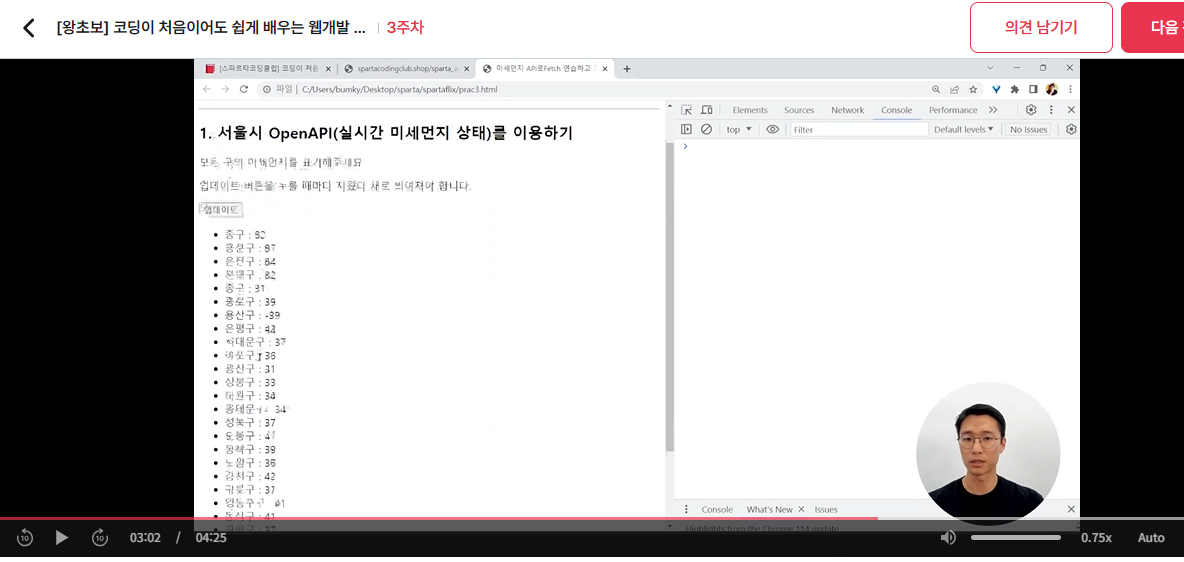
[내 화면] 위 화면과 같이 업데이트가 되지 않아요
[내 PC의 코드입니다]
<!doctype html>
<html lang="ko">
<head>
<meta charset="UTF-8">
<title>미세먼지 API로Fetch 연습하고 가기!</title>
<script src="https://ajax.googleapis.com/ajax/libs/jquery/3.5.1/jquery.min.js"></script>
<style type="text/css">
div.question-box {
margin: 10px 0 20px 0;
}
</style>
<script>
function q1() {
let url = 'http://spartacodingclub.shop/sparta_api/seoulair';
fetch(url).then(res => res.json()).then(data => {
let rows = data['RealtimeCityAir']['row'];
rows.forEach(a => {
let gu_name = a['MSRSTE_NM'];
let gu_mise = a['IDEX_MVL'];
let temp_html = `<li>${gu_name} : ${gu_mise}</li>`;
$('#name-q1').append(temp_html);
});
})
}
</script>
</head>
<body>
<h1>Fetch 연습하자!</h1>
<hr/>
<div class="question-box">
<h2>1. 서울시 OpenAPI(실시간 미세먼지 상태)를 이용하기</h2>
<p>모든 구의 미세먼지를 표기해주세요</p>
<p>업데이트 버튼을 누를 때마다 지웠다 새로 씌여져야 합니다.</p>
<button onclick="q1()">업데이트</button>
<ul id="names-q1">
<li>중구 : 82</li>
<li>종로구 : 87</li>
<li>용산구 : 84</li>
<li>은평구 : 82</li>
</ul>
</div>
</body>
</html>


