


* 겪고 있는 문제 상황을 최대한 자세하게 작성해주세요.
* 문제 해결을 위해 어떤 시도를 해보았는지 구체적으로 함께 알려주세요.
import requests
from bs4 import BeautifulSoup
import pandas as pd
def get_financial_statement(stock_code):
# 삼성전자 재무제표 페이지 URL
url = f"https://finance.naver.com/item/main.nhn?code={stock_code}&isRightMenu=true"
# 페이지 요청
response = requests.get(url)
soup = BeautifulSoup(response.text, 'html.parser')
# 재무제표 데이터를 담을 빈 딕셔너리 생성
financial_data = {}
# 재무제표 테이블 추출
table = soup.find('table', {'class': 'tb_type1 tb_num tb_type1_ifrs'})
rows = table.find_all('tr')
# 첫 번째 행은 컬럼명으로 사용
columns = [col.get_text() for col in rows[0].find_all('th')]
# 마지막 행은 제외하고 데이터 추출
data_rows = rows[1:-1]
# 데이터를 financial_data 딕셔너리에 저장
for row in data_rows:
row_data = [element.get_text().strip() for element in row.find_all('td')]
# 행의 첫 번째 요소(년도)를 key로 사용하여 딕셔너리에 추가
financial_data[row_data[0]] = row_data[1:]
# 데이터프레임으로 변환
df = pd.DataFrame.from_dict(financial_data, orient='index', columns=columns[1:])
return df
# 삼성전자의 종목 코드는 '005930'입니다.
stock_code = '005930'
financial_statement_df = get_financial_statement(stock_code)
print(financial_statement_df)
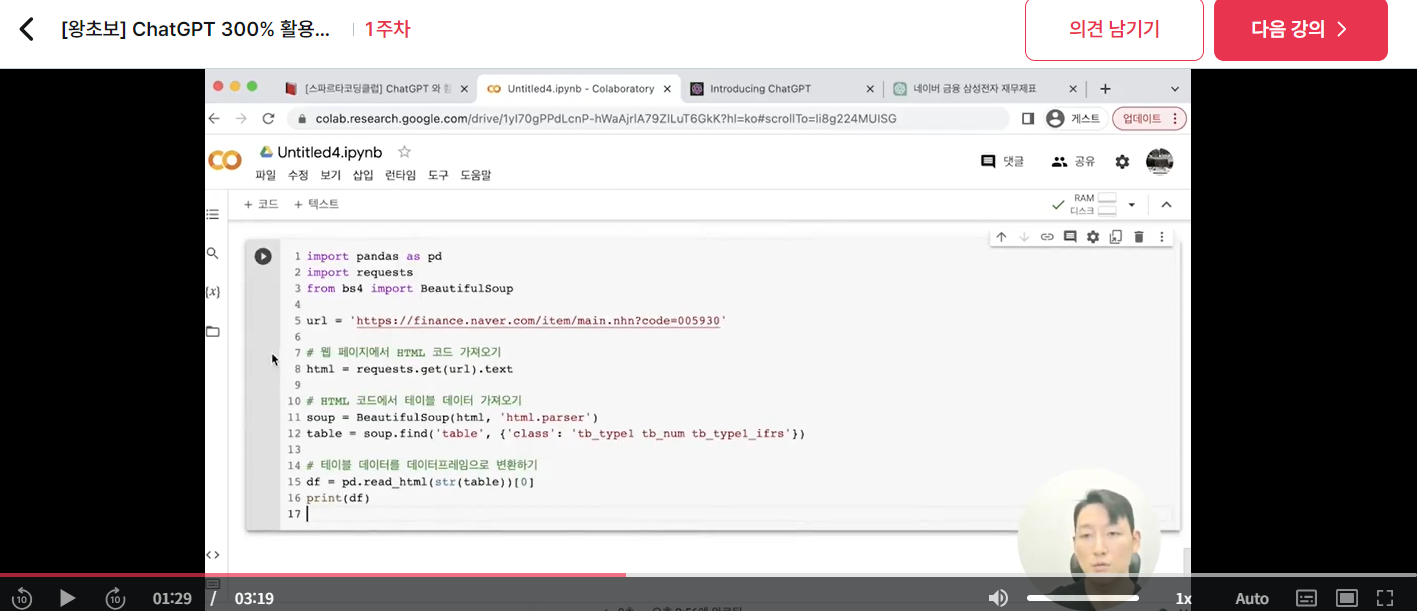
작성한 코드 및 에러 메세지
---------------------------------------------------------------------------
IndexError                                Traceback (most recent call last)
<ipython-input-16-58a189305866> in <cell line: 38>()
     36 # 삼성전자의 종목 코드는 '005930'입니다.
     37 stock_code = '005930'
---> 38 financial_statement_df = get_financial_statement(stock_code)
     39 print(financial_statement_df)

<ipython-input-16-58a189305866> in get_financial_statement(stock_code)
     27         row_data = [element.get_text().strip() for element in row.find_all('td')]
     28         # 행의 첫 번째 요소(년도)를 key로 사용하여 딕셔너리에 추가
---> 29         financial_data[row_data[0]] = row_data[1:]
     30
     31     # 데이터프레임으로 변환
IndexError: list index out of range
오류 발생 시, 작성한 코드 전체와 에러 메시지를 첨부해 주세요.
Tip 1) </> 아이콘을 눌러 코드박스를 만들어 보세요.
Tip 2) Ctrl+A(맥의 경우 Command+A) 단축키로 코드를 한 번에 선택할 수 있어요!


