


* 겪고 있는 문제 상황을 최대한 자세하게 작성해주세요.
* 문제 해결을 위해 어떤 시도를 해보았는지 구체적으로 함께 알려주세요.
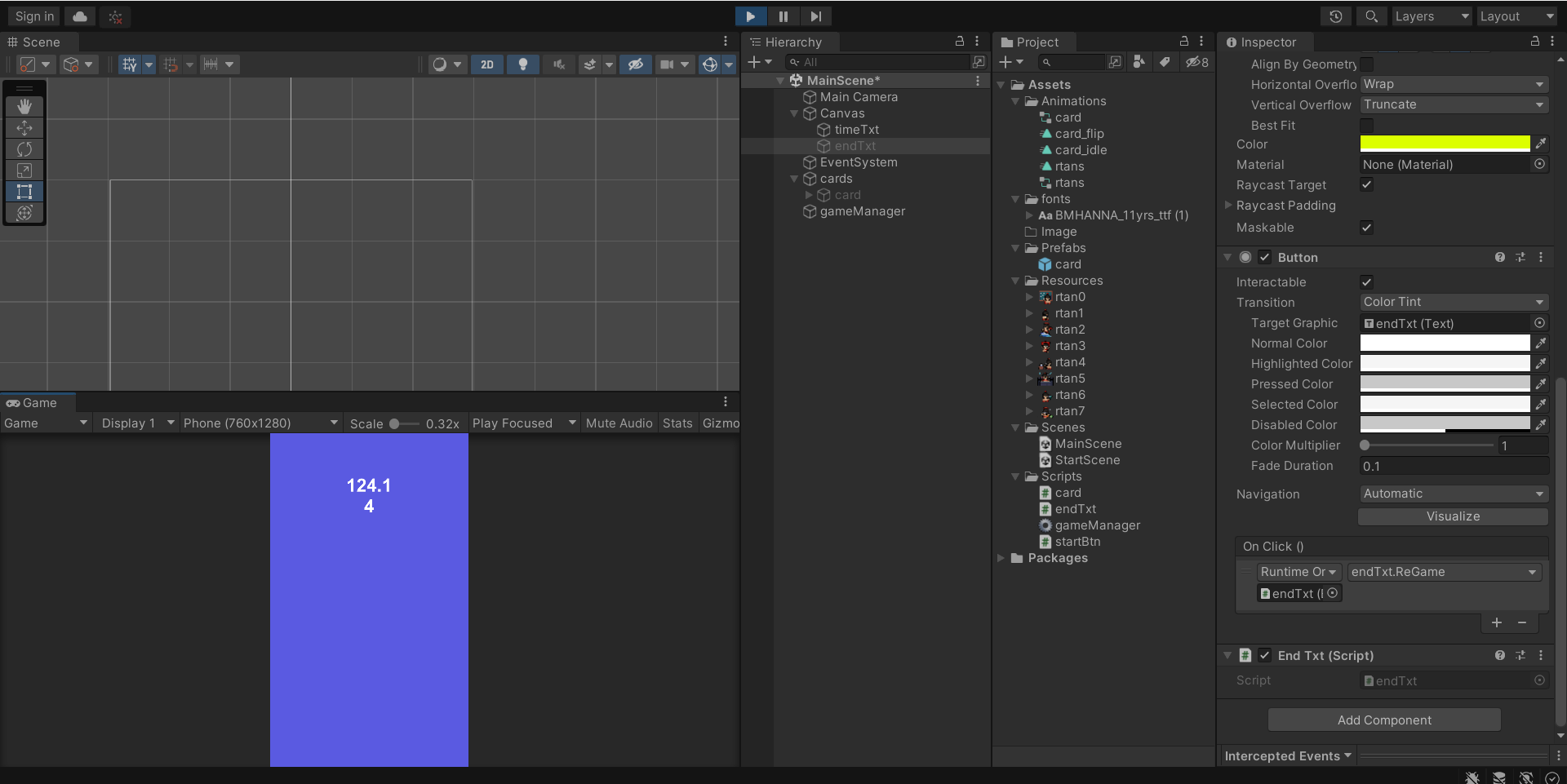
제목 그대로 카드를 전부 맞춰서 게임이 끝나야 하는데 '끝'이라는 문구도 뜨지 않고 시간은 계속 흘러갑니다..
영상을 여러 번 돌려보며 뭐가 문제인지 계속 찾아보고 수정도 해 봤는데도 고쳐지지 않습니다..
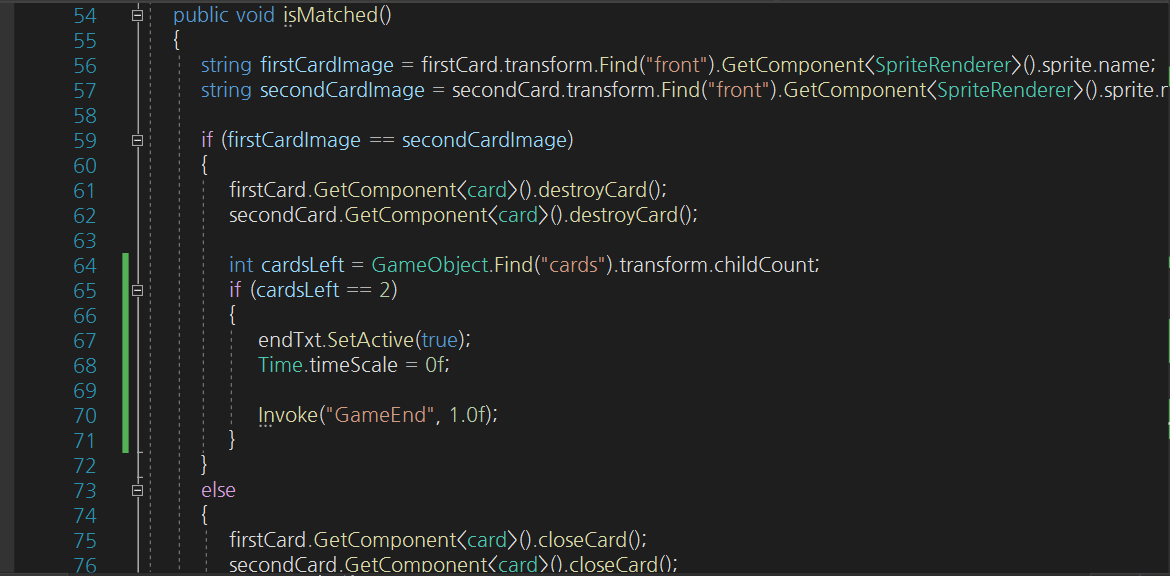
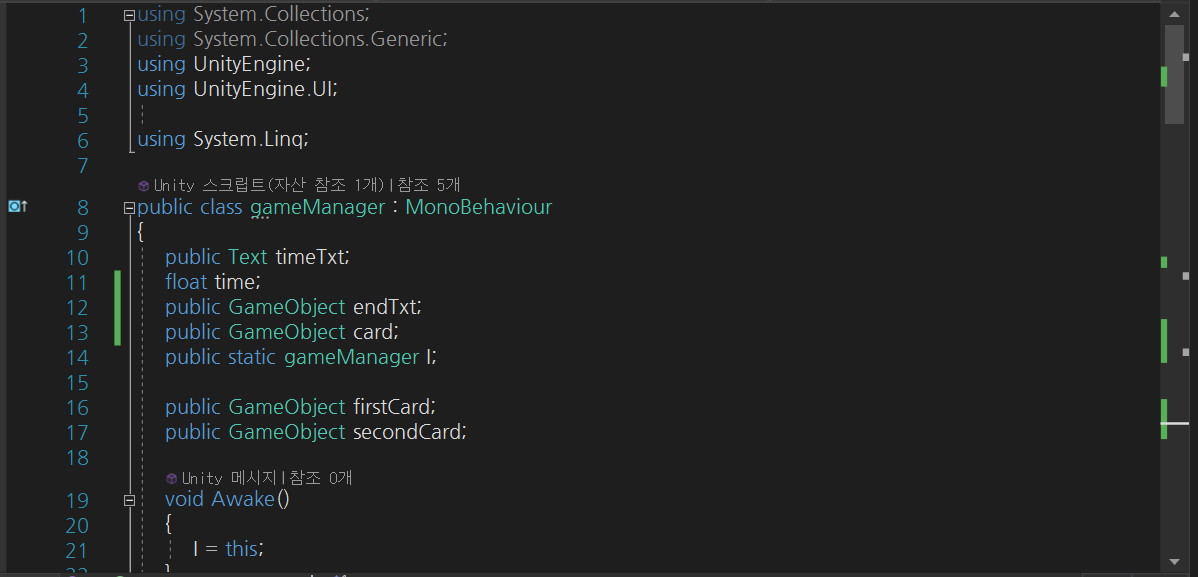
gameManager.cs 코드입니
using System.Collections;
using System.Collections.Generic;
using UnityEngine;
using UnityEngine.UI;
using System.Linq;
public class gameManager : MonoBehaviour
{
public Text timeTxt;
float time;
public GameObject endTxt;
public GameObject card;
public static gameManager I;
public GameObject firstCard;
public GameObject secondCard;
void Awake()
{
I = this;
}
// Start is called before the first frame update
void Start()
{
Time.timeScale = 1.0f;
int[] rtans = { 0, 0, 1, 1, 2, 2, 3, 3, 4, 4, 5, 5, 6, 6, 7, 7 };
rtans = rtans.OrderBy(item => Random.Range(-1.0f, 1.0f)).ToArray();
for (int i = 0; i < 16; i++)
{
GameObject newCard = Instantiate(card);
newCard.transform.parent = GameObject.Find("cards").transform;
float x = (i / 4) * 1.4f - 2.1f;
float y = (i % 4) * 1.4f - 3.0f;
newCard.transform.position = new Vector3(x, y, 0);
string rtanName = "rtan" + rtans[i].ToString();
newCard.transform.Find("front").GetComponent<SpriteRenderer>().sprite = Resources.Load<Sprite>(rtanName);
}
}
// Update is called once per frame
void Update()
{
time += Time.deltaTime;
timeTxt.text = time.ToString("N2");
}
public void isMatched()
{
string firstCardImage = firstCard.transform.Find("front").GetComponent<SpriteRenderer>().sprite.name;
string secondCardImage = secondCard.transform.Find("front").GetComponent<SpriteRenderer>().sprite.name;
if (firstCardImage == secondCardImage)
{
firstCard.GetComponent<card>().destroyCard();
secondCard.GetComponent<card>().destroyCard();
int cardsLeft = GameObject.Find("cards").transform.childCount;
if (cardsLeft == 2)
{
endTxt.SetActive(true);
Time.timeScale = 0f;
Invoke("GameEnd", 1.0f);
}
}
else
{
firstCard.GetComponent<card>().closeCard();
secondCard.GetComponent<card>().closeCard();
}
firstCard = null;
secondCard = null;
}
void GameEnd()
{
endTxt.SetActive(true);
Time.timeScale = 0f;
}
}
혹시 몰라서 endTxt.cs 코드도 첨부합니다
using System.Collections;
using System.Collections.Generic;
using UnityEngine;
using UnityEngine.SceneManagement;
public class endTxt : MonoBehaviour
{
// Start is called before the first frame update
void Start()
{
}
// Update is called once per frame
void Update()
{
}
public void ReGame()
{
SceneManager.LoadScene("MainScene");
}
}


