


* 겪고 있는 문제 상황을 최대한 자세하게 작성해주세요.
* 문제 해결을 위해 어떤 시도를 해보았는지 구체적으로 함께 알려주세요.
flutter doctor 실행 -> android toolchain 설치를 위해 'flutter doctor --android-licenses' 복사&붙여넣기시 오류
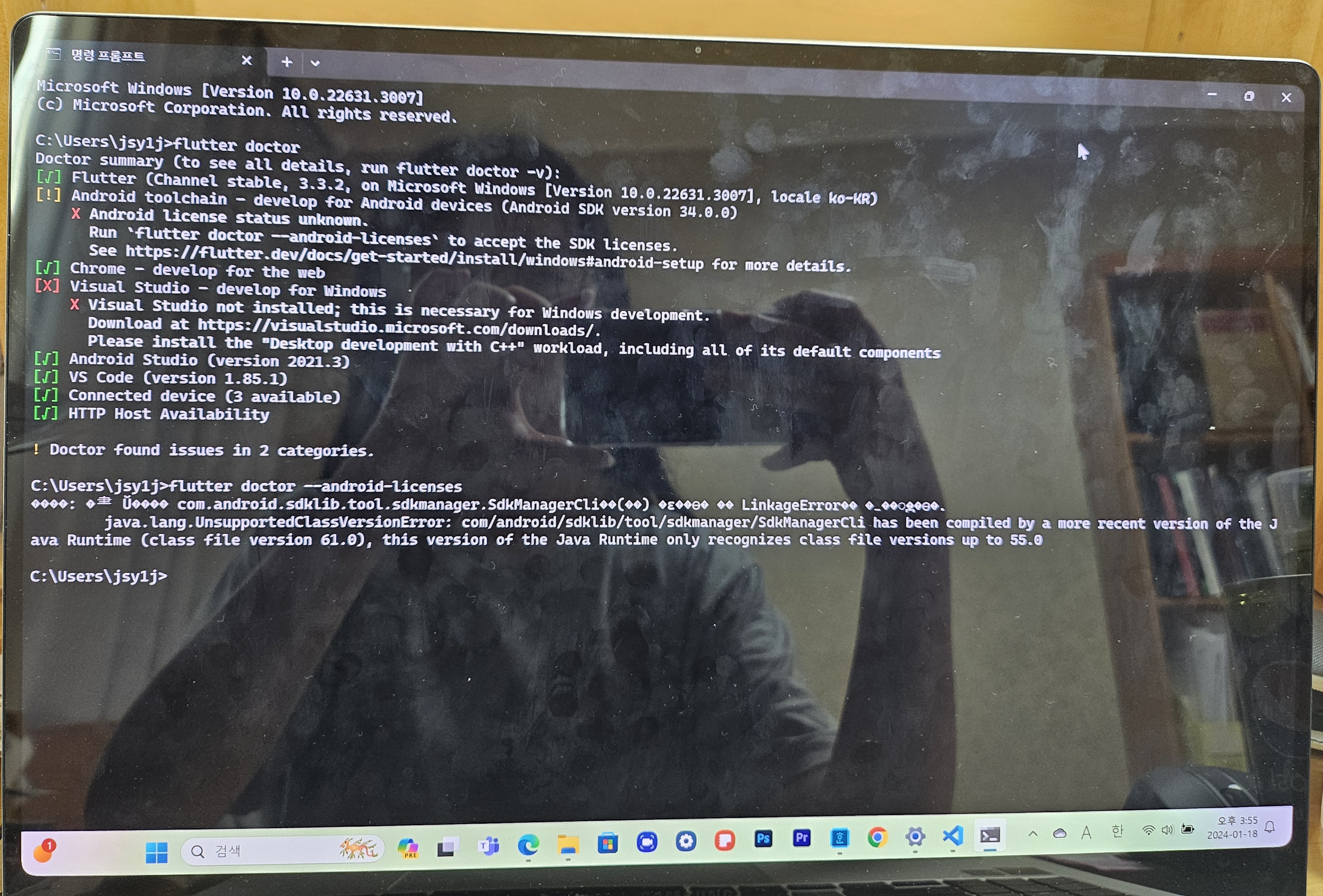
작성한 코드 및 에러 메세지
Microsoft Windows [Version 10.0.22631.3007]
(c) Microsoft Corporation. All rights reserved.
c:\Users\jsy1j>flutter doctor
Doctor summary (to see all details, run flutter doctor -v):
[] Flutter (Channel stable, 3.3.2, on Microsoft NMindows [Version 10.0.22631.3007], locale ko-KR)
[!] Android toolchain develop for Android devices (Android SDK version 34.0.0)
X Android license status unknown.
Run `flutter doctor --android-licenses` to accept the SDK licenses.
See https://flutter.dev/docs/get-started/install/windows#android-setup for more details.
[r] Chrome
develop for the web
[x] Visual Studio - develop for Windows
X Visual Studio not installed; this is necessary for Windows development.
Download at https://visualstudio.microsoft.com/downloads/.
Please install the "Desktop development with C++" workload, including all of its default components
[] Android Studio (version 2021.3)
[r] VS Code (version 1.85.1)
[f] Connected device (3 available)
[] HTTP Host Availability
! Doctor found issues in 2 categories.
C:\Users\jsylj>flutter doctor --android-licenses
po0e: 01 Uoooo com.android.sdklib.tool.sdkmanager.SdkManagerClioo(oo) 0=00eo oo LinkageErroroe 0_00ogeee.
java.lang.UnsupportedClassVersionError: com/android/sdklib/tool/sdkmanager/SdkManagerCli has been compiled by a more recent version of the J
ava Runtime (class file version 61.0), this version of the Java Runtime only recognizes class file versions up to 55.0


