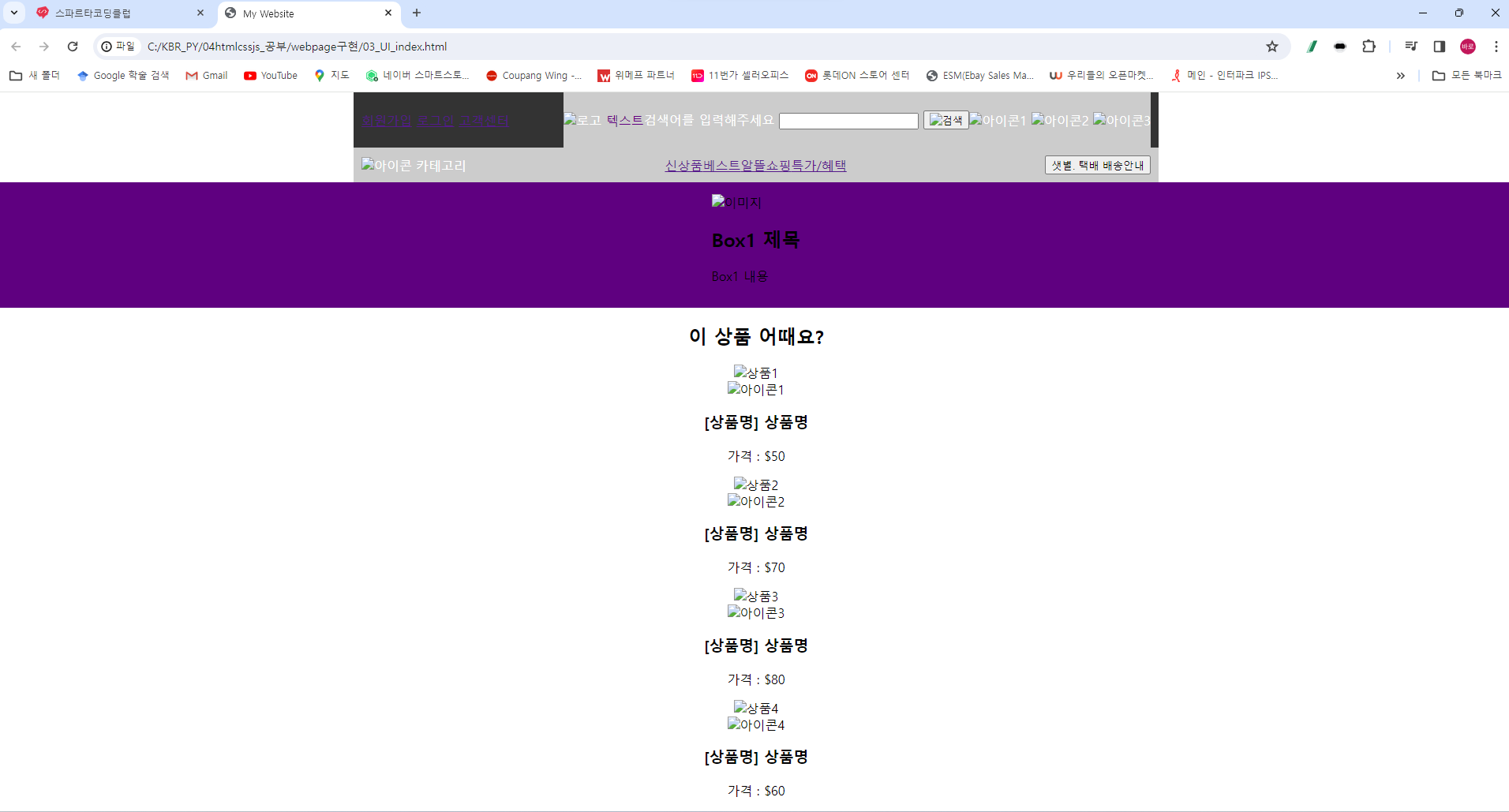
* 겪고 있는 문제 상황을 최대한 자세하게 작성해주세요.
* 문제 해결을 위해 어떤 시도를 해보았는지 구체적으로 함께 알려주세요.
챗GPT에서 물어보고 똑같이 했는데요. 화면이 다르게 나오는것 같네요. 이렇게 나오는 것이 맞는 것인가요??
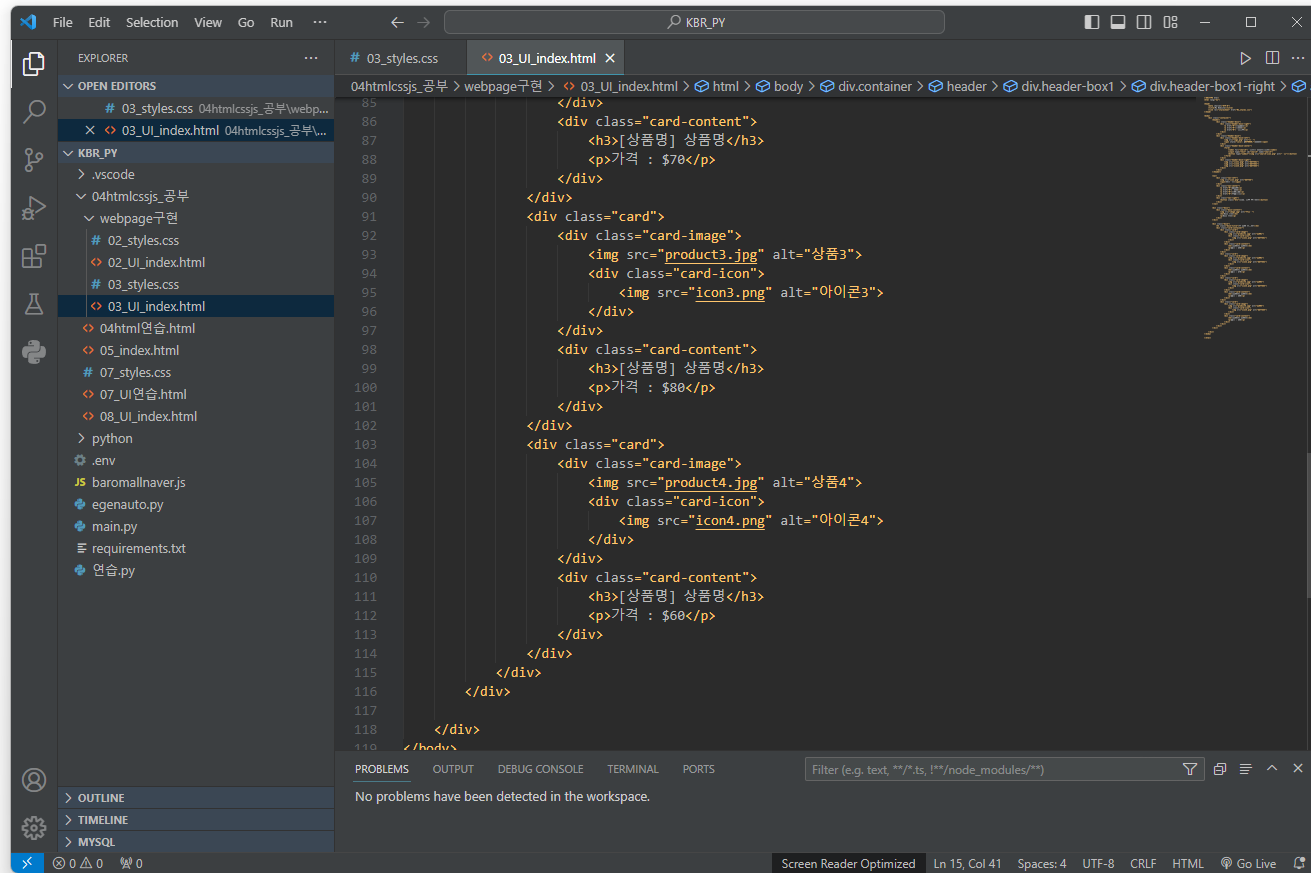
밑에 코드가 현재 최종적으로 한 코드입니다.
<!DOCTYPE html>
<html lang="ko">
<head>
<meta charset="UTF-8">
<title>My Website</title>
<link rel="stylesheet" href="02_styles.css">
</head>
<body>
<div class="container">
<header>
<div class="header-box1">
<div class="header-box1-right">
<a href="#">회원가입</a>
<a href="#">로그인</a>
<a href="#">고객센터</a>
</div>
</div>
<div class="header-box2">
<div class="header-box2-left">
<img src="logo.png" alt="로고">
<span style="color: #5F0080;">텍스트</span>
</div>
<div class="header-box2-center">
<form>
<label for="search">검색어를 입력해주세요</label>
<input type="text" id="search" name="search">
<button type="submit"><img src="search-icon.png" alt="검색"></button>
</form>
</div>
<div class="header-box2-right">
<img src="icon1.png" alt="아이콘1">
<img src="icon2.png" alt="아이콘2">
<img src="icon3.png" alt="아이콘3">
</div>
</div>
</header>
<nav>
<div class="nav-left">
<img src="icon.png" alt="아이콘">
<span>카테고리</span>
</div>
<div class="nav-center">
<a href="#">신상품</a>
<a href="#">베스트</a>
<a href="#">알뜰쇼핑</a>
<a href="#">특가/혜택</a>
</div>
<div class="nav-right">
<button class="btn">샛별. 택배 배송안내</button>
</div>
</nav>
<div class="box1">
<div class="box1-content">
<img src="image.jpg" alt="이미지">
<h2>Box1 제목</h2>
<p>Box1 내용</p>
</div>
</div>
<div class="box2">
<h2 class="box2-title">이 상품 어때요?</h2>
<div class="card-container">
<div class="card">
<div class="card-image">
<img src="product1.jpg" alt="상품1">
<div class="card-icon">
<img src="icon1.png" alt="아이콘1">
</div>
</div>
<div class="card-content">
<h3>[상품명] 상품명</h3>
<p>가격 : $50</p>
</div>
</div>
<div class="card">
<div class="card-image">
<img src="product2.jpg" alt="상품2">
<div class="card-icon">
<img src="icon2.png" alt="아이콘2">
</div>
</div>
<div class="card-content">
<h3>[상품명] 상품명</h3>
<p>가격 : $70</p>
</div>
</div>
<div class="card">
<div class="card-image">
<img src="product3.jpg" alt="상품3">
<div class="card-icon">
<img src="icon3.png" alt="아이콘3">
</div>
</div>
<div class="card-content">
<h3>[상품명] 상품명</h3>
<p>가격 : $80</p>
</div>
</div>
<div class="card">
<div class="card-image">
<img src="product4.jpg" alt="상품4">
<div class="card-icon">
<img src="icon4.png" alt="아이콘4">
</div>
</div>
<div class="card-content">
<h3>[상품명] 상품명</h3>
<p>가격 : $60</p>
</div>
</div>
</div>
</div>
</div>
</body>
</html>
이것이 HTML코드이고요.
html,
body {
height: 100%;
}
.container {
width: 100%;
height: 100%;
display: flex;
flex-direction: column;
}
header {
width: 1000px;
margin: 0 auto;
display: flex;
flex-direction: column;
align-items: center;
height: 100px;
}
.header-box1 {
width: 100%;
display: flex;
justify-content: flex-end;
align-items: center;
height: 50%;
}
.header-box1-right {
display: flex;
justify-content: space-between;
align-items: center;
}
.header-box1-right a {
color: #000;
/* 변경된 부분: 글씨 색을 검정색(#000)으로 설정 */
text-decoration: none;
margin-left: 20px;
text-decoration: none;
/* 변경된 부분: 밑줄 제거 */
}
.header-box1-right a:hover {
text-decoration: underline;
/* 변경된 부분: 호버 시에만 밑줄 표시 */
}
.header-box2 {
width: 100%;
display: flex;
flex-direction: column;
align-items: center;
justify-content: center;
height: 50%;
}
.header-box2-left img {
height: 60px;
margin-bottom: 10px;
}
.header-box2-left span {
font-size: 24px;
font-weight: bold;
}
.header-box2-center form {
display: flex;
align-items: center;
border: 2px solid #5F0080;
border-radius: 15px;
/* 변경된 부분: 모서리를 덜 둥글게 조정 */
padding: 5px;
margin-bottom: 10px;
width: 400px;
/* 변경된 부분: 가로 길이 조정 */
}
.header-box2-center label {
color: #666;
/* 변경된 부분: 글씨 색을 회색(#666)으로 설정 */
font-size: 14px;
margin-right: 10px;
}
.header-box2-center input[type="text"] {
border: none;
font-size: 16px;
margin-right: 10px;
}
.header-box2-center button[type="submit"] {
border: none;
background: none;
cursor: pointer;
}
.header-box2-right {
display: flex;
justify-content: space-between;
align-items: center;
width: 80px;
}
.header-box2-right img {
height: 30px;
}
nav {
width: 1000px;
margin: 0 auto;
display: flex;
justify-content: space-between;
align-items: center;
height: 50px;
}
.nav-left {
display: flex;
align-items: center;
}
.nav-left img {
height: 30px;
margin-right: 5px;
}
.nav-left span {
font-size: 16px;
}
.nav-center {
display: flex;
justify-content: space-between;
align-items: center;
flex-grow: 1;
margin: 0 10px;
/* 변경된 부분: 단어 사이의 간격을 줄임 */
}
.nav-center a {
color: #000;
/* 변경된 부분: 글씨 색을 검정색(#000)으로 설정 */
text-decoration: none;
font-size: 16px;
margin-right: 10px;
font-weight: bold;
/* 변경된 부분: 글씨를 bold로 설정 */
}
.nav-right {
display: flex;
align-items: center;
}
.btn {
border-radius: 20px;
padding: 5px 10px;
background-color: #FFC300;
border: none;
color: #fff;
font-size: 14px;
font-weight: bold;
cursor: pointer;
}
.btn:hover {
background-color: #FFD966;
}
.box1 {
background-color: #eee;
height: 350px;
display: flex;
justify-content: center;
align-items: center;
}
.box1-content {
max-width: 100%;
text-align: center;
}
.box1-content img {
max-width: 100%;
height: auto;
}
.box1-content h2 {
color: #5f0080;
font-size: 24px;
margin-top: 20px;
margin-bottom: 10px;
}
.box1-content p {
font-size: 16px;
line-height: 1.5;
margin-bottom: 0;
}
.box2 {
width: 1000px;
margin: 0 auto;
text-align: center;
padding: 20px 0;
}
.box2-title {
color: #5f0080;
font-size: 24px;
margin-bottom: 20px;
}
.card-container {
display: flex;
justify-content: space-between;
align-items: center;
}
.card {
width: 23%;
border: 1px solid #ccc;
border-radius: 5px;
box-shadow: 0px 0px 5px 0px rgba(0, 0, 0, 0.2);
overflow: hidden;
margin-bottom: 20px;
}
.card-image {
position: relative;
}
.card-image img {
width: 100%;
height: auto;
}
.card-icon {
position: absolute;
bottom: 0;
right: 0;
background-color: rgba(95, 0, 128, 0.8);
padding: 5px;
}
.card-icon img {
width: 20px;
height: 20px;
}
.card-content {
text-align: left;
padding: 10px;
}
.card-content h3 {
margin: 0;
font-size: 16px;
}
.card-content p {
margin: 10px 0 0;
font-size: 14px;
font-weight: bold;
}
이것이 css코드입니다.