커뮤니티

포인트
쿠폰
내 강의실
국비 신청 내역
증명서
계정
로그아웃
학습 질문
개발 일지
나의 활동
답변 완료
깃허브에서 프로필 이미지를 바꾸려면 어떻게 해야 하나요?
undefined주차


이*정
댓글
16
・
추천
0
・
조회수
7
조회수
7
답변 완료
* 겪고 있는 문제 상황을 최대한 자세하게 작성해주세요.
* 문제 해결을 위해 어떤 시도를 해보았는지 구체적으로 함께 알려주세요.
모바일 프로필을 만들었는데요, 깃허브에서 프로필 이미지를 바꾸려면 어떻게 해야 하나요?모바일 프로필을 만들었는데요, 깃허브에서 프로필 이미지를 바꾸려면 어떻게 해야 하나요?
보고 계
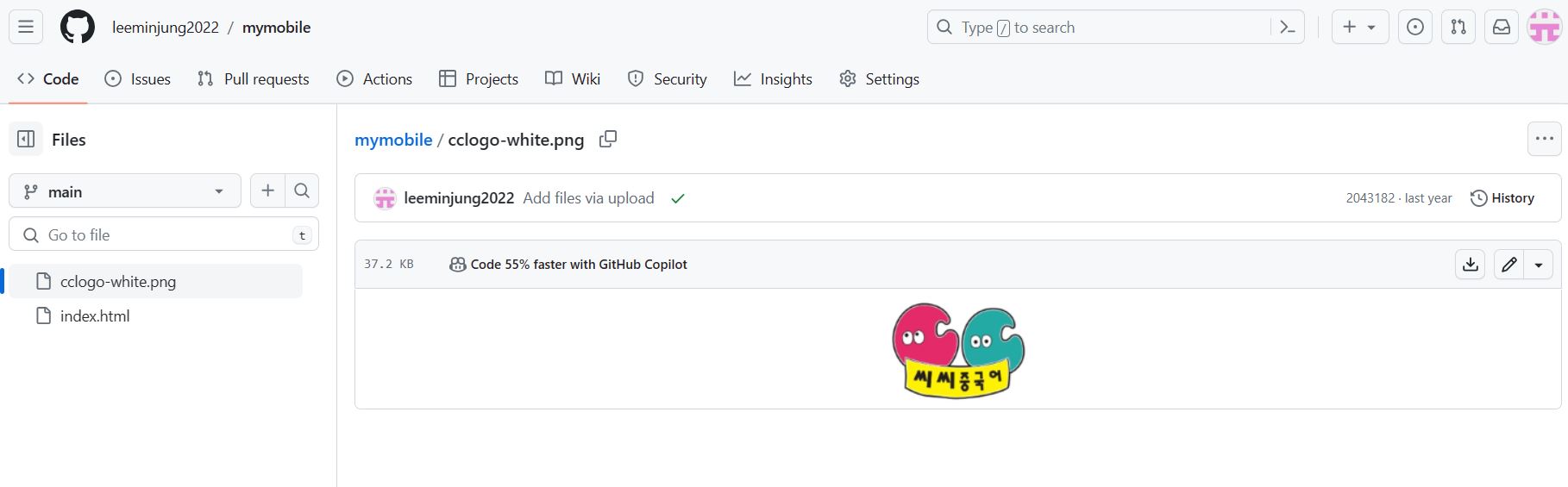
신 화면 전체를 캡처해 주시면, 튜터님들이 빠르게 상황을 이해할 수 있어요.
<!DOCTYPE html>
<html>
<head>
    <meta charset="UTF-8">
    <meta http-equiv="X-UA-Compatible" content="IE=edge">
    <meta name="viewport" content="width=device-width, initial-scale=1.0">
    <meta property="og:title" content="씨씨중국어">
    <meta property="og:description" content="언제 어디서나 zoom으로 완주까지 으쌰! 으쌰!">
    <meta property="og:image" content="panda.png">
    <title>씨씨 중국어</title>
    <style>
        @import url('https://cdn.jsdelivr.net/gh/orioncactus/pretendard/dist/web/static/pretendard.css');
        * {
            font-family: "Pretendard",serif;
        }
        body {
            background: linear-gradient(180deg, #FFFCFD 0%, #FFE2E8 100%);
            height: 100vh;
          }
        .profile {
            width: 150px;
            height: 100px;
            background-image: url('panda.png');
            background-position: center;
            border-radius: 100%;
            border: 2px solid rgb(232, 193, 223);
        }
        .main {
            color : #000000;
            font-size: 22px;
            size : 20px;
            margin-top: 30px;
            margin-bottom: 10px;
        }
        .sub {
            color : #000000;
            font-size: 14px;
            font-weight: 400;
            size : 14px;
            margin-top: 0px;
            margin-bottom: 30px;
        }
        .wrap {
            width: 300px;
            margin: 30px auto 0px auto;
            display: flex;
            flex-direction: column;
            justify-content: center;
            align-items: center;
        }
        .bigbutton {
            width: 320px;
            height: 59px;
            border-radius: 8px;
            background-color: white;
            margin-bottom: 16px;
            font-size: 14px;
            font-weight: bold;
            color:#000000;
            display: flex;
            flex-direction: column;
            justify-content: center;
            align-items: center;
            text-decoration: none;
            box-shadow: 0px 4px 16px rgba(232, 52, 78, 0.2);
        }
        .buttons > a {
            width: 152px;
            height: 59px;
            border-radius: 8px;
            font-size: 15px;
            font-weight: bold;
            color:#FFFFFF;
            display: flex;
            flex-direction: row;
            justify-content: center;
            align-items: center;
            text-decoration: none;
            box-shadow: 0px 4px 16px rgba(232, 52, 78, 0.2);
            margin: 0px 8px 17px 8px;
        }
        .dding {
            background-color: #FF773C;
        }
        .online {
            background-color: #e8344e;
        }
        .hang {
            background-color: #f50000;
        }
        .chang {
            background-color: #0f16ae;
        }
        .buttons {
            display: flex;
        }
        .wrap > a:hover {
            background-color: #f2f2f2;
        }
    </style>
</head>
<body>
    <div class="wrap">
        <div class="profile"></div>
        <h1 class="main">중국어 노마드 친친쌤과 함께 </h1>
        <p class="sub">언제 어디서나 zoom으로 공부할 수 있어요!</p>
        <a class="bigbutton"target="_blank" href="https://blog.naver.com/bopomo_">🌕 친친과 함께 완주까지 으쌰! 으쌰!</a>

        <div class="buttons">
            <a class="dding" target="_blank" href="https://blog.naver.com/bopomo_/223275514241">H S K</a>
            <a class="online"target="_blank" href="https://blog.naver.com/bopomo_/222928488153">어  법</a>
        </div>
        <div class="buttons">
            <a class="hang" target="_blank" href="https://blog.naver.com/bopomo_/223284932417">수능 중국어</a>
            <a class="chang"target="_blank" href="https://blog.naver.com/bopomo_/222952542745">회 화</a>
        </div>
    </div>
</body>
</html>


댓글 알림
