


* 겪고 있는 문제 상황을 최대한 자세하게 작성해주세요.
* 문제 해결을 위해 어떤 시도를 해보았는지 구체적으로 함께 알려주세요.
5주차 구글 애드몹 연결하기 최종코드로 Run하면 다음과 같은 에러가 나오네요..
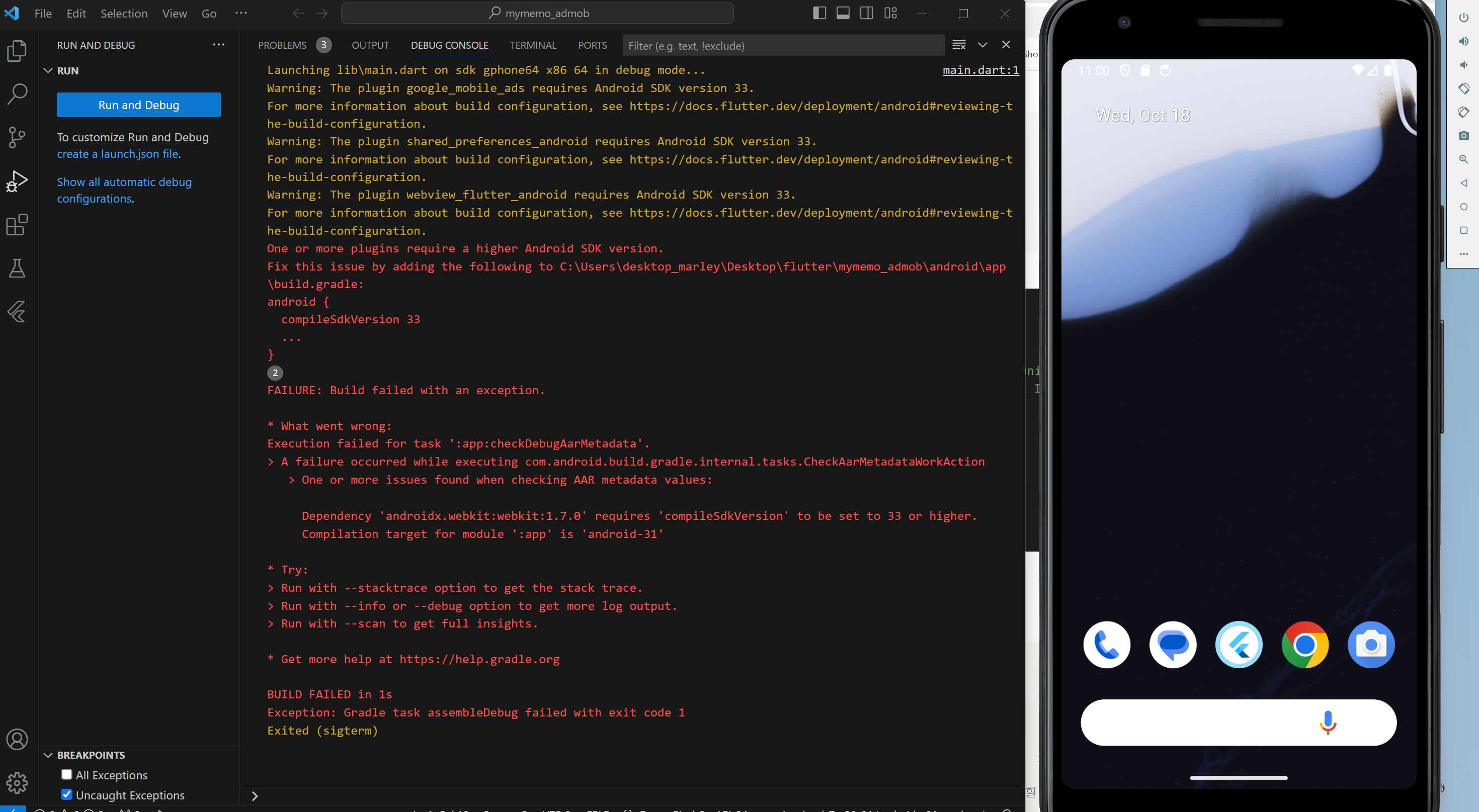
PS C:\Users\desktop_marley\Desktop\flutter\mymemo_admob> flutter run
Using hardware rendering with device sdk gphone64 x86 64. If you notice graphics artifacts, consider enabling
software rendering with "--enable-software-rendering".
Launching lib\main.dart on sdk gphone64 x86 64 in debug mode...
Warning: The plugin google_mobile_ads requires Android SDK version 33.
For more information about build configuration, see https://docs.flutter.dev/deployment/android#reviewing-the-build-configuration.
Warning: The plugin shared_preferences_android requires Android SDK version 33.
For more information about build configuration, see https://docs.flutter.dev/deployment/android#reviewing-the-build-configuration.
Warning: The plugin webview_flutter_android requires Android SDK version 33.
For more information about build configuration, see https://docs.flutter.dev/deployment/android#reviewing-the-build-configuration.
One or more plugins require a higher Android SDK version.
Fix this issue by adding the following to C:\Users\desktop_marley\Desktop\flutter\mymemo_admob\android\app\build.gradle:
android {
compileSdkVersion 33
...
}
FAILURE: Build failed with an exception.
* What went wrong:
Execution failed for task ':app:checkDebugAarMetadata'.
> A failure occurred while executing com.android.build.gradle.internal.tasks.CheckAarMetadataWorkAction
> One or more issues found when checking AAR metadata values:
Dependency 'androidx.webkit:webkit:1.7.0' requires 'compileSdkVersion' to be set to 33 or higher.
Compilation target for module ':app' is 'android-31'
* Try:
> Run with --stacktrace option to get the stack trace.
> Run with --info or --debug option to get more log output.
> Run with --scan to get full insights.
* Get more help at https://help.gradle.org
BUILD FAILED in 1s
Running Gradle task 'assembleDebug'... 2,312ms
Exception: Gradle task assembleDebug failed with exit code 1


