


* 겪고 있는 문제 상황을 최대한 자세하게 작성해주세요.
* 문제 해결을 위해 어떤 시도를 해보았는지 구체적으로 함께 알려주세요.
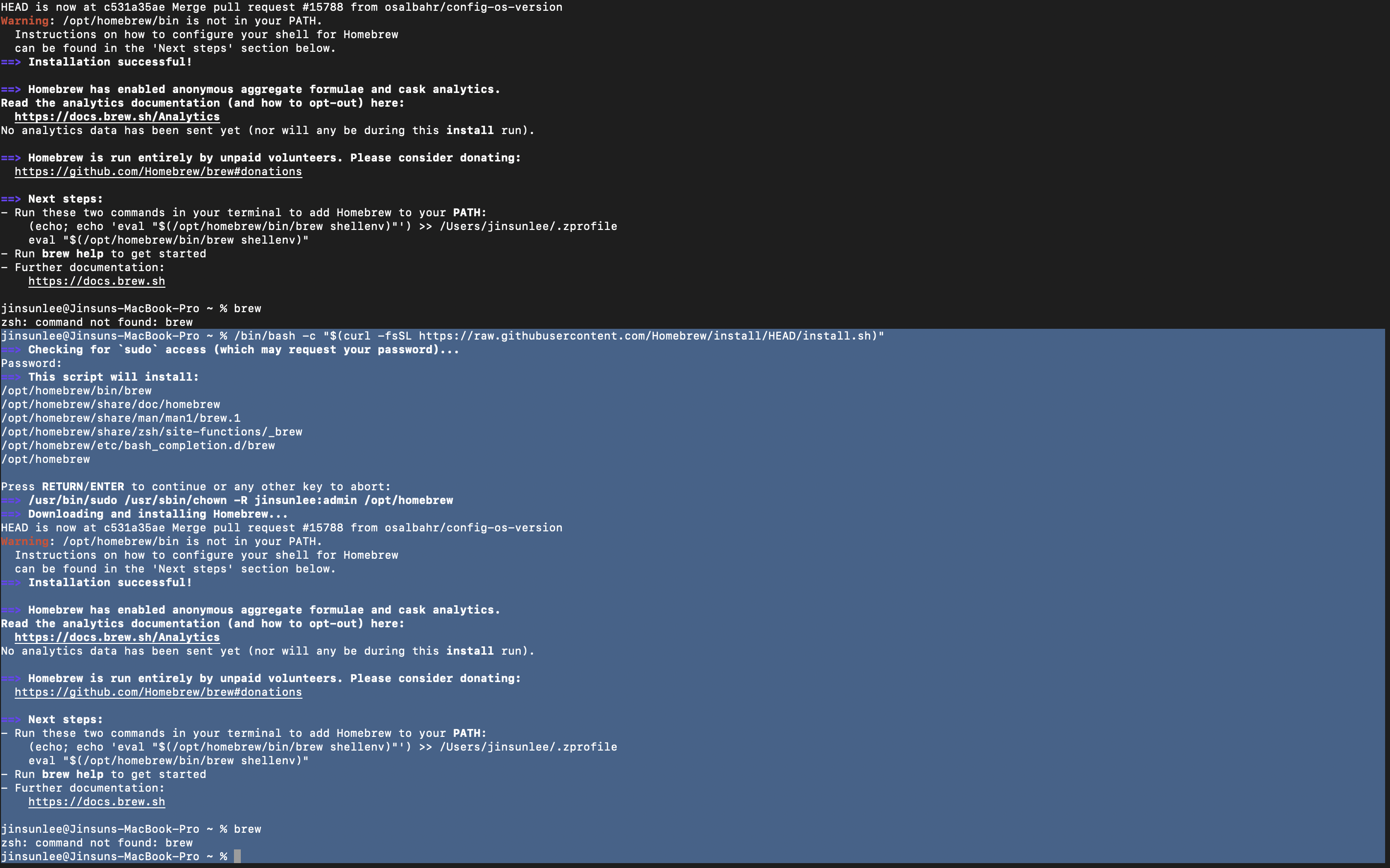
Homebrew 관련한 명령어를 터미널에 입력하여 설치를 시도했습니다.
설치 완료됐는지 확인하기 위해 "brew"라는 명령어를 입력했는데, 찾을수 없다고 떠서요.
뭐가 문제인건지 확인 부탁드립니다.
보고 계신 화면 전체
를 캡처해 주시면, 튜터님들이 빠르게 상황을 이해할 수 있어요.
작성한 코드 및 에러 메세지
jinsunlee@Jinsuns-MacBook-Pro ~ % /bin/bash -c "$(curl -fsSL https://raw.githubusercontent.com/Homebrew/install/HEAD/install.sh)"
==> Checking for `sudo` access (which may request your password)...
Password:
==> This script will install:
/opt/homebrew/bin/brew
/opt/homebrew/share/doc/homebrew
/opt/homebrew/share/man/man1/brew.1
/opt/homebrew/share/zsh/site-functions/_brew
/opt/homebrew/etc/bash_completion.d/brew
/opt/homebrew
Press RETURN/ENTER to continue or any other key to abort:
==> /usr/bin/sudo /usr/sbin/chown -R jinsunlee:admin /opt/homebrew
==> Downloading and installing Homebrew...
HEAD is now at c531a35ae Merge pull request #15788 from osalbahr/config-os-version
Warning: /opt/homebrew/bin is not in your PATH.
Instructions on how to configure your shell for Homebrew
can be found in the 'Next steps' section below.
==> Installation successful!
==> Homebrew has enabled anonymous aggregate formulae and cask analytics.
Read the analytics documentation (and how to opt-out) here:
https://docs.brew.sh/Analytics
No analytics data has been sent yet (nor will any be during this install run).
==> Homebrew is run entirely by unpaid volunteers. Please consider donating:
https://github.com/Homebrew/brew#donations
==> Next steps:
- Run these two commands in your terminal to add Homebrew to your PATH:
(echo; echo 'eval "$(/opt/homebrew/bin/brew shellenv)"') >> /Users/jinsunlee/.zprofile
eval "$(/opt/homebrew/bin/brew shellenv)"
- Run brew help to get started
- Further documentation:
jinsunlee@Jinsuns-MacBook-Pro ~ % brew
zsh: command not found: brew
jinsunlee@Jinsuns-MacBook-Pro ~ % 오류 발생 시, 작성한 코드 전체와 에러 메시지를 첨부해 주세요.
Tip 1) </> 아이콘을 눌러 코드박스를 만들어 보세요.
Tip 2) Ctrl+A(맥의 경우 Command+A) 단축키로 코드를 한 번에 선택할 수 있어요!


