


* 겪고 있는 문제 상황을 최대한 자세하게 작성해주세요.
* 문제 해결을 위해 어떤 시도를 해보았는지 구체적으로 함께 알려주세요.
오늘의 할일
데이터가 안와요
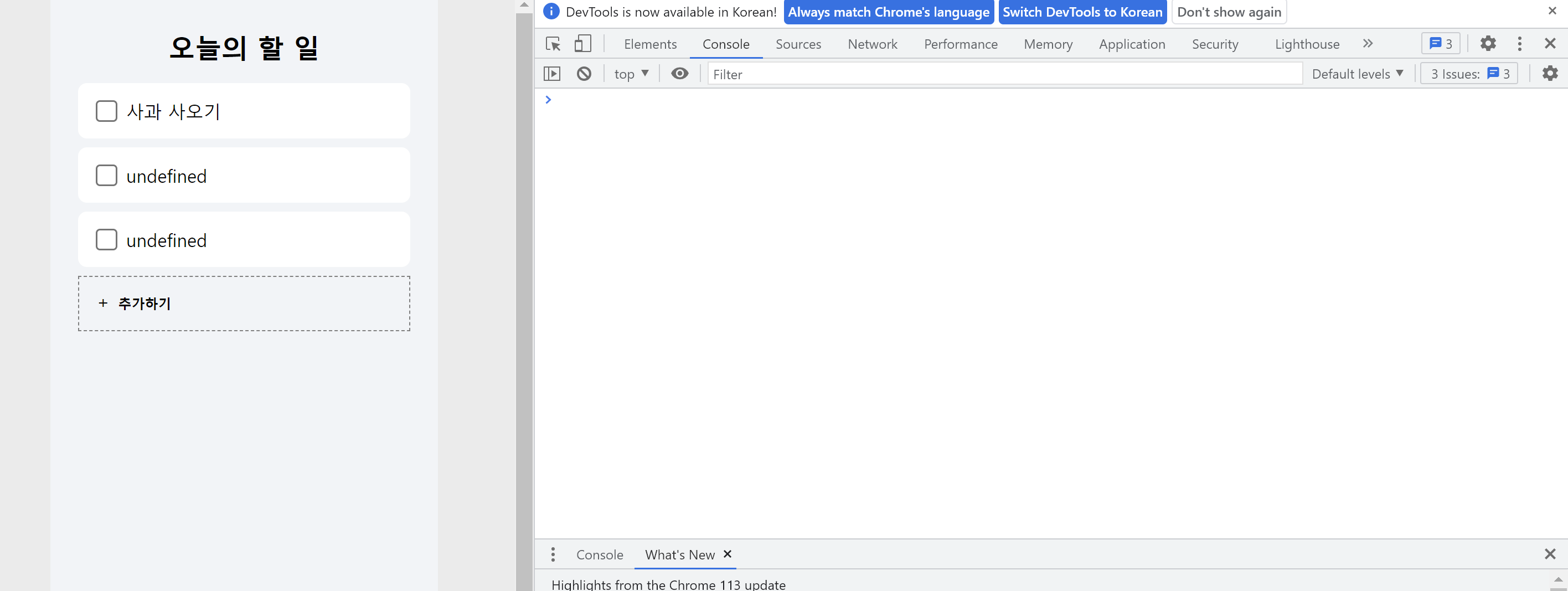
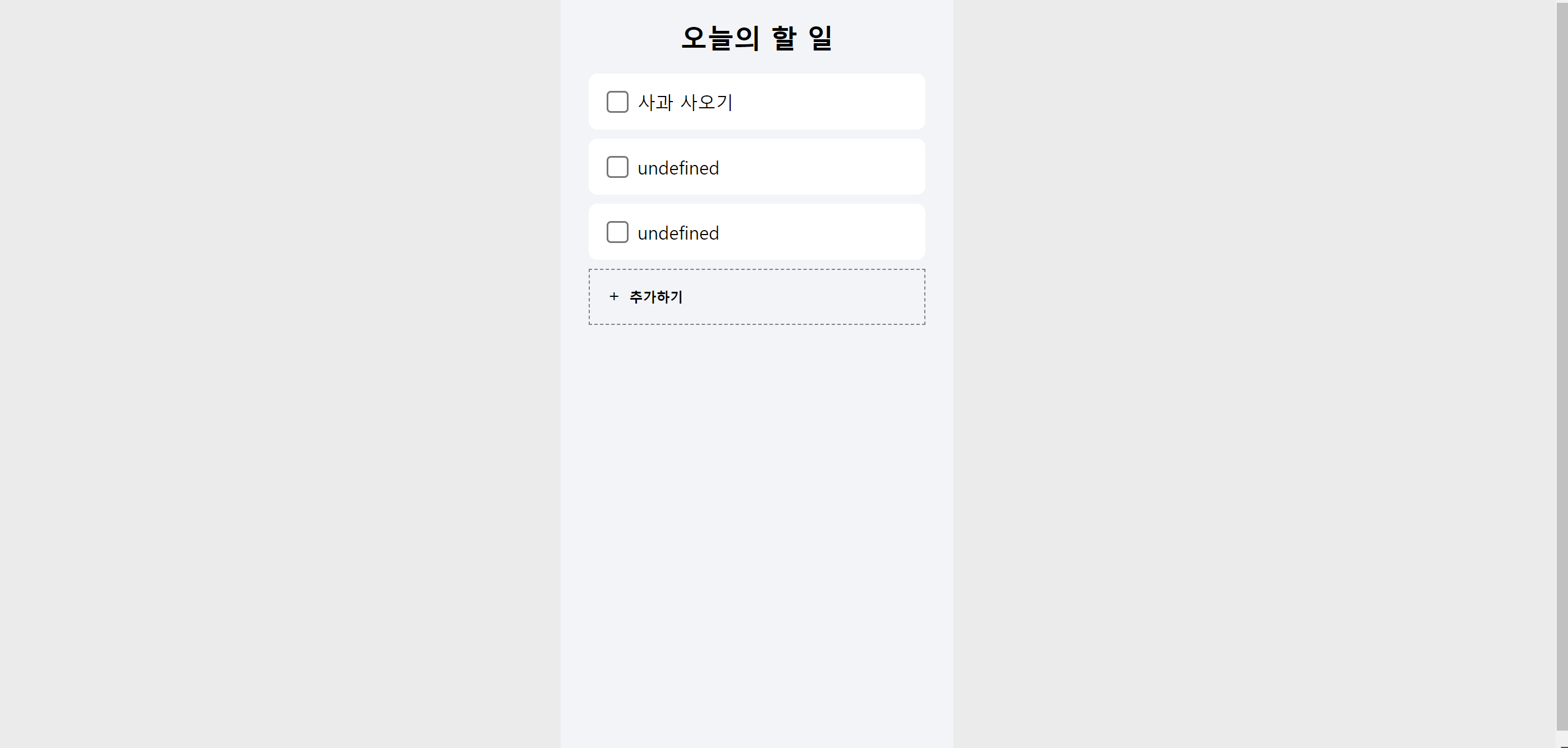
<!DOCTYPE html>
<html lang="en">
<head>
<meta charset="UTF-8">
<meta http-equiv="X-UA-Compatible" content="IE=edge">
<meta name="viewport" content="width=device-width, initial-scale=1.0">
<title>Document</title>
<script src="http://ajax.aspnetcdn.com/ajax/jQuery/jquery-1.12.4.min.js"></script>
<style>
html, body, h1, h2, h3, div, span, a, button, input {
margin: 0;
padding: 0;
box-sizing: border-box;
}
body {
background-color: rgb(235,235,235);
}
.wrap {
background-color: #f2f4f8;
width: 350px;
height: 700px;
margin: auto;
}
.flex-row {
display: flex;
flex-direction: row;
align-items:center;
justify-content: center;
}
.flex-col {
display: flex;
flex-direction: column;
align-items:center;
justify-content: center;
}
.wrap-todo {
padding: 16px;
}
h1 {
font-size: 24px;
margin: 16px;
}
.todo {
padding: 16px;
background-color: white;
border-radius: 8px;
width: 300px;
height: 50px;
margin-bottom: 8px;
}
.todo-content{
margin-left: 8px;
margin-right: auto;
}
.todo > input {
zoom: 1.5;
background-color: transparent;
}
.add-form {
padding: 16px;
background-color: #fff6f8;
border: 1px solid red;
border-radius: 8px;
width: 300px;
height: 50px;
display: none;
}
.add-form-btns {
margin-left: auto;
}
.add-form-btns > button {
margin: 0px 4px;
background-color: transparent;
border: none;
cursor: pointer;
font-size: 12px;
font-weight: 600;
}
.add-form > input {
background-color: transparent;
border: none;
font-size: 16px;
width: 200px;
}
.add-form > input:focus-visible {
outline: none;
}
.add-btn {
padding: 16px;
background-color: transparent;
border: 1px dashed gray;
width: 300px;
height: 50px;
cursor:pointer;
}
.add-btn > span {
margin-bottom: 5px;
}
.add-btn > button {
margin-left: 8px;
margin-right: auto;
background-color: transparent;
border: none;
font-size: 12px;
font-weight: 600;
cursor:pointer;
}
</style>
<script>
$(document).ready(()=>{
listContent();
})
function showAddfform() {
$('#add-form').css('display','flex');
$('#add-btn').hide()
}
function hideAddForm() {
$('#add-form').hide()
$('#add-btn').css('display','flex');
}
function addContent() {
let content= $('#content').val()
let formData = new FormData()
formData.append("content_give", content)
fetch('/post', {method: "POST",body: formData}).then(res => res.json()).then(data => {
alert(data["msg"])
window.location.reload()
})
}
function listContent() {
fetch("/list").then(res => res.json()).then(data => {
let rows = data['result'];
rows.forEach((row) => {
let content = row['content']
let temp_html = ` <div class="todo flex-row">
<input type="checkbox">
<span class="todo-content">${content}</span>
</div>`
$('#todos').append(temp_html);
})
})
}
</script>
</head>
<body>
<div class="wrap">
<div class="wrap-todo flex-col" >
<h1>오늘의 할 일</h1>
<div id="todos" class="todos flex-col">
<div class="todo flex-row">
<input type="checkbox">
<span class="todo-content">사과 사오기</span>
</div>
</div>
<div id="add-form" class="add-form flex-row">
<input id="content" type="text">
<div class="add-form-btns flex-row">
<button onclick="addContent()">추가</button>
<button onclick="hideAddForm()">취소</button>
</div>
</div>
<div id="add-btn" onclick="showAddfform()" class= "add-btn flex-row">
<span>+</span>
<button>추가하기</button>
</div>
</div>
</body>
</html>


