커뮤니티

포인트
쿠폰
내 강의실
국비 신청 내역
증명서
계정
로그아웃
학습 질문
개발 일지
나의 활동
답변 완료
5-13) eb init 명령어 실행 오류
undefined주차


김*성
댓글
31
・
추천
0
・
조회수
41
조회수
41
답변 완료
* 겪고 있는 문제 상황을 최대한 자세하게 작성해주세요.
* 문제 해결을 위해 어떤 시도를 해보았는지 구체적으로 함께 알려주세요.
강의 내용처럼 터미널이 실행이 되지 않아요ㅠㅠ
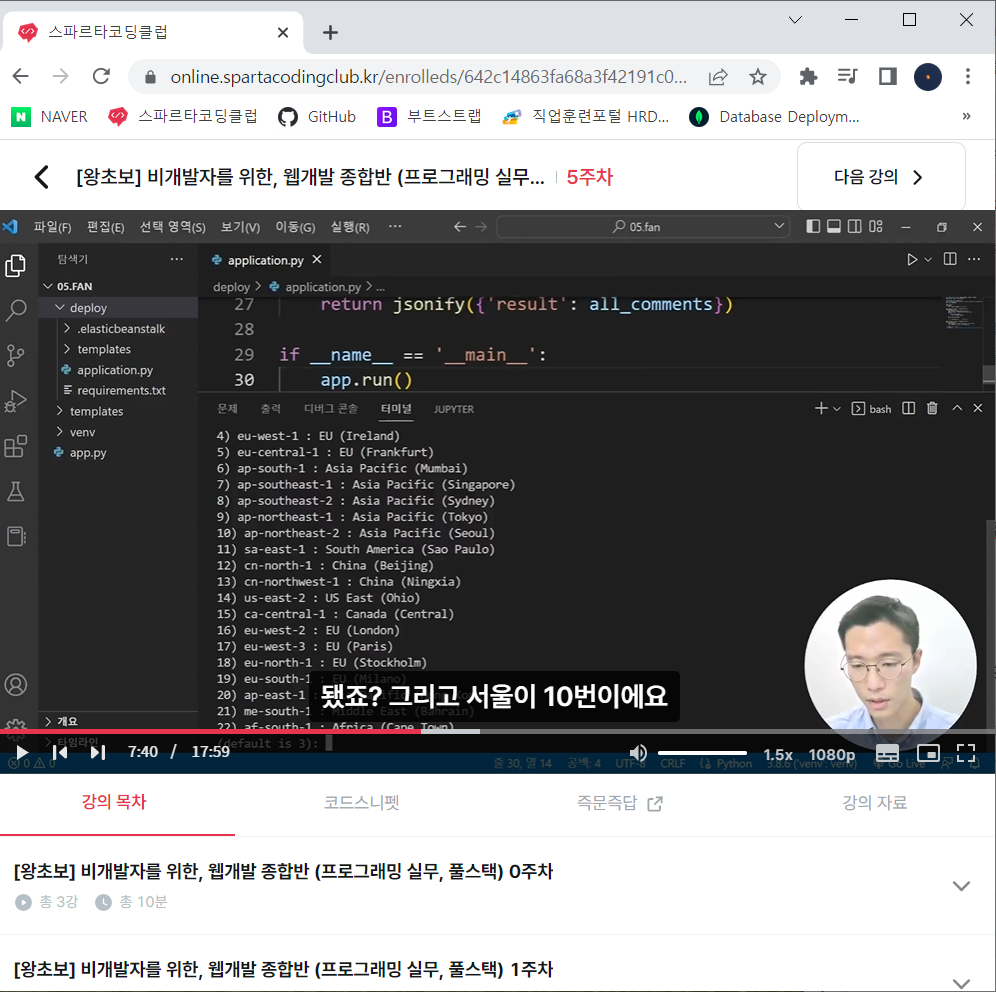
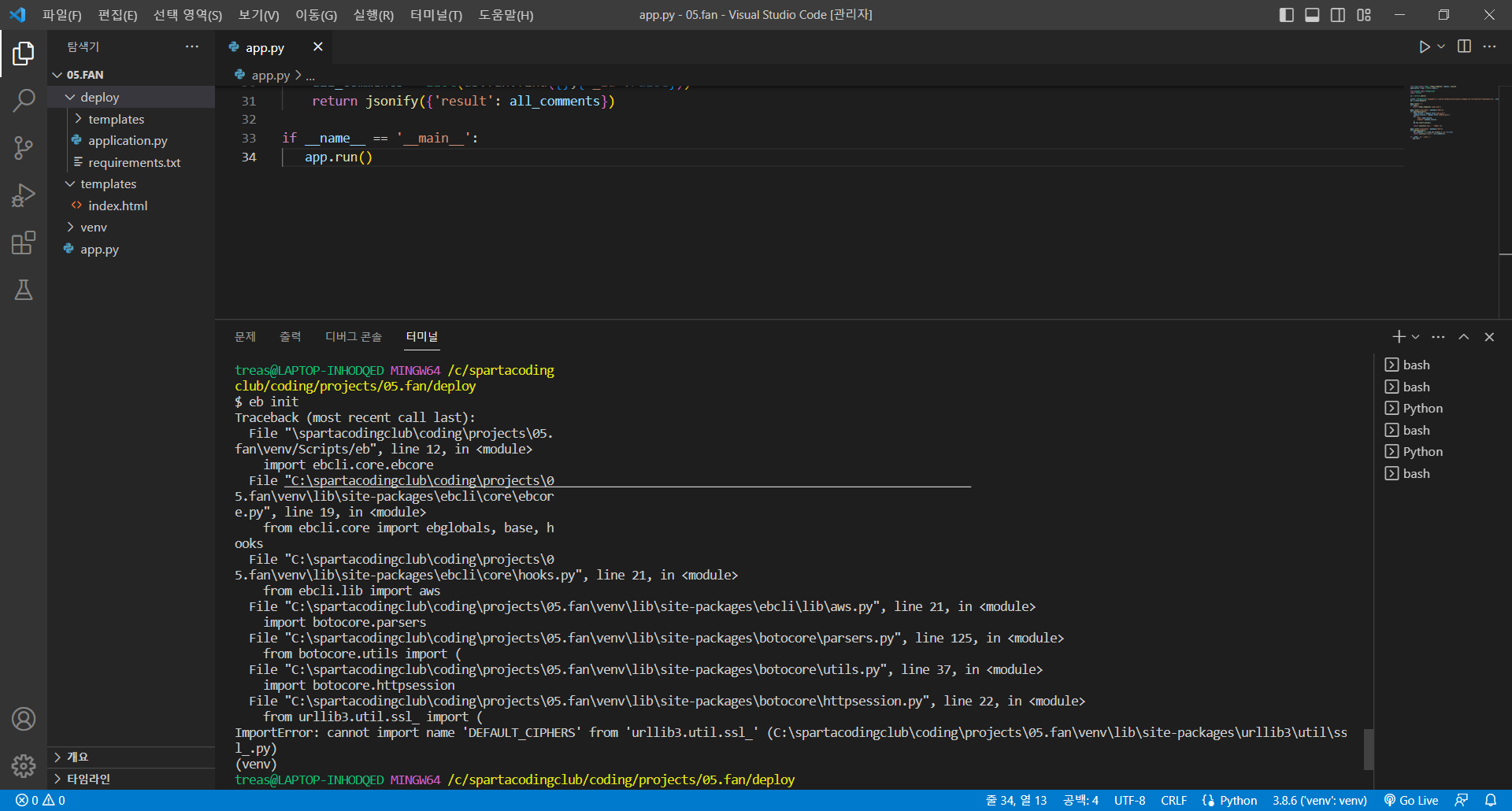
작성한 코드 및 에러 메세지
from flask import Flask, render_template, request, jsonify
application = app = Flask(__name__)


from pymongo import MongoClient
import certifi


ca = certifi.where()


client = MongoClient('mongodb+srv://sparta:test@cluster0.puwtsel.mongodb.net/?retryWrites=true&w=majority', tlsCAFile=ca)
db = client.dbsparta


@app.route('/')
def home():
   return render_template('index.html')


@app.route("/guestbook", methods=["POST"])
def guestbook_post():
    name_receive = request.form['name_give']
    comment_receive = request.form['comment_give']
    doc = {
        'name':name_receive,
        'comment':comment_receive
    }
    db.fan.insert_one(doc)


    return jsonify({'msg': '저장완료!'})


@app.route("/guestbook", methods=["GET"])
def guestbook_get():
    all_comments = list(db.fan.find({},{'_id':False}))
    return jsonify({'result': all_comments})


if __name__ == '__main__':
   app.run()
Tip 1) </> 아이콘을 눌러 코드박스를 만들어 보세요.
Tip 2) Ctrl+A(맥의 경우 Command+A) 단축키로 코드를 한 번에 선택할 수 있어요!


댓글 알림
