


* 겪고 있는 문제 상황을 최대한 자세하게 작성해주세요.
* 문제 해결을 위해 어떤 시도를 해보았는지 구체적으로 함께 알려주세요.
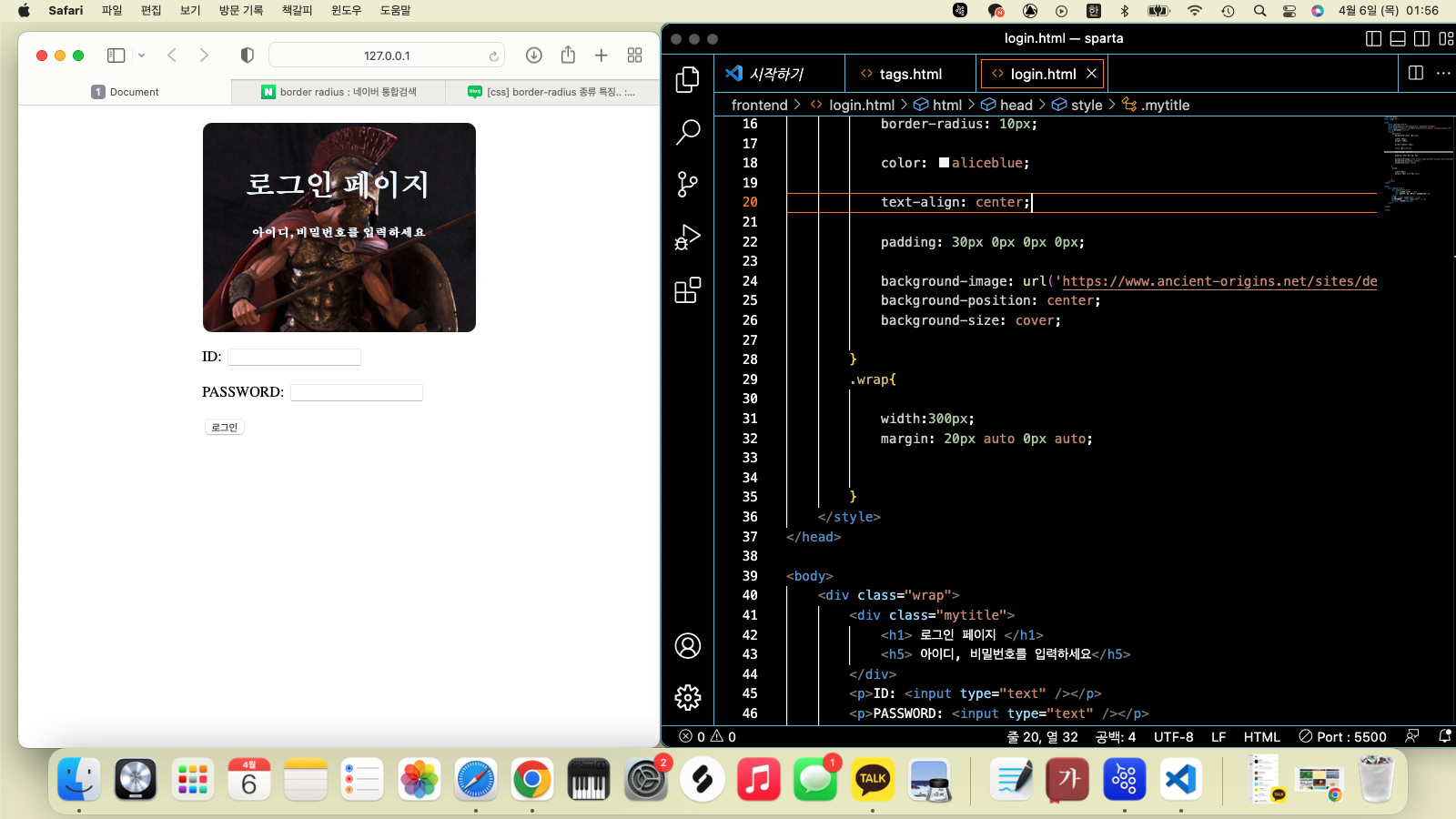
로그인 페이지 만들때에 margin 을 활용하여 정렬을 한다고 알려주셧습니다
이때에 가운데에 놓기 위해서는
margin: 0px auto 0px auto;
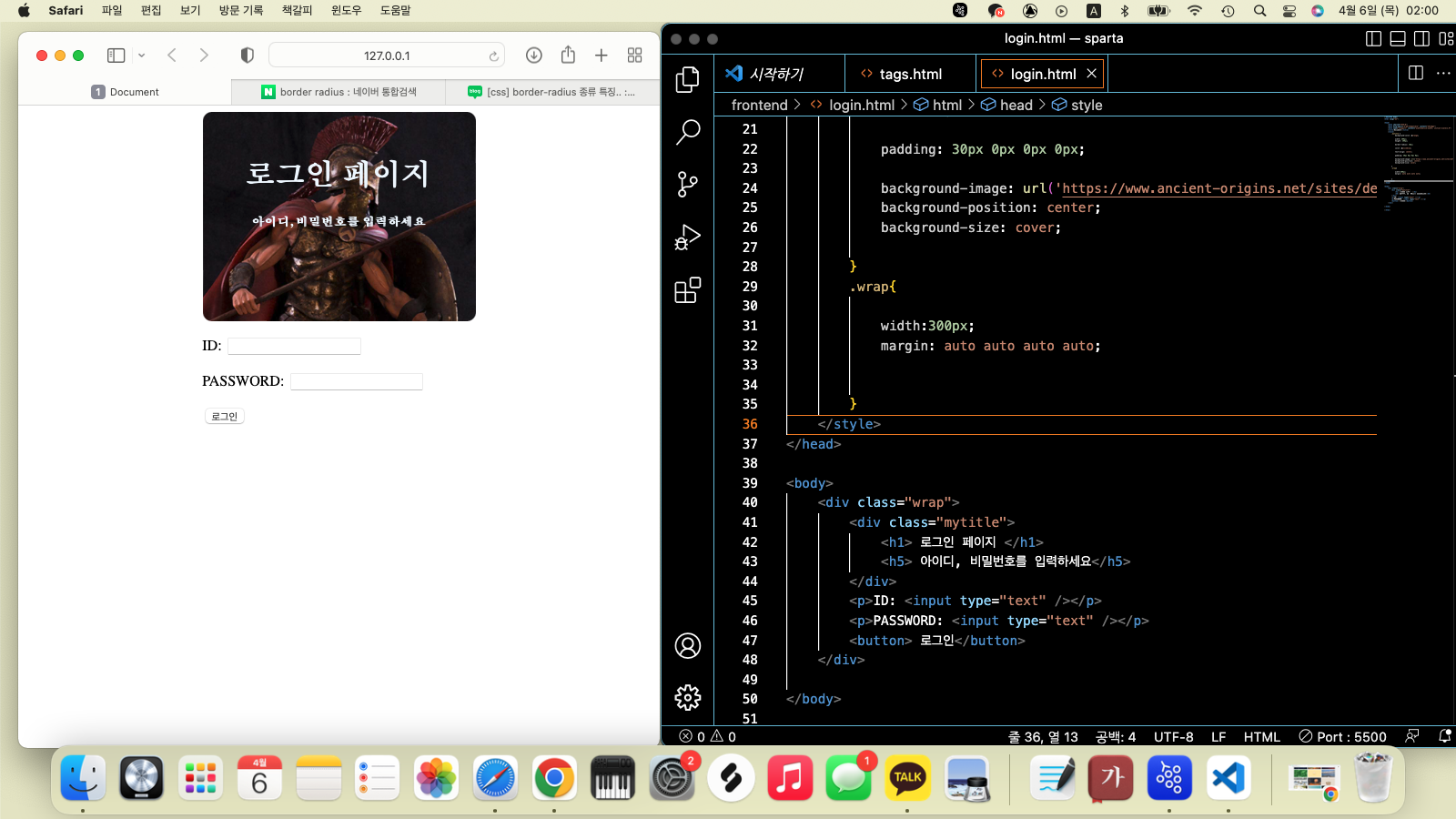
이렇게 설정해주면 된다고 하셧는데, 그렇다면 완전히 가운데 정렬 (4 방향으로부터 모두 가운데)
이것을 만들려면
margin: auto auto auto auto;
이렇게 하면 되겠지? 하면서 시도했습니다
그런데 이게 왠걸,...? 제가 예상한 방향으로 결과가 나오지 않았습니다.
이유가 뭔지 궁금합니다! 그리고 해당 div를 완전히 4방향으로 부터 가운데를 만들려면 어떻게 해야하는지도 궁금합니다.
<!DOCTYPE html>
<html lang="en">
<head>
<meta charset="UTF-8">
<meta http-equiv="X-UA-Compatible" content="IE=edge">
<meta name="viewport" content="width=device-width, initial-scale=1.0">
<title>Document</title>
<style>
.mytitle {
background-color: orange;
width: 300px;
height: 200px;
border-radius: 10px;
color: aliceblue;
text-align: center;
padding: 30px 0px 0px 0px;
background-image: url('https://www.ancient-origins.net/sites/default/files/field/image/Agesilaus-II-cover.jpg');
background-position: center;
background-size: cover;
}
.wrap{
width:300px;
margin: auto auto auto auto;
}
</style>
</head>
<body>
<div class="wrap">
<div class="mytitle">
<h1> 로그인 페이지 </h1>
<h5> 아이디, 비밀번호를 입력하세요</h5>
</div>
<p>ID: <input type="text" /></p>
<p>PASSWORD: <input type="text" /></p>
<button> 로그인</button>
</div>
</body>
</html>


