


* 겪고 있는 문제 상황을 최대한 자세하게 작성해주세요.
* 문제 해결을 위해 어떤 시도를 해보았는지 구체적으로 함께 알려주세요.
eas build -p android --profile development 명령어가 설치 되다가 에러가 나는데 도움이 필요합니다.
보고 계
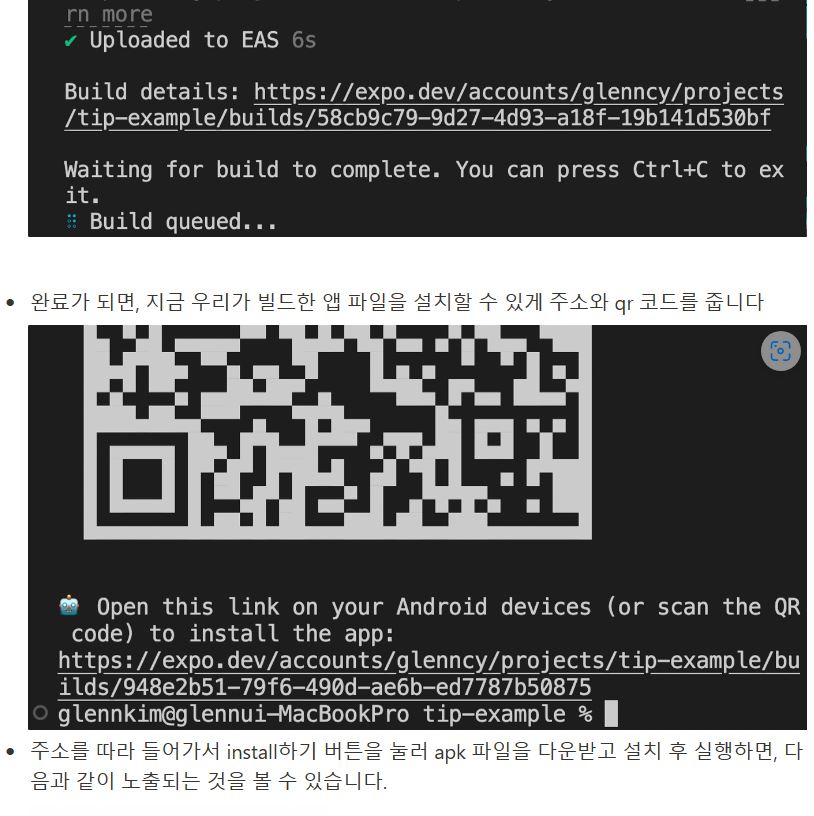
신 화면 전체를 캡처해 주
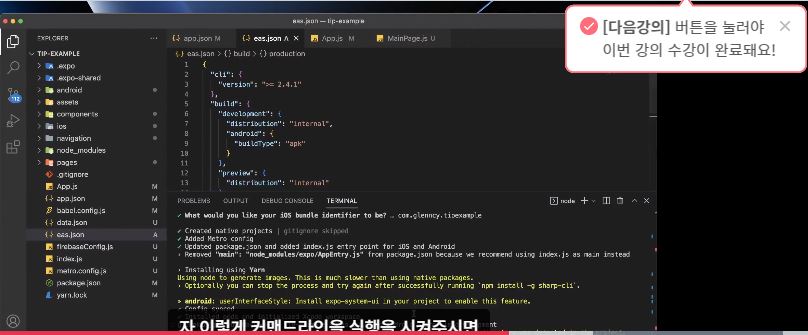
시면, 튜터님들이 빠르게 상황을 이해할 수 있어요.
작성한 코드 및 에러 메세지
C:\Users\user\Desktop\sparta-study\sparta-study>eas build -p android --profile development
Specified value for "android.package" in app.json is ignored because an android directory was detected in the project.
EAS Build will use the value found in the native code.
✔ Using remote Android credentials (Expo server)
✔ Using Keystore from configuration: Build Credentials eJfhv4GOQq (default)
Compressing project files and uploading to EAS Build. Learn more: https://expo.fyi/eas-build-archive
✔ Compressed project files 1s (694 KB)
✔ Uploaded to EAS
Build details: https://expo.dev/accounts/yeh0305/projects/sparta-study/builds/af80ceb1-e39f-4b9e-a0be-7ee8c7e9d677
Waiting for build to complete. You can press Ctrl+C to exit.
Build queued...
Start builds sooner in the priority queue.
Sign up for EAS Production or Enterprise at https://expo.dev/accounts/yeh0305/settings/subscriptions
Waiting in Free tier queue
|■■■■■■■■■■■■■■■■■■■■■■■■■■■■■■■■■■■■■■■■|
✖ Build failed
🤖 Android build failed:
Gradle build failed with unknown error. See logs for the "Run gradlew" (https://expo.dev/accounts/yeh0305/projects/sparta-study/builds/af80ceb1-e39f-4b9e-a0be-7ee8c7e9d677#run-gradlew) phase for more information. 시, 작성한 코드 전체와 에러 메시지를 첨부해 주세요.
Tip 1) </> 아이콘을 눌러 코드박스를 만들어 보세요.
Tip 2) Ctrl+A(맥의 경우 Command+A) 단축키로 코드를 한 번에 선택할 수 있어요!


