


* 겪고 있는 문제 상황을 최대한 자세하게 작성해주세요.
* 문제 해결을 위해 어떤 시도를 해보았는지 구체적으로 함께 알려주세요.
여기까지 하면 이 전에 App.js에서 앱 화면 하나로 코딩한 것과 똑같이 나와야 하는데 터미널과 앱화면에 에러만 뜹니다.
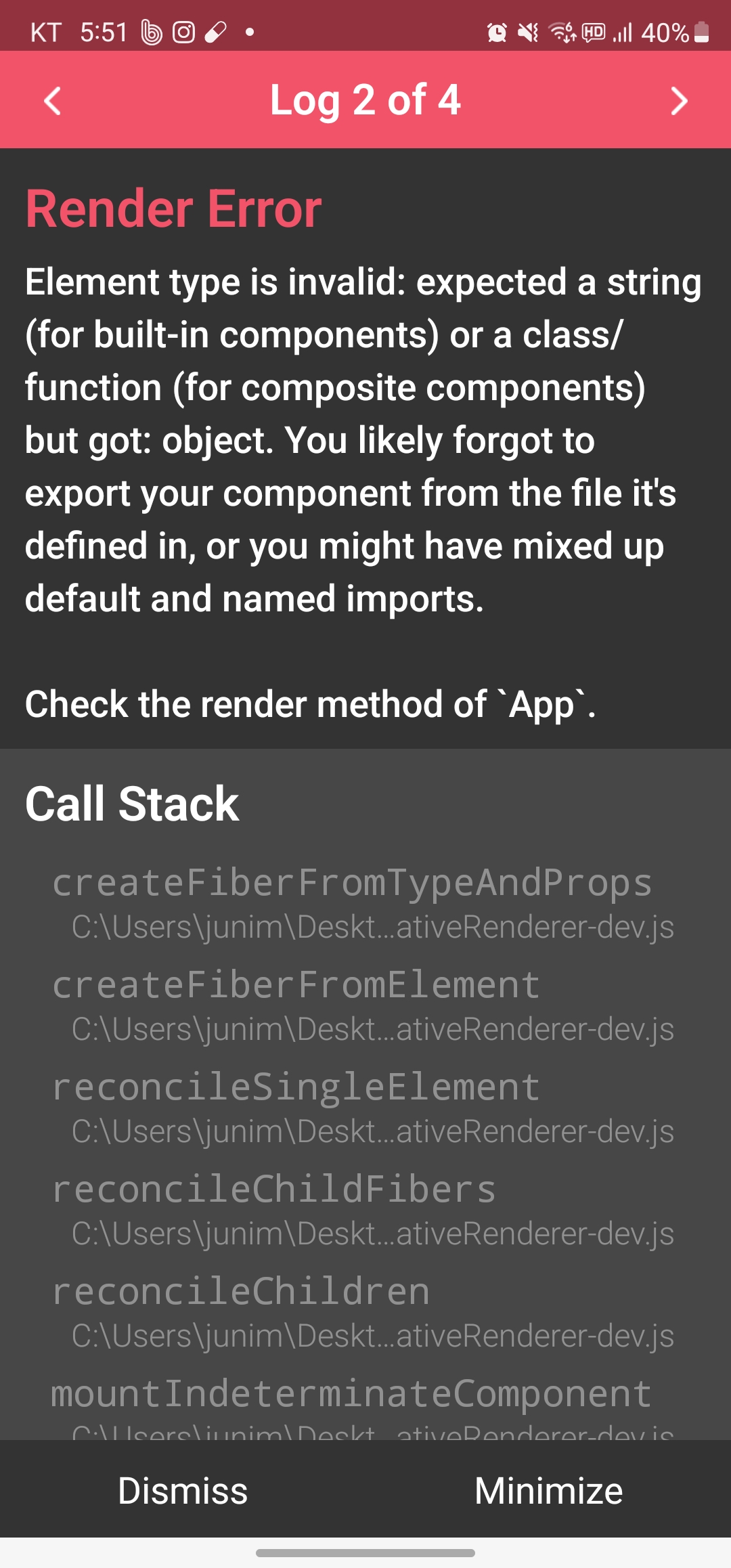
작성한 코드 및 에러 메세지
오류 발생 시, 작성한 코드 전체와 에러 메시지를 첨부해 주세요.
Tip 2) Ctrl+A(맥의 경우 Command+A) 단축키로 코드를 한 번에 선택할 수 있어요!
Warning: React.jsx: type is invalid -- expected a string (for built-in components) or a class/function (for composite components) but got: %s.%s%s, object, You likely forgot to export your component from the file it's defined in, or you might have mixed up default and named imports.
Check the render method of `App`.,
in App (created by withDevTools(App))
in withDevTools(App)
in RCTView (created by View)
in View (created by AppContainer)
in RCTView (created by View)
in View (created by AppContainer)
in AppContainer
in main(RootComponent)
at node_modules\react\cjs\react-jsx-runtime.development.js:null in printWarning
at node_modules\react\cjs\react-jsx-runtime.development.js:null in error
at node_modules\react\cjs\react-jsx-runtime.development.js:null in jsxWithValidation
at node_modules\react\cjs\react-jsx-runtime.development.js:null in jsxWithValidationDynamic
at App.js:null in App
at node_modules\react-native\Libraries\Renderer\implementations\ReactNativeRenderer-dev.js:null in renderWithHooks
at node_modules\react-native\Libraries\Renderer\implementations\ReactNativeRenderer-dev.js:null in mountIndeterminateComponent
- ... 20 more stack frames from framework internals
Warning: React.jsx: type is invalid -- expected a string (for built-in components) or a class/function (for composite components) but got: %s.%s%s, object, You likely forgot to export your component from the file it's defined in, or you might have mixed up default and named imports.
Check the render method of `App`.,
in App (created by withDevTools(App))
in withDevTools(App)
in RCTView (created by View)
in View (created by AppContainer)
in RCTView (created by View)
in View (created by AppContainer)
in AppContainer
in main(RootComponent)
at node_modules\react\cjs\react-jsx-runtime.development.js:null in printWarning
at node_modules\react\cjs\react-jsx-runtime.development.js:null in error
at node_modules\react\cjs\react-jsx-runtime.development.js:null in jsxWithValidation
at node_modules\react\cjs\react-jsx-runtime.development.js:null in jsxWithValidationDynamic
at App.js:null in App
at node_modules\react-native\Libraries\Renderer\implementations\ReactNativeRenderer-dev.js:null in renderWithHooks
at node_modules\react-native\Libraries\Renderer\implementations\ReactNativeRenderer-dev.js:null in mountIndeterminateComponent
- ... 22 more stack frames from framework internals
Error: Element type is invalid: expected a string (for built-in components) or a class/function (for composite components) but got: object. You likely forgot to export your component from the file it's defined in, or you might have mixed up default and named imports.
Check the render method of `App`.
This error is located at:
in App (created by withDevTools(App))
in withDevTools(App)
in RCTView (created by View)
in View (created by AppContainer)
in RCTView (created by View)
in View (created by AppContainer)
in AppContainer
in main(RootComponent), js engine: hermes
at node_modules\react-native\Libraries\Core\ExceptionsManager.js:null in reportException
at node_modules\react-native\Libraries\Core\ExceptionsManager.js:null in handleException
- ... 7 more stack frames from framework internals
in AppContainer
in main(RootComponent), js engine: hermesat node_modules\react-native\Libraries\Core\ExceptionsManager.js:null in reportExceptionat node_modules\react-native\Libraries\Core\ExceptionsManager.js:null in handleException
- ... 27 more stack frames from framework internals


