


* 겪고 있는 문제 상황을 최대한 자세하게 작성해주세요.
* 문제 해결을 위해 어떤 시도를 해보았는지 구체적으로 함께 알려주세요.
글씨체를 다른 글씨체로 변경하고 싶습니다.
구글 폰트에서 'Noto Sans KR'를 사용하려면
코드를 어떻게 변경하면 적용될까요?
(아래 코드처럼 작성했을 때, 반영이 되지 않아서 질문 남깁니다!)
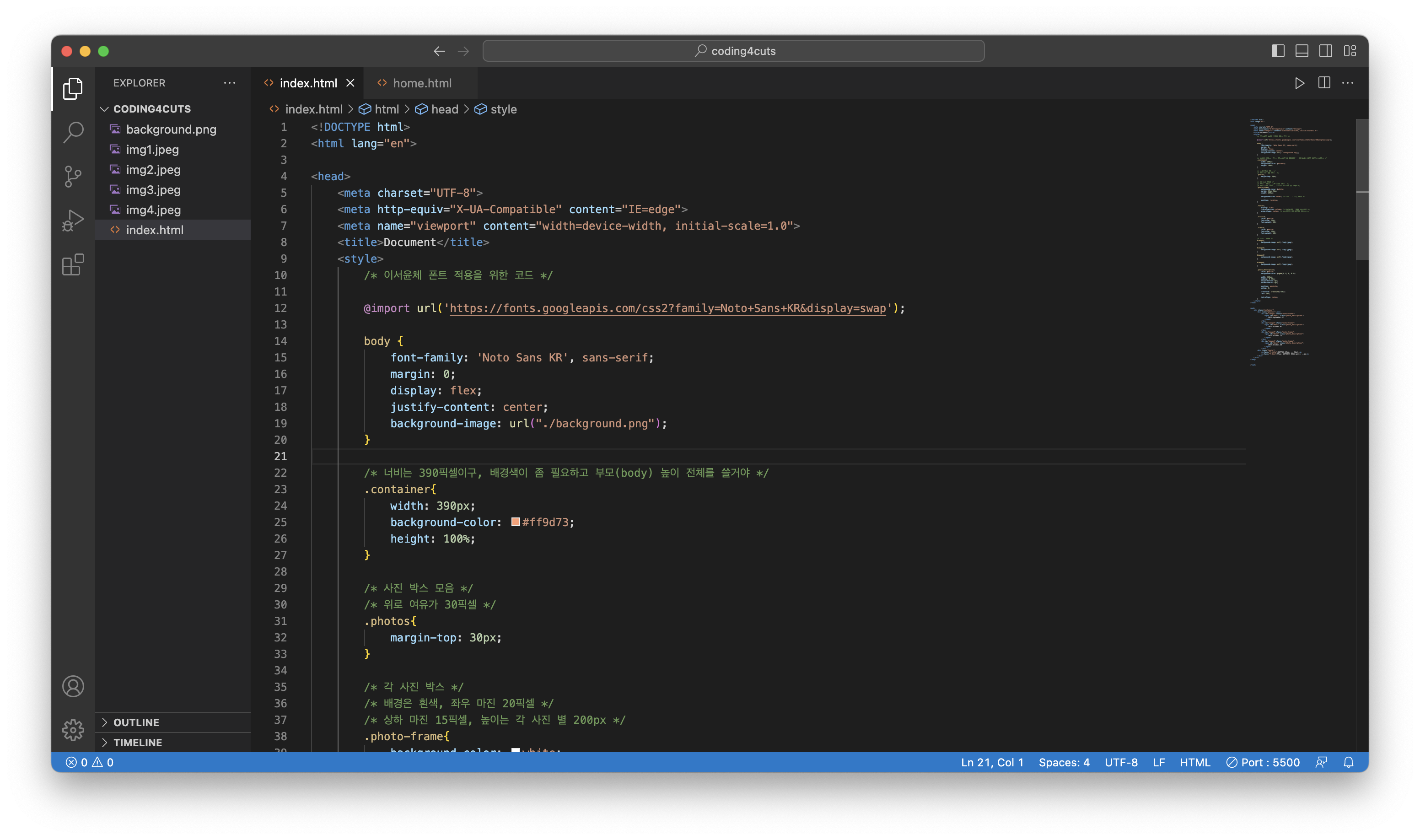
<!DOCTYPE html>
<html lang="en">
<head>
<meta charset="UTF-8">
<meta http-equiv="X-UA-Compatible" content="IE=edge">
<meta name="viewport" content="width=device-width, initial-scale=1.0">
<title>Document</title>
<style>
/* 이서윤체 폰트 적용을 위한 코드 */
@import url('https://fonts.googleapis.com/css2?family=Noto+Sans+KR&display=swap');
body {
font-family: 'Noto Sans KR', sans-serif;
margin: 0;
display: flex;
justify-content: center;
background-image: url("./background.png");
}
/* 너비는 390픽셀이구, 배경색이 좀 필요하고 부모(body) 높이 전체를 쓸거야 */
.container{
width: 390px;
background-color: #ff9d73;
height: 100%;
}
/* 사진 박스 모음 */
/* 위로 여유가 30픽셀 */
.photos{
margin-top: 30px;
}
/* 각 사진 박스 */
/* 배경은 흰색, 좌우 마진 20픽셀 */
/* 상하 마진 15픽셀, 높이는 각 사진 별 200px */
.photo-frame{
background-color: white;
margin: 15px 20px;
height: 200px;
background-size: cover; /* 이미지 사이즈 조정 */
position: relative;
}
.footer{
display: flex;
flex-direction: column; /* footer의 글씨가 세로정렬 */
align-items: center; /* 세로정렬된걸 가운데 정렬로 */
}
.f-title{
color: white;
font-size: 25px;
font-weight: 900;
}
.f-date{
color: white;
font-size: 15px;
font-weight: 500;
}
/* 이미지 넣기 */
#image1{
background-image: url(./img1.jpeg);
}
#image2{
background-image: url(./img2.jpeg);
}
#image3{
background-image: url(./img3.jpeg);
}
#image4{
background-image: url(./img4.jpeg);
}
.photo_description{
color: white;
background-color: rgba(0, 0, 0, 0.5);
width: 310px;
padding: 0 20px;
margin-bottom: 0px;
border-radius: 0px;
position: absolute;
bottom: 0;
transform: translate(-50%);
left: 50%;
text-align: center;
}
</style>
</head>
<body>
<div class="container">
<div class="photos"></div>
<div id="image1" class="photo-frame">
<span id="desc1" class="photo_description">
2022.September.27
</span>
</div>
<div id="image2" class="photo-frame">
<span id="desc2" class="photo_description">
2022.October.01
</span>
</div>
<div id="image3" class="photo-frame">
<span id="desc3" class="photo_description">
2022.October.13
</span>
</div>
<div id="image4" class="photo-frame">
<span id="desc4" class="photo_description">
2022.October.30
</span>
</div>
<div class="footer">
<p class="f-title">이름 (...)</p>
<p class="f-date">설명</p>
</div>
</div>
</body>
</html>


