


* 겪고 있는 문제 상황을 최대한 자세하게 작성해주세요.
* 문제 해결을 위해 어떤 시도를 해보았는지 구체적으로 함께 알려주세요.
안녕하십니까. 강사님께서 작성하신 코드랑 거의 똑같이 만들었는데도 뭐가 오류가 있는지 아래 코드로 작성하면 콘솔 로그가 안 찍혀서 문의 드립니다.
function show_comment() {
fetch('/guestbook').then((res) => res.json()).then((data) => {
//alert(data["msg"])
let rows = data['result']
console.log(rows)
})
혹시 코드에 문제가 있는지 확인해주시면 감사하겠습니다.
DB에 있는 내용도 print 해보면 잘 나오는데 뭐가 문제인지 모르겠습니다.
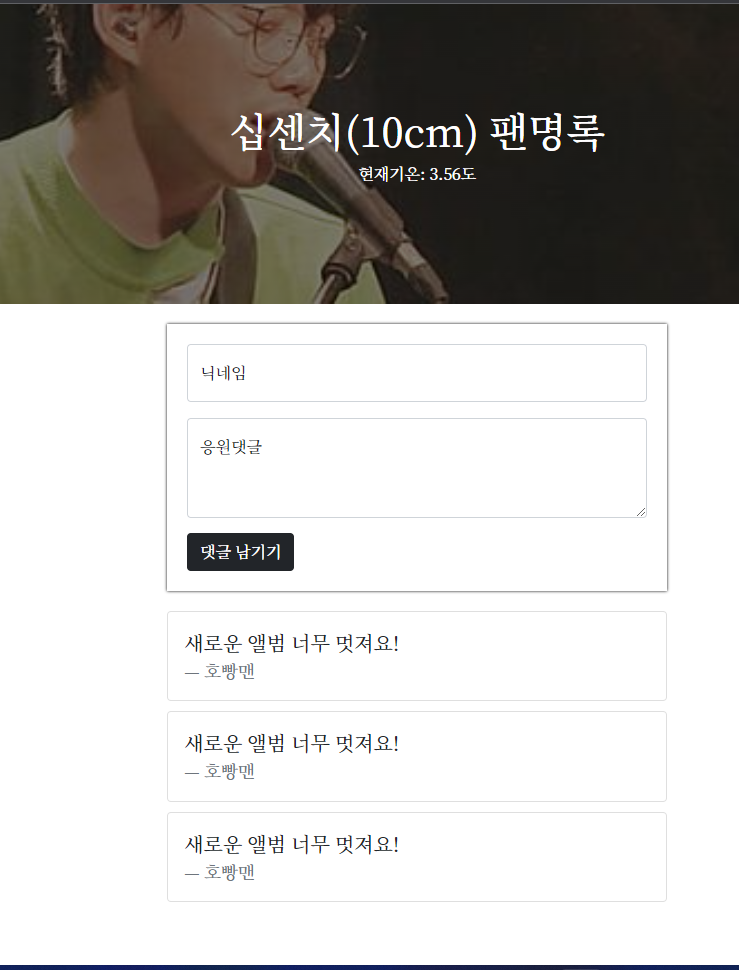
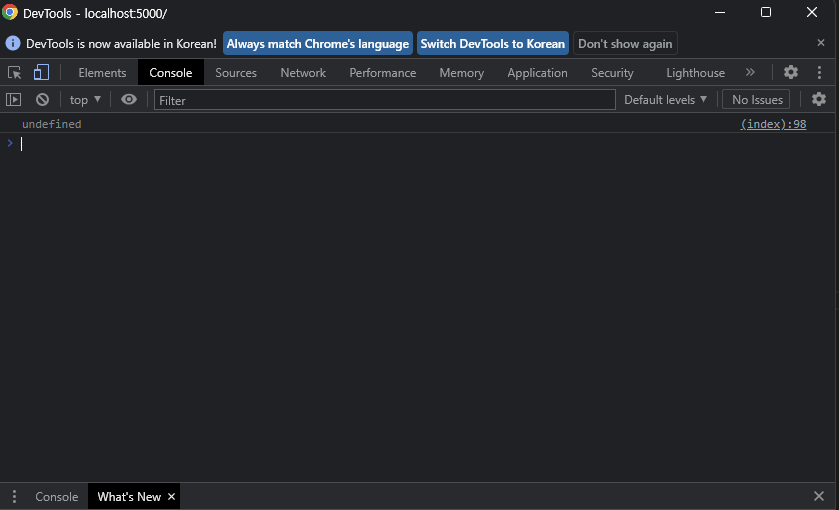
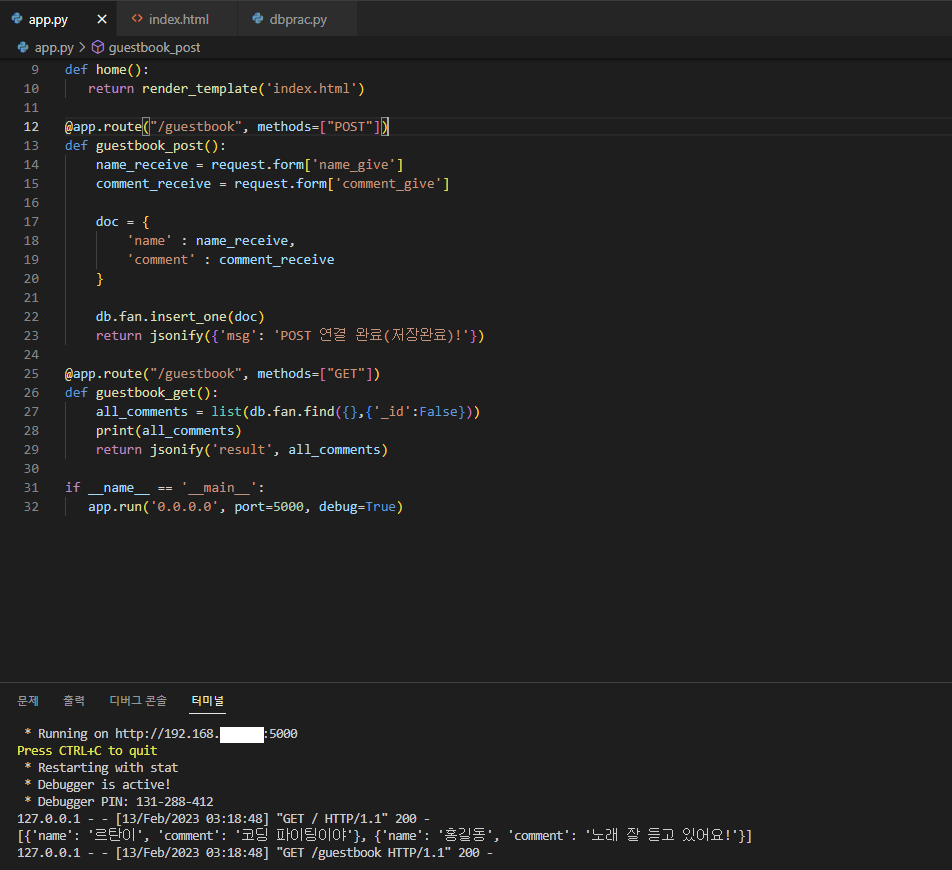
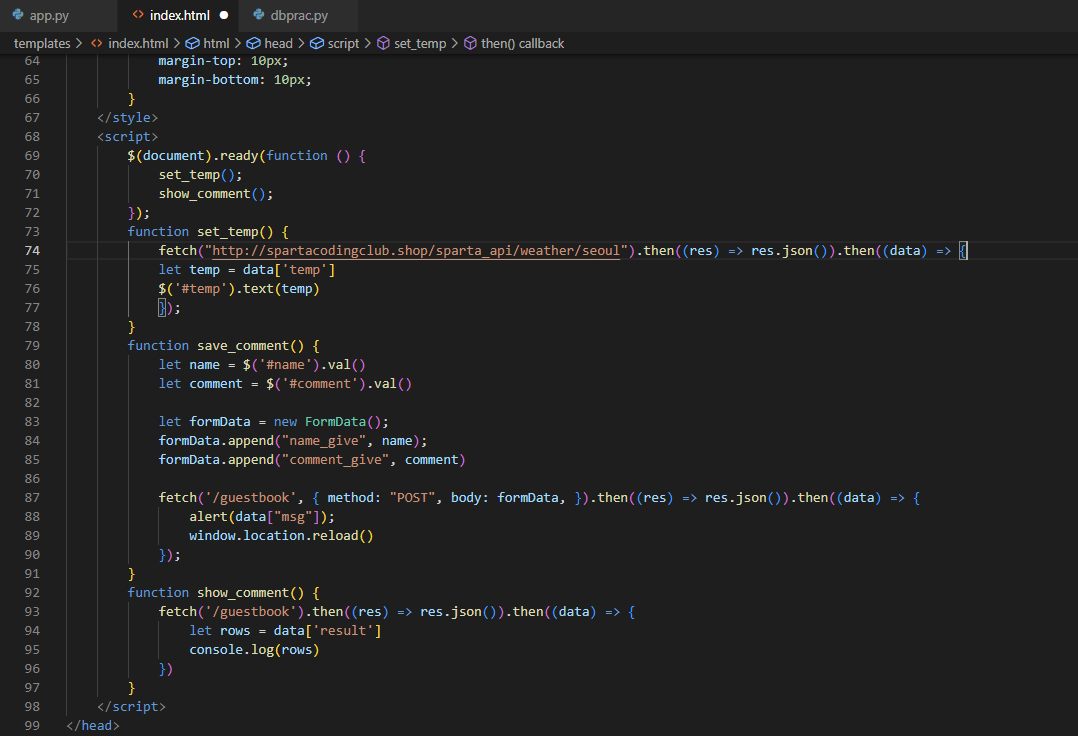
작성한 코드 및 에러 메세지
app.py
from flask import Flask, render_template, request, jsonify
app = Flask(__name__)
from pymongo import MongoClient
client=MongoClient('mongodb+srv://sparta:test@cluster0.wgvmeqd.mongodb.net/?retryWrites=true&w=majority')
db = client.dbsparta
@app.route('/')
def home():
return render_template('index.html')
@app.route("/guestbook", methods=["POST"])
def guestbook_post():
name_receive = request.form['name_give']
comment_receive = request.form['comment_give']
doc = {
'name' : name_receive,
'comment' : comment_receive
}
db.fan.insert_one(doc)
return jsonify({'msg': 'POST 연결 완료(저장완료)!'})
@app.route("/guestbook", methods=["GET"])
def guestbook_get():
all_comments = list(db.fan.find({},{'_id':False}))
#print(all_comments)
return jsonify('result', all_comments)
if __name__ == '__main__':
app.run('0.0.0.0', port=5000, debug=True)
index.html에서 script 부분
<script>
$(document).ready(function () {
set_temp();
show_comment();
});
function set_temp() {
fetch("http://spartacodingclub.shop/sparta_api/weather/seoul").then((res) => res.json()).then((data) => {
//console.log(data['temp'])
let temp = data['temp'] //이 temp는 변수이다.
$('#temp').text(temp) //이 temp는 id 값이다.
});
}
function save_comment() {
let name = $('#name').val()
let comment = $('#comment').val()
let formData = new FormData();
formData.append("name_give", name);
formData.append("comment_give", comment)
fetch('/guestbook', { method: "POST", body: formData, }).then((res) => res.json()).then((data) => {
//console.log(data)
alert(data["msg"]);
window.location.reload()
});
}
function show_comment() {
fetch('/guestbook').then((res) => res.json()).then((data) => {
//alert(data["msg"])
let rows = data['result']
console.log(rows)
})
}


