


* 겪고 있는 문제 상황을 최대한 자세하게 작성해주세요.
* 문제 해결을 위해 어떤 시도를 해보았는지 구체적으로 함께 알려주세요.
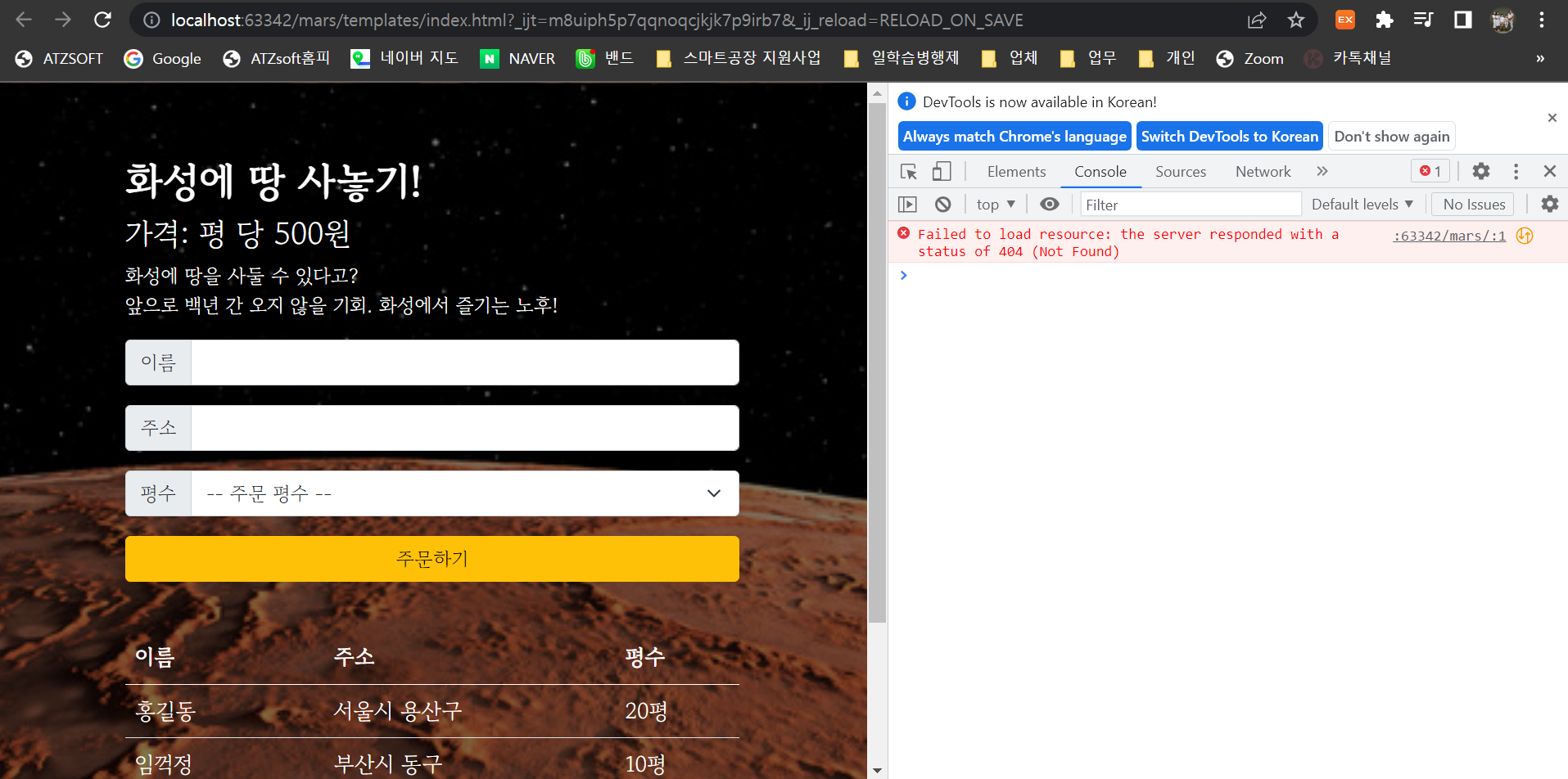
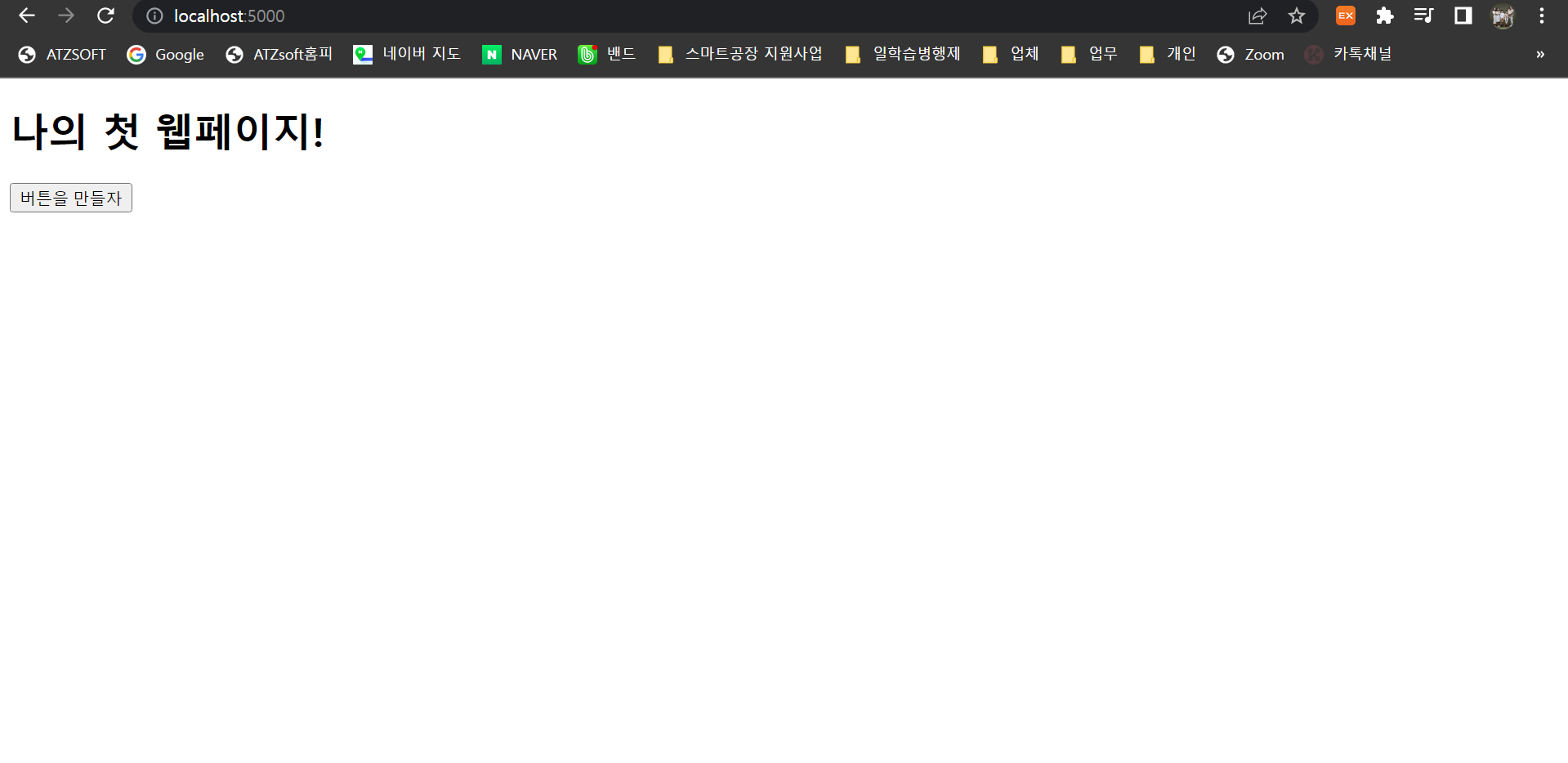
4-8강의를 들으면서 회사가 아닌 커피숍에서 하고 있는데요 localhost:5000에서는 나이 첫 웹페이지가 뜨고 화성땅은 63342에서 뜨면서 새로고침이랑 등록이 안되네요....ㅠㅠ 1주차 강의부터 다시 들으면서 했는데...안되네
작성한 코드 및 에러 메세지
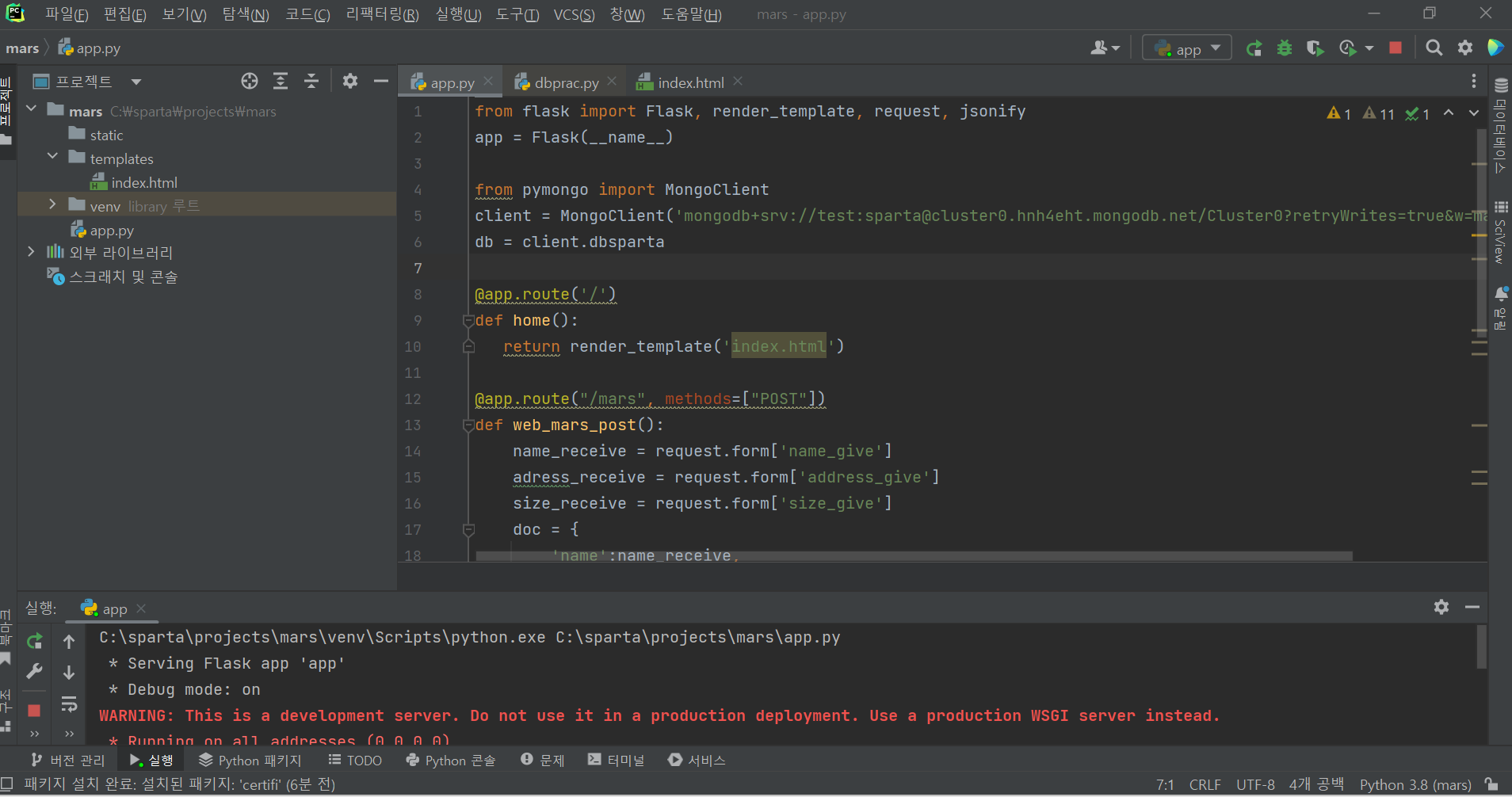
from flask import Flask, render_template, request, jsonify
app = Flask(__name__)

from pymongo import MongoClient
client = MongoClient('mongodb+srv://test:sparta@cluster0.hnh4eht.mongodb.net/Cluster0?retryWrites=true&w=majority')
db = client.dbsparta

@app.route('/')
def home():
   return render_template('index.html')

@app.route("/mars", methods=["POST"])
def web_mars_post():
    name_receive = request.form['name_give']
    adress_receive = request.form['address_give']
    size_receive = request.form['size_give']
    doc = {
        'name':name_receive,
        'address':adress_receive,
        'size':size_receive
    }
    db.mars.insert_one(doc)

    return jsonify({'msg': '주문 완료!'})

@app.route("/mars", methods=["GET"])
def web_mars_get():
    return jsonify({'msg': 'GET 연결 완료!'})

if __name__ == '__main__':
   app.run('0.0.0.0', port=5000, debug=True)
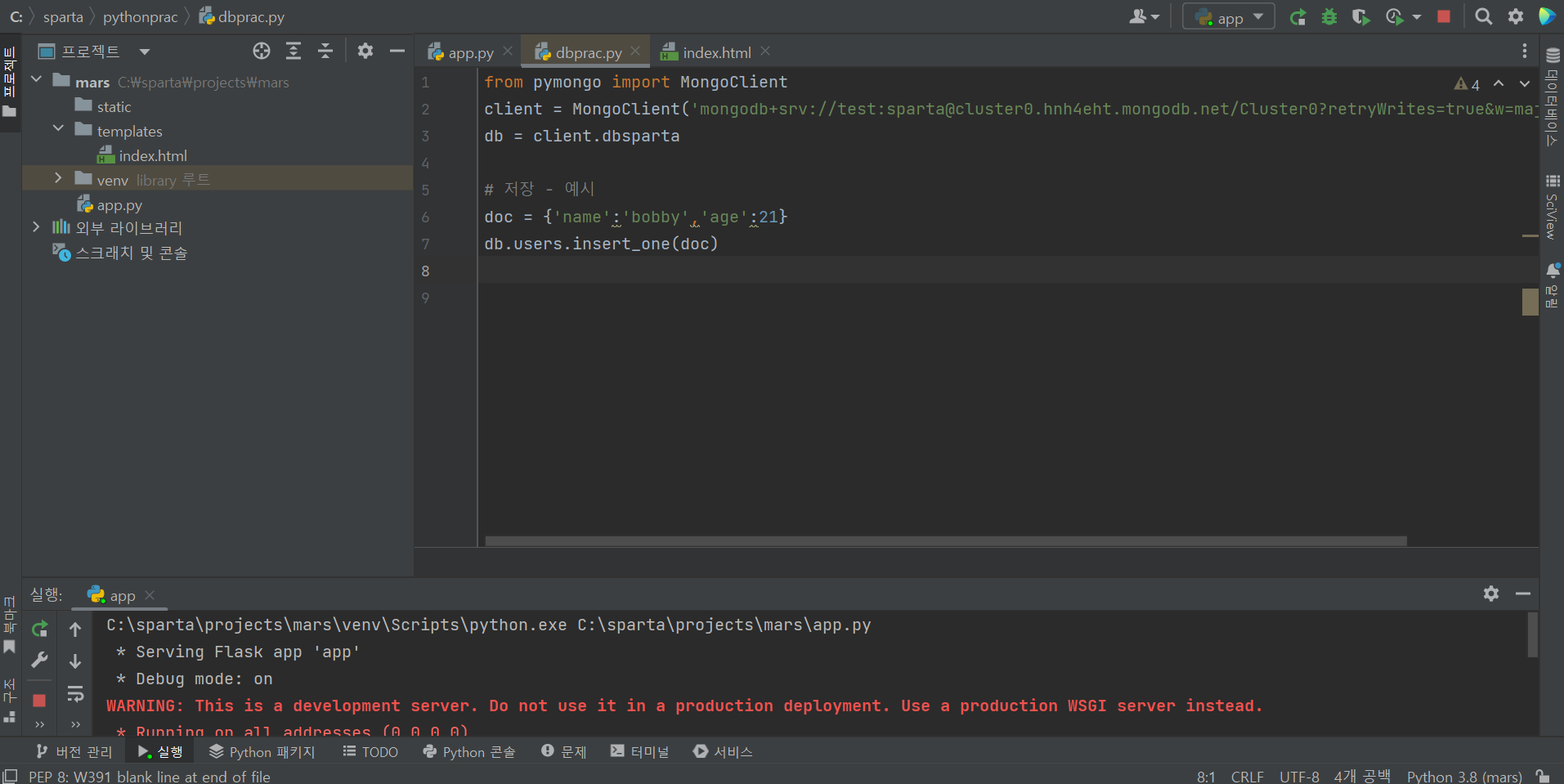
from pymongo import MongoClient
client = MongoClient('mongodb+srv://test:sparta@cluster0.hnh4eht.mongodb.net/Cluster0?retryWrites=true&w=majority')
db = client.dbsparta

# 저장 - 예시
doc = {'name':'bobby','age':21}
db.users.insert_one(doc)
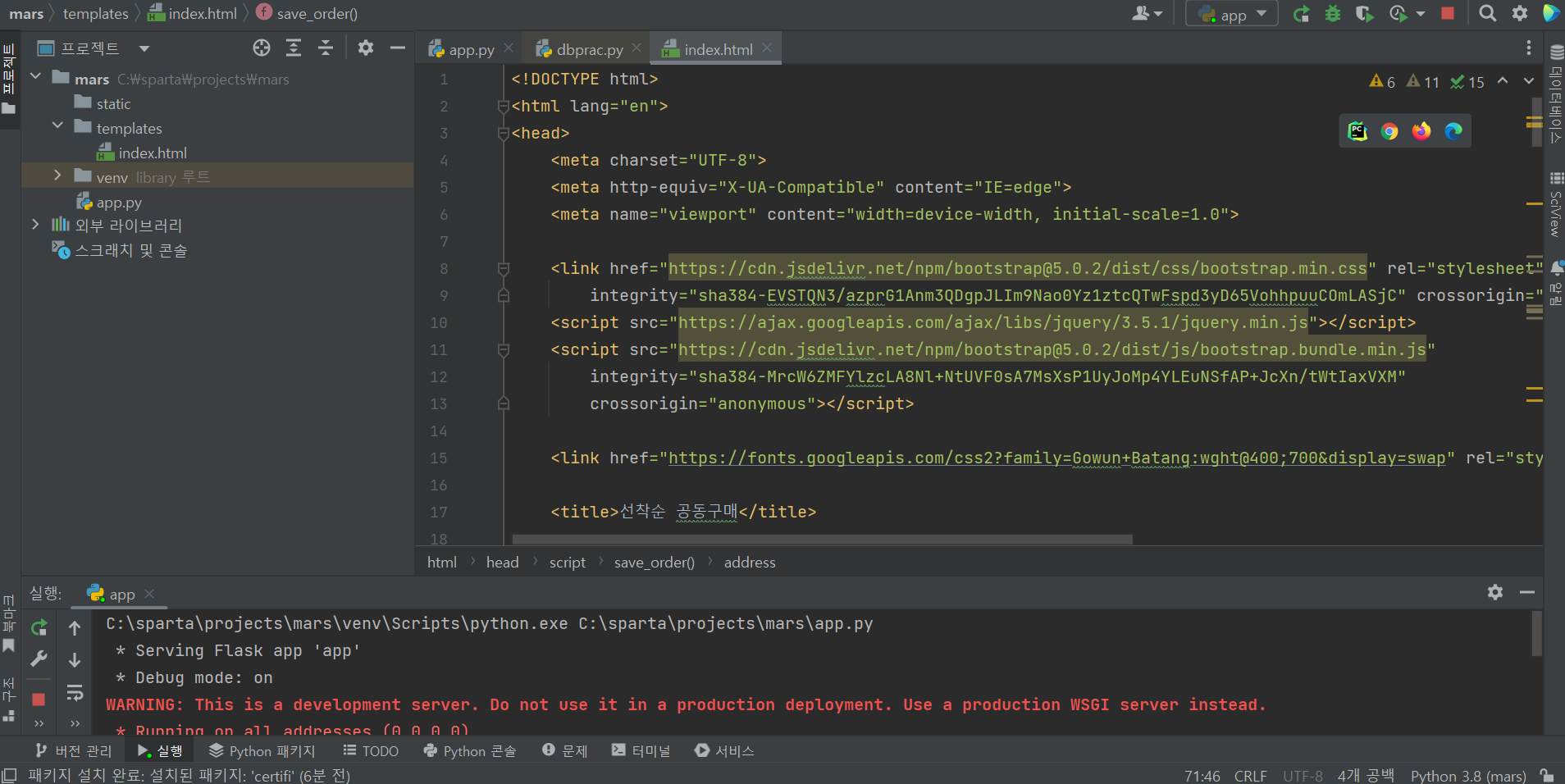
<html lang="en">
<head>
<meta charset="UTF-8">
<meta http-equiv="X-UA-Compatible" content="IE=edge">
<meta name="viewport" content="width=device-width, initial-scale=1.0">
<link href="https://cdn.jsdelivr.net/npm/bootstrap@5.0.2/dist/css/bootstrap.min.css" rel="stylesheet"
integrity="sha384-EVSTQN3/azprG1Anm3QDgpJLIm9Nao0Yz1ztcQTwFspd3yD65VohhpuuCOmLASjC" crossorigin="anonymous">
<script src="https://ajax.googleapis.com/ajax/libs/jquery/3.5.1/jquery.min.js"></script>
<script src="https://cdn.jsdelivr.net/npm/bootstrap@5.0.2/dist/js/bootstrap.bundle.min.js"
integrity="sha384-MrcW6ZMFYlzcLA8Nl+NtUVF0sA7MsXsP1UyJoMp4YLEuNSfAP+JcXn/tWtIaxVXM"
crossorigin="anonymous"></script>
<link href="https://fonts.googleapis.com/css2?family=Gowun+Batang:wght@400;700&display=swap" rel="stylesheet">
<title>선착순 공동구매</title>
<style>
* {
font-family: 'Gowun Batang', serif;
color: white;
}
body {
background-image: linear-gradient(0deg, rgba(0, 0, 0, 0.5), rgba(0, 0, 0, 0.5)), url('https://cdn.aitimes.com/news/photo/202010/132592_129694_3139.jpg');
background-position: center;
background-size: cover;
}
h1 {
font-weight: bold;
}
.order {
width: 500px;
margin: 60px auto 0px auto;
padding-bottom: 60px;
}
.mybtn {
width: 100%;
}
.order > table {
margin : 40px 0;
font-size: 18px;
}
option {
color: black;
}
</style>
<script>
$(document).ready(function () {
show_order();
});
function show_order() {
$.ajax({
type: 'GET',
url: '/mars',
data: {},
success: function (response) {
alert(response['msg'])
}
});
}
function save_order() {
let name = $('#name').val()
let address = $('#address').val()
let size = $('#size').val()
$.ajax({
type: 'POST',
url: '/mars',
data: {name_give: name, address_give: address, size_give: size},
success: function (response) {
alert(response['msg'])
window.location.reload()
}
});
}
</script>
</head>
<body>
<div class="mask"></div>
<div class="order">
<h1>화성에 땅 사놓기!</h1>
<h3>가격: 평 당 500원</h3>
<p>
화성에 땅을 사둘 수 있다고?<br/>
앞으로 백년 간 오지 않을 기회. 화성에서 즐기는 노후!
</p>
<div class="order-info">
<div class="input-group mb-3">
<span class="input-group-text">이름</span>
<input id="name" type="text" class="form-control">
</div>
<div class="input-group mb-3">
<span class="input-group-text">주소</span>
<input id="address" type="text" class="form-control">
</div>
<div class="input-group mb-3">
<label class="input-group-text" for="size">평수</label>
<select class="form-select" id="size">
<option selected>-- 주문 평수 --</option>
<option value="10평">10평</option>
<option value="20평">20평</option>
<option value="30평">30평</option>
<option value="40평">40평</option>
<option value="50평">50평</option>
</select>
</div>
<button onclick="save_order()" type="button" class="btn btn-warning mybtn">주문하기</button>
</div>
<table class="table">
<thead>
<tr>
<th scope="col">이름</th>
<th scope="col">주소</th>
<th scope="col">평수</th>
</tr>
</thead>
<tbody>
<tr>
<td>홍길동</td>
<td>서울시 용산구</td>
<td>20평</td>
</tr>
<tr>
<td>임꺽정</td>
<td>부산시 동구</td>
<td>10평</td>
</tr>
<tr>
<td>세종대왕</td>
<td>세종시 대왕구</td>
<td>30평</td>
</tr>
</tbody>
</table>
</div>
</body>
</html>
C:\sparta\projects\mars\venv\Scripts\python.exe C:\sparta\projects\mars\app.py
 * Serving Flask app 'app'
 * Debug mode: on
WARNING: This is a development server. Do not use it in a production deployment. Use a production WSGI server instead.
 * Running on all addresses (0.0.0.0)
 * Running on http://127.0.0.1:5000
 * Running on http://172.30.1.43:5000
Press CTRL+C to quit
 * Restarting with stat
 * Debugger is active!
 * Debugger PIN: 911-671-561


