


* 겪고 있는 문제 상황을 최대한 자세하게 작성해주세요.
* 문제 해결을 위해 어떤 시도를 해보았는지 구체적으로 함께 알려주세요.
4주차 webview를 설치하는 과정중 강의 내용처럼 flutter pub add webview_flutter:^3.0.4를 설치하고 애뮬레이터를 종료하고 다시 run without debugging 하는데 오류가 계속 뜨게 됩니다...
추가로
defaultConfig {
// TODO: Specify your own unique Application ID (https://developer.android.com/studio/build/application-id.html).
applicationId "com.example.watcha_pedia"
// You can update the following values to match your application needs.
// For more information, see: https://docs.flutter.dev/deployment/android#reviewing-the-build-configuration.
minSdkVersion 19
targetSdkVersion flutter.targetSdkVersion
versionCode flutterVersionCode.toInteger()
versionName flutterVersionName
}
다음 처럼 minSdkVersion 19 설정을 마친 상태입니다.
다만 걸리는 부분은
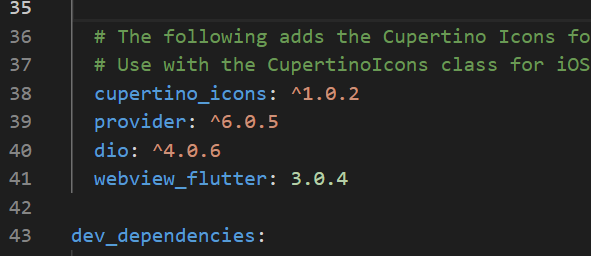
강의 내용과 다르게 ^3.0.4가 아닌 3.0.4인 부분 입니다.
웹 뷰 설치는 flutter pub add webview_flutter:^3.0.4 로 했습니다.
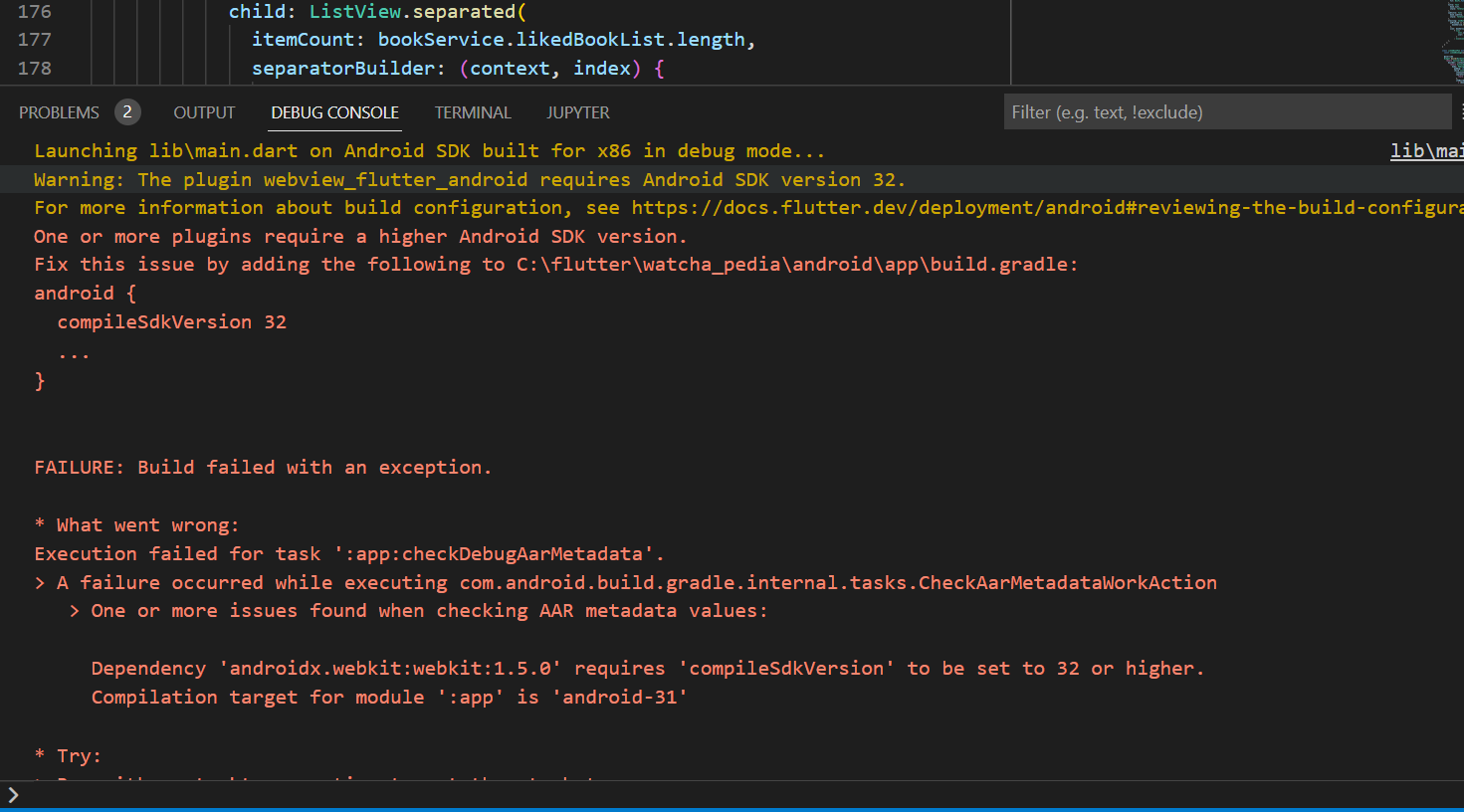
전체 오류 코드


Launching lib\main.dart on Android SDK built for x86 in debug mode...

lib\main.dart:1

Warning: The plugin webview_flutter_android requires Android SDK version 32.

For more information about build configuration, see https://docs.flutter.dev/deployment/android#reviewing-the-build-configuration.

One or more plugins require a higher Android SDK version.

Fix this issue by adding the following to C:\flutter\watcha_pedia\android\app\build.gradle:

android {

compileSdkVersion 32

...

}


FAILURE: Build failed with an exception.


* What went wrong:

Execution failed for task ':app:checkDebugAarMetadata'.

> A failure occurred while executing com.android.build.gradle.internal.tasks.CheckAarMetadataWorkAction

> One or more issues found when checking AAR metadata values:


Dependency 'androidx.webkit:webkit:1.5.0' requires 'compileSdkVersion' to be set to 32 or higher.

Compilation target for module ':app' is 'android-31'


* Try:


> Run with --stacktrace option to get the stack trace.

> Run with --info or --debug option to get more log output.

> Run with --scan to get full insights.


* Get more help at https://help.gradle.org


BUILD FAILED in 11s

Exception: Gradle task assembleDebug failed with exit code 1

Exited (sigterm)


