커뮤니티

포인트
쿠폰
내 강의실
국비 신청 내역
증명서
계정
로그아웃
학습 질문
개발 일지
나의 활동
답변 완료
3-5 App.js 복사 후 문제가 생겼습니다.
[왕초보] 나만의 수익성 앱, 앱개발 종합반
3주차


정*영
댓글
23
・
추천
0
・
조회수
31
조회수
31
답변 완료
* 겪고 있는 문제 상황을 최대한 자세하게 작성해주세요.
* 문제 해결을 위해 어떤 시도를 해보았는지 구체적으로 함께 알려주세요.
다른 즉문즉답을 확인하고 babel.config.js의 내용을 답변대로 변경했습니다.
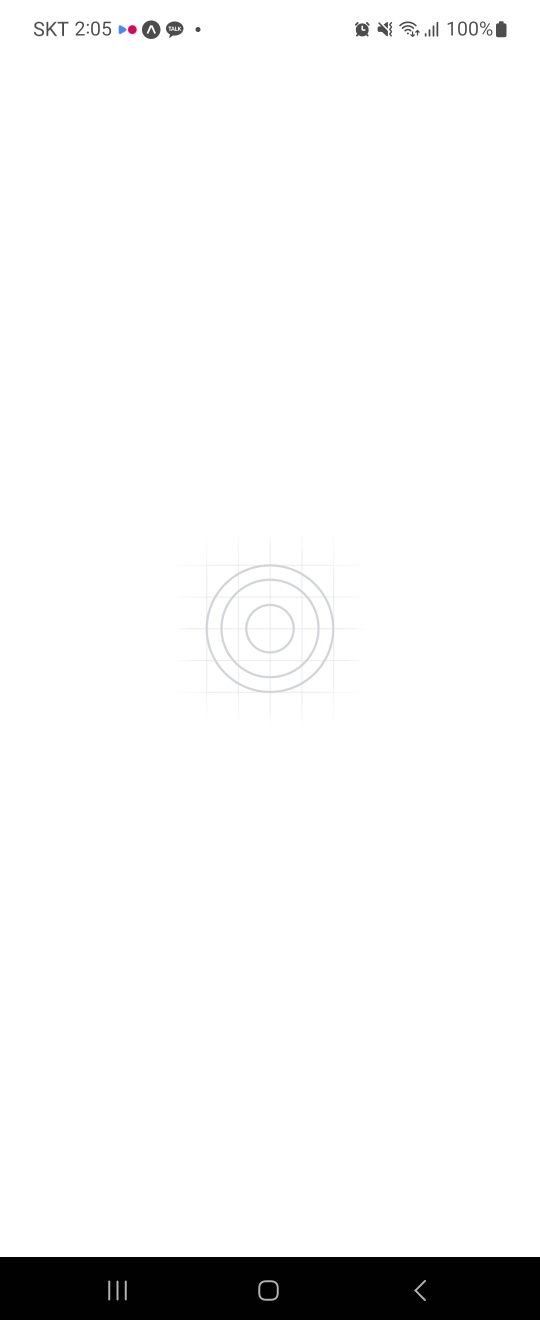
그 뒤로 expo go 화면이 아래와 같이 멈춰있습니다.
ctrl+c로 연결 종료 후 expo start -c 명령어로 연결하면 아래와 같은 화면이 계속 나옵니다.
현재 babel.config.js 내용
module.exports = function (api) {
  api.cache(true);
  return {
    presets: ["babel-preset-expo"],
    presets: ["module:metro-react-native-babel-preset"],
    plugins: ["react-native-reanimated/plugin"],
  };
};
현재 App.js 코드
import React from 'react';
//이제 모든 페이지 컴포넌트들이 끼워져있는 책갈피를 메인에 둘예정이므로
//컴포넌트를 더이상 불러오지 않아도 됩니다.
// import MainPage from './pages/MainPage';
// import DetailPage from './pages/DetailPage';
import { StatusBar } from 'expo-status-bar';


//메인에 세팅할 네비게이션 도구들을 가져옵니다.
import {NavigationContainer} from '@react-navigation/native';
import StackNavigator from './navigation/StackNavigator'


export default function App() {


  console.disableYellowBox = true;


  return (
  <NavigationContainer>
    <StatusBar style="black" />
    <StackNavigator/>
 </NavigationContainer>);
}


댓글 알림
