커뮤니티

포인트
쿠폰
내 강의실
국비 신청 내역
증명서
계정
로그아웃
학습 질문
개발 일지
나의 활동
답변 완료
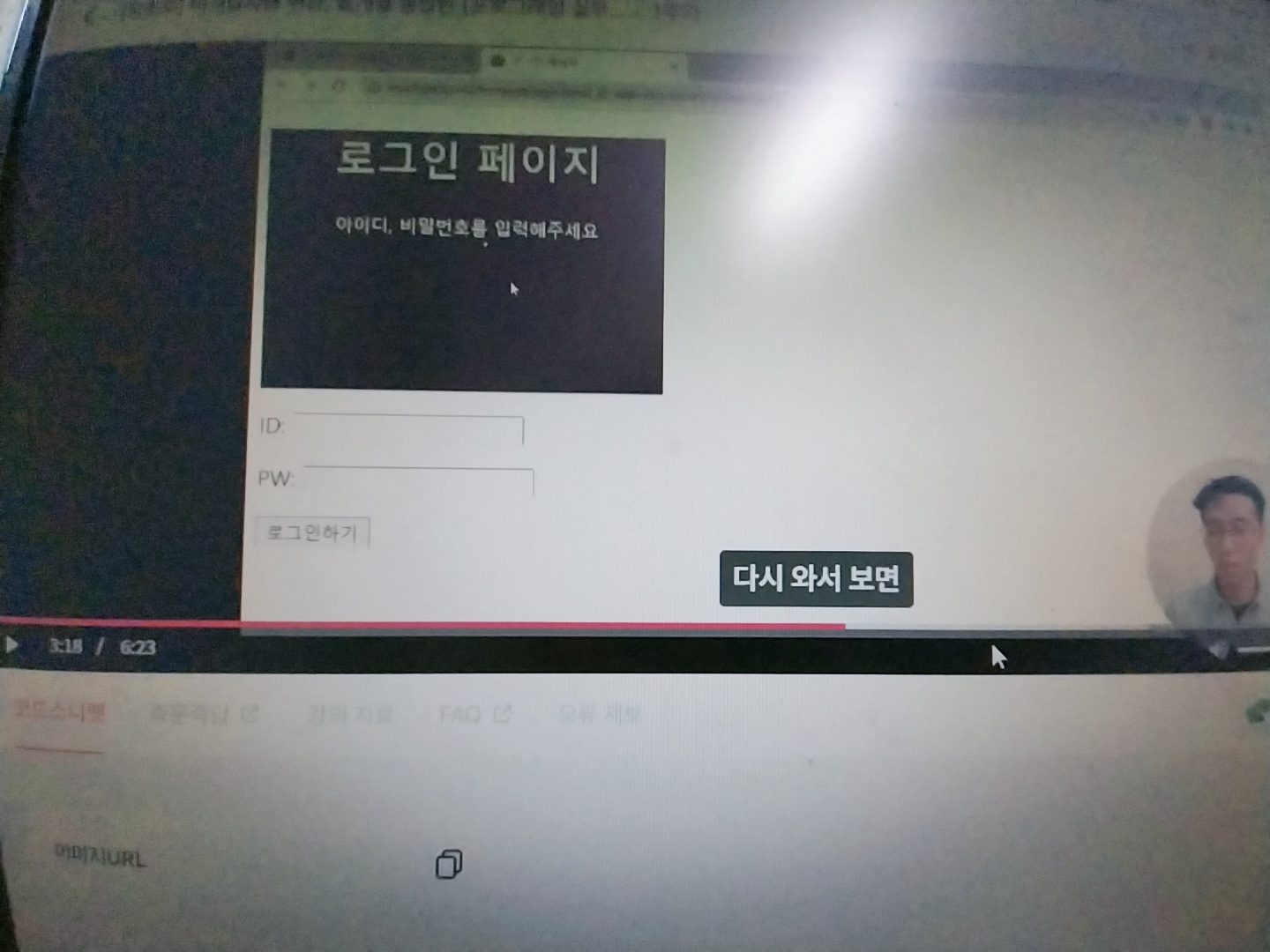
1-6 자주 쓰이는 css연습하기 에서 이미지가 복사->붙여넣기하면 페이지에서 이미지가 보이지 않습니다.
undefined주차


백*희
댓글
4
・
추천
0
・
조회수
26
조회수
26
답변 완료
* 겪고 있는 문제 상황을 최대한 자세하게 작성해주세요.
* 문제 해결을 위해 어떤 시도를 해보았는지 구체적으로 함께 알려주세요.
<!DOCTYPE html>
<html lang="en">
<head>
    <meta charset="UTF-8">
    <title>로그인 페이지</title>
    <style>
        .mytitle {
            background-color: green;

            width: 300px;
            height: 200px;

            color: white;

            text-align: center;

            background-image: url("https://www.ancient-origins.net/sites/default/files/field/image/Agesilaus-II-cover.jpg")
            background-size: cover;
            background-position: center;

            border-radius: 10px;

        }
    </style>

</head>
<body>
    <div class="mytitle">
        <h1>로그인 페이지</h1>
        <h5>아이디, 비밀번호를 입력해주세요</h5>
</div>
    <h1>로그인 페이지</h1>
    <p> ID: <input type="text"/></p>
    <p> PW: <input type="text"/></p>
    <button> 로그인하기 </button>

</body>
<html lang="en"

뭐가 문제일까요?
background-image:url에서 부터 이미지가 안나타나고 바뀌지 않습니다.
보고 계신 화면 전체를 캡처해 주시면
, 튜터님들이 빠르게 상황을 이해할 수 있어요.


댓글 알림
