커뮤니티

포인트
쿠폰
내 강의실
국비 신청 내역
증명서
계정
로그아웃
학습 질문
개발 일지
나의 활동
답변 완료
조회가 제대로 안됩니다(사진 추가했습니다)
undefined주차


박*성
댓글
5
・
추천
0
・
조회수
59
조회수
59
답변 완료
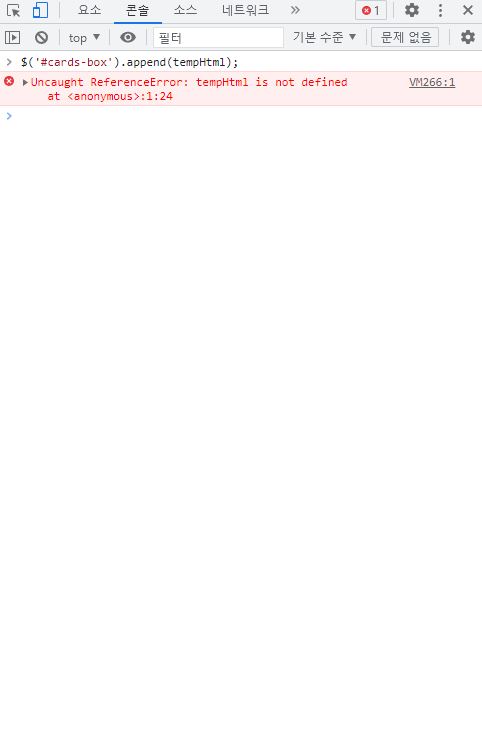
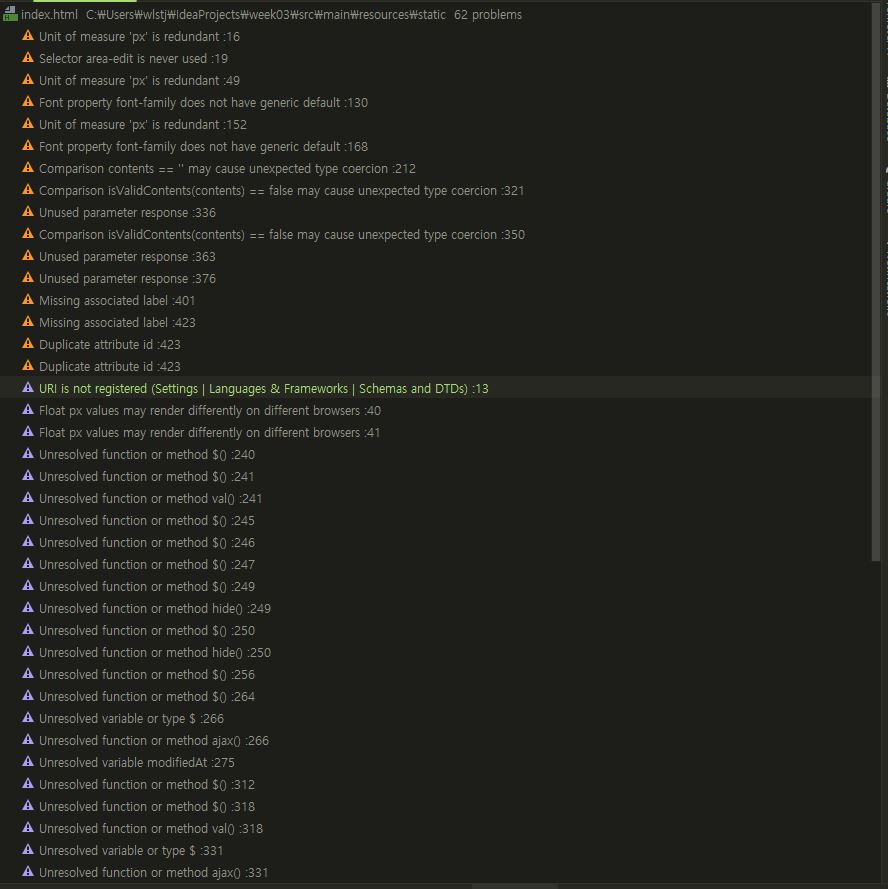
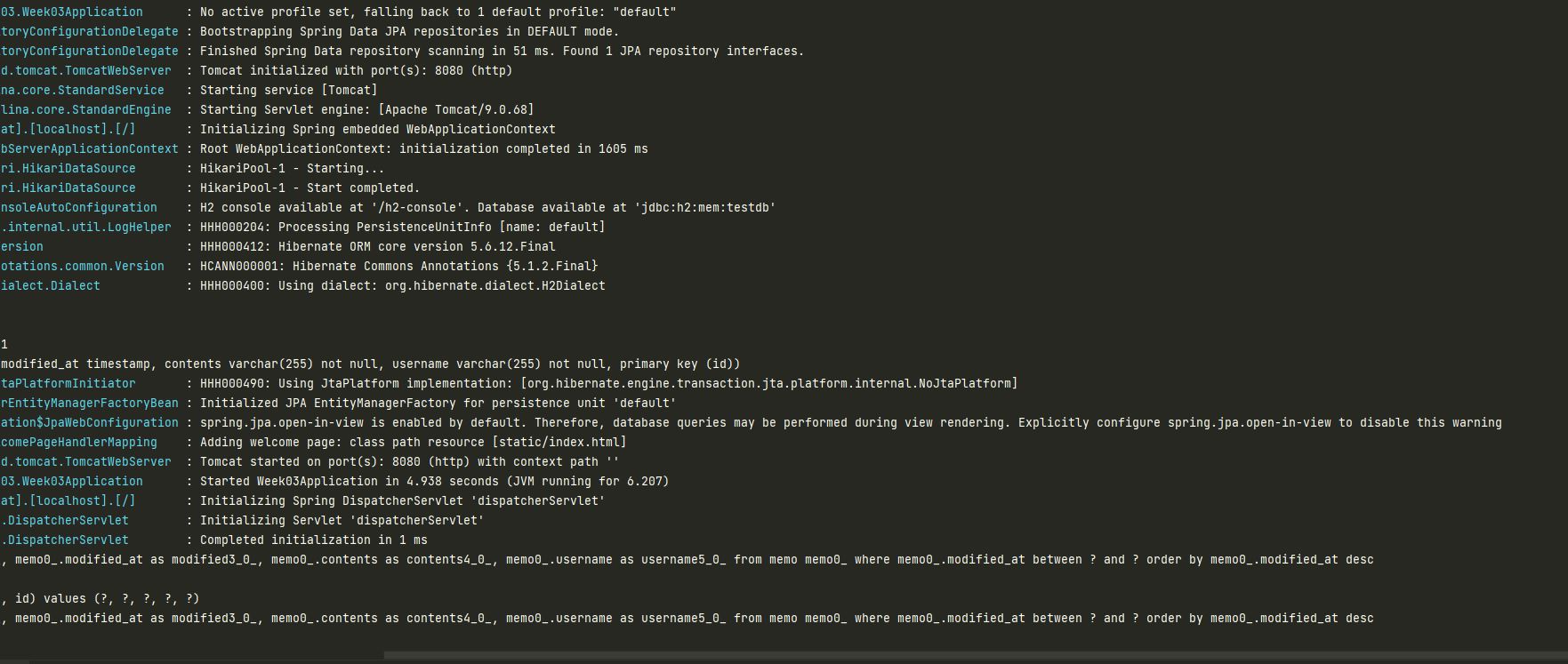
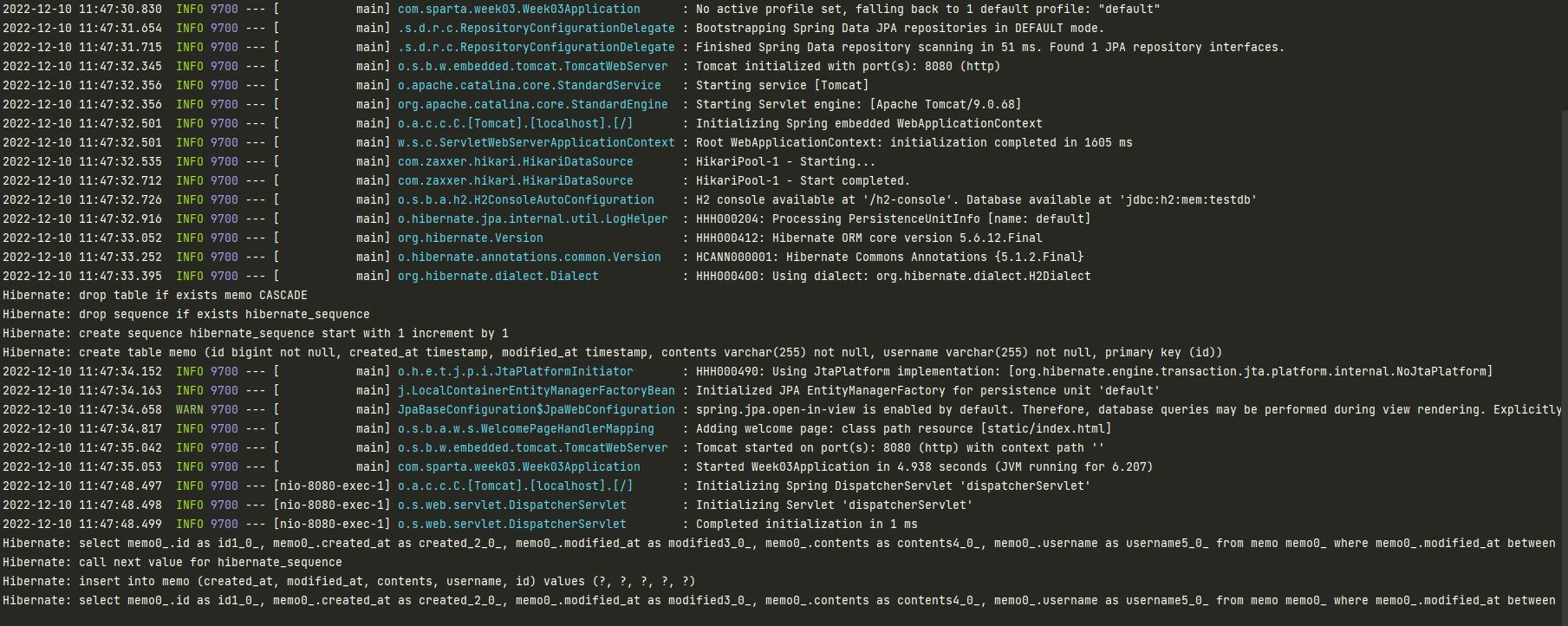
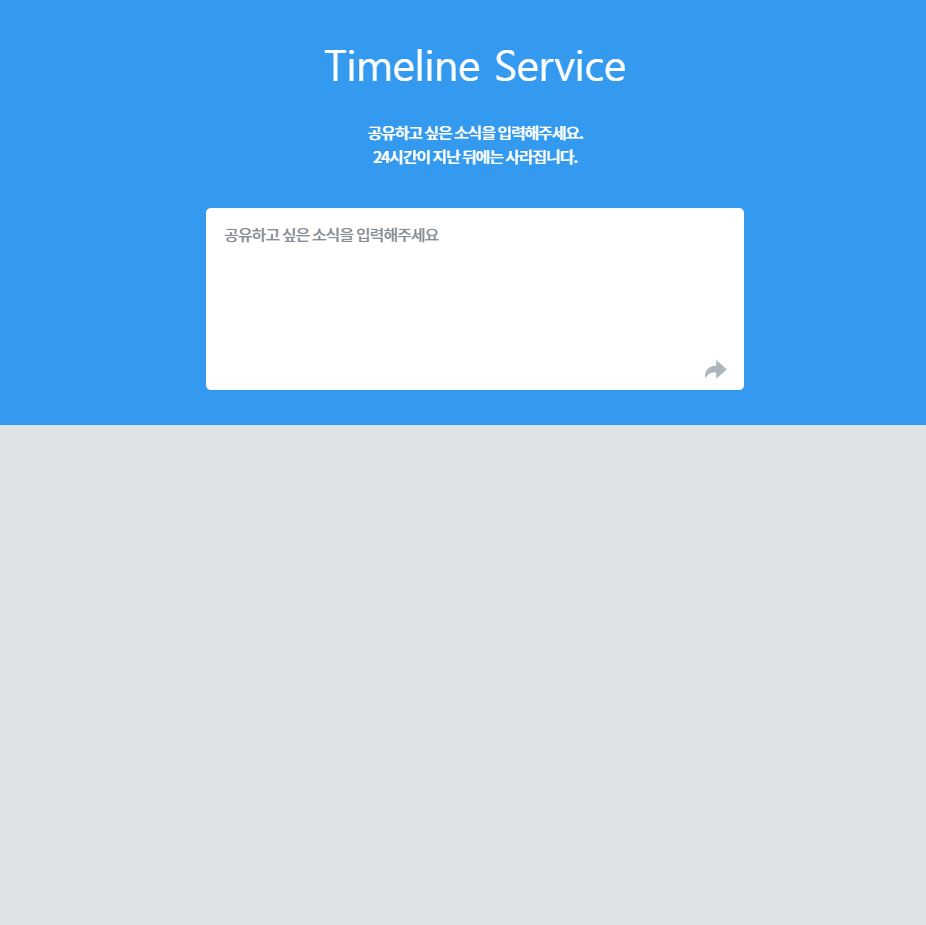
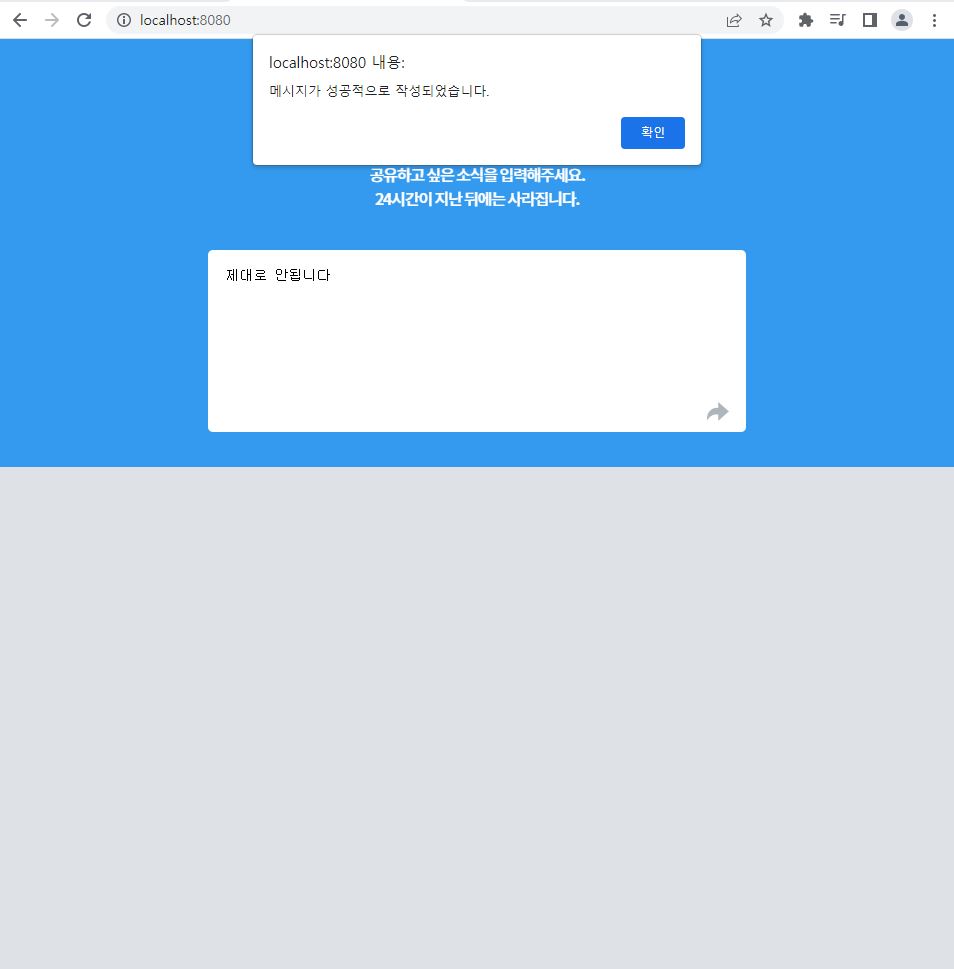
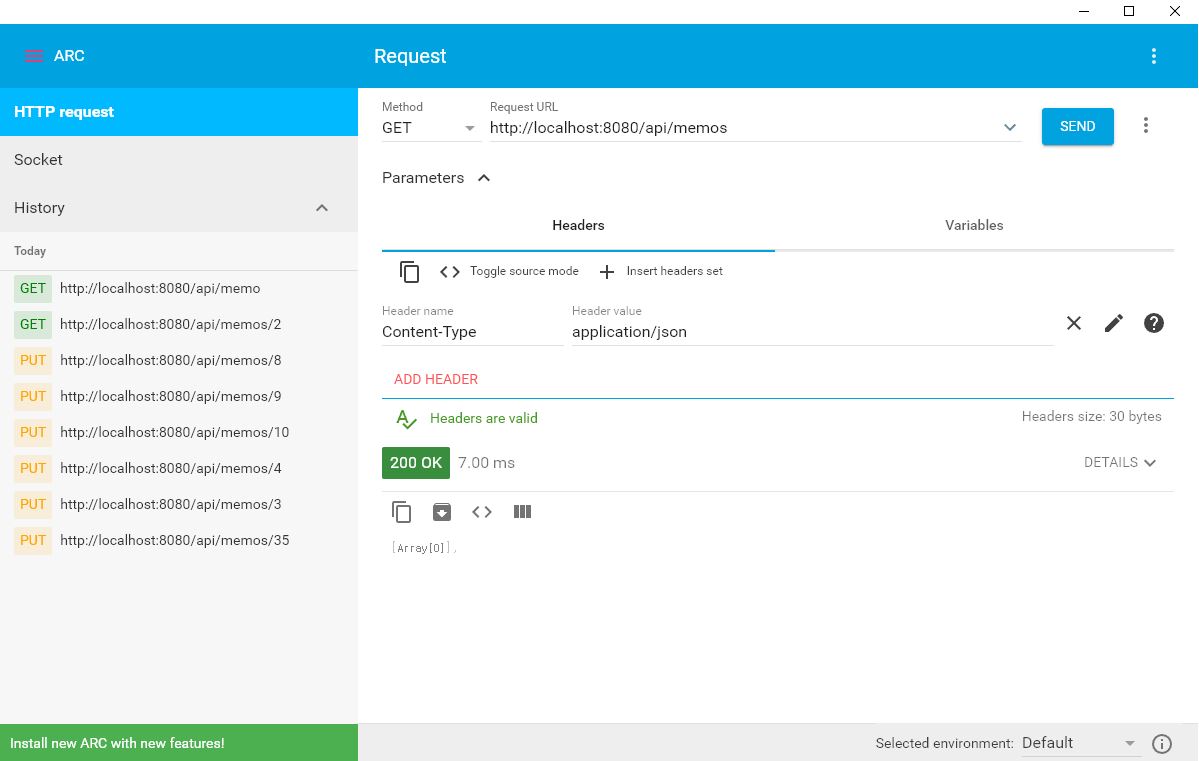
GET 방식 요청을 했을 때 정상적으로 동작하지 않는 오류가 있습니다.
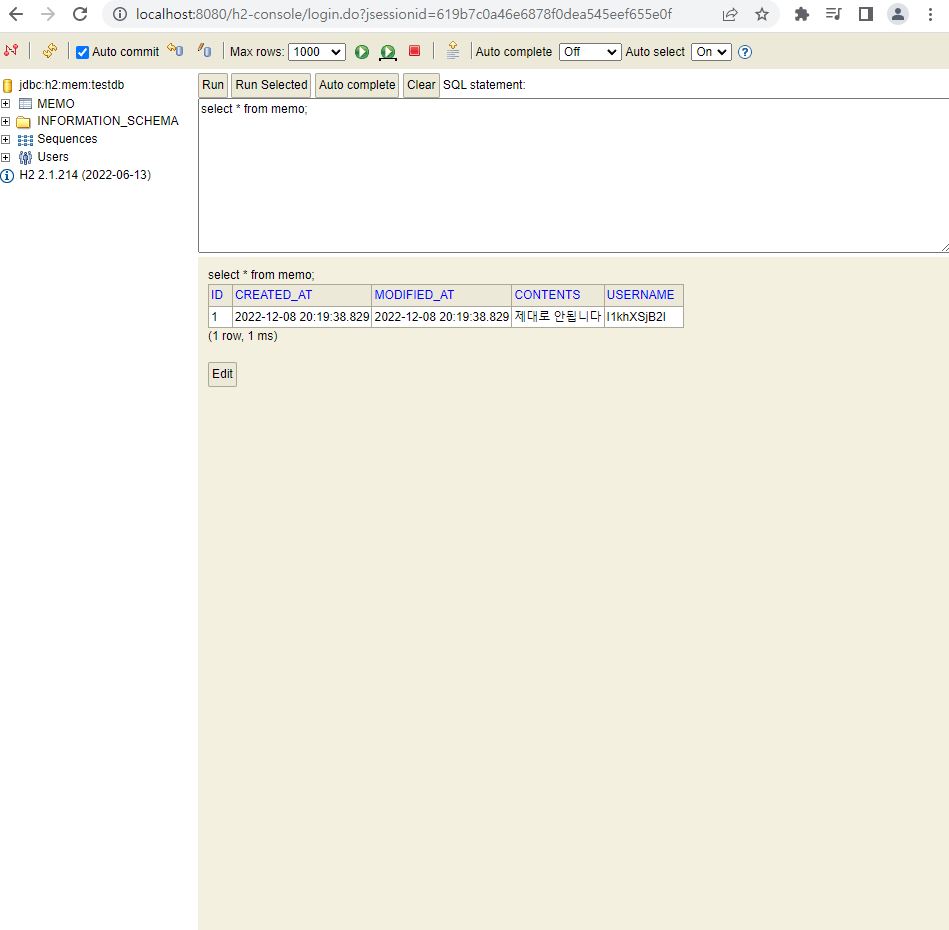
h2 DB로 봤을 때는 정상적으로 나오고 어노테이션도 제대로 붙였지만 입력한 내용이 정상적으로 화면에 보이지 않습니다.
나머지 부분은 수정한 부분이 없습니다.
package com.sparta.week03;

import org.springframework.boot.SpringApplication;
import org.springframework.boot.autoconfigure.SpringBootApplication;
import org.springframework.data.jpa.repository.config.EnableJpaAuditing;

@EnableJpaAuditing //JPA Audition(감시,감사)기능 활성화
@SpringBootApplication
public class Week03Application {

    public static void main(String[] args) {

        SpringApplication.run(Week03Application.class, args);
    }

}
package com.sparta.week03.domain;

import lombok.Getter;
import org.springframework.data.annotation.CreatedDate;
import org.springframework.data.annotation.LastModifiedDate;
import org.springframework.data.jpa.domain.support.AuditingEntityListener;

import javax.persistence.EntityListeners;
import javax.persistence.MappedSuperclass;
import java.time.LocalDateTime;

@Getter // 접근제어자가 private이므로 getter메소드가 필요하다.
@MappedSuperclass //Entity가 자동으로 컬럼으로 인식      ->어노테이션 3개 다 있어야함!
@EntityListeners(AuditingEntityListener.class) // 생성/변경 시간을 자동으로 업데이트 합니다.
public abstract class TimeStamped { //직접 사용하지않고 상속되어야만 사용됨->추상 클래스

    @CreatedDate //생성일자private LocalDateTime createdAt;

    @LastModifiedDate //마지막 수정일자private LocalDateTime modifiedAt;
  }
<!DOCTYPE html>
<html lang="en">

<head><meta charset="UTF-8"><meta name="viewport" content="width=device-width, initial-scale=1.0"><title>Timeline Service</title>

    <script src="https://ajax.googleapis.com/ajax/libs/jquery/3.5.1/jquery.min.js"></script><link href="https://fonts.googleapis.com/css2?family=Noto+Sans+KR:wght@500&display=swap" rel="stylesheet">

    <style>@import url(//spoqa.github.io/spoqa-han-sans/css/SpoqaHanSans-kr.css);

        body {
            margin: 0px;
        }

        .area-edit {
            display: none;
        }

        .wrap {
            width: 538px;
            margin: 10px auto;
        }

        #contents {
            width: 538px;
        }

        .area-write {
            position: relative;
            width: 538px;
        }

        .area-write img {
            cursor: pointer;
            position: absolute;
            width: 22.2px;
            height: 18.7px;
            bottom: 15px;
            right: 17px;
        }

        .background-header {
            position: fixed;
            z-index: -1;
            top: 0px;
            width: 100%;
            height: 428px;
            background-color: #339af0;
        }

        .background-body {
            position: fixed;
            z-index: -1;
            top: 428px;
            height: 100%;
            width: 100%;
            background-color: #dee2e6;
        }

        .header {
            margin-top: 50px;
        }

        .header h2 {
            /*font-family: 'Noto Sans KR', sans-serif;*/height: 33px;
            font-size: 42px;
            font-weight: 500;
            font-stretch: normal;
            font-style: normal;
            line-height: 0.79;
            letter-spacing: -0.5px;
            text-align: center;
            color: #ffffff;
        }

        .header p {
            margin: 40px auto;
            width: 217px;
            height: 48px;
            font-family: 'Noto Sans KR', sans-serif;
            font-size: 16px;
            font-weight: 500;
            font-stretch: normal;
            font-style: normal;
            line-height: 1.5;
            letter-spacing: -1.12px;
            text-align: center;
            color: #ffffff;
        }

        textarea.field {
            width: 502px !important;
            height: 146px;
            border-radius: 5px;
            background-color: #ffffff;
            border: none;
            padding: 18px;
            resize: none;
        }

        textarea.field::placeholder {
            width: 216px;
            height: 16px;
            font-family: 'Noto Sans KR', sans-serif;
            font-size: 16px;
            font-weight: normal;
            font-stretch: normal;
            font-style: normal;
            line-height: 1;
            letter-spacing: -0.96px;
            text-align: left;
            color: #868e96;
        }

        .card {
            width: 538px;
            border-radius: 5px;
            background-color: #ffffff;
            margin-bottom: 12px;
        }

        .card .metadata {
            position: relative;
            display: flex;
            font-family: 'Spoqa Han Sans';
            font-size: 11px;
            font-weight: normal;
            font-stretch: normal;
            font-style: normal;
            line-height: 1;
            letter-spacing: -0.77px;
            text-align: left;
            color: #adb5bd;
            height: 14px;
            padding: 10px 23px;
        }

        .card .metadata .date {

        }

        .card .metadata .username {
            margin-left: 20px;
        }

        .contents {
            padding: 0px 23px;
            word-wrap: break-word;
            word-break: break-all;
        }

        .contents div.edit {
            display: none;
        }

        .contents textarea.te-edit {
            border-right: none;
            border-top: none;
            border-left: none;
            resize: none;
            border-bottom: 1px solid #212529;
            width: 100%;
            font-family: 'Spoqa Han Sans';
        }

        .footer {
            position: relative;
            height: 40px;
        }

        .footer img.icon-start-edit {
            cursor: pointer;
            position: absolute;
            bottom: 14px;
            right: 55px;
            width: 18px;
            height: 18px;
        }

        .footer img.icon-end-edit {
            cursor: pointer;
            position: absolute;
            display: none;
            bottom: 14px;
            right: 55px;
            width: 20px;
            height: 15px;
        }

        .footer img.icon-delete {
            cursor: pointer;
            position: absolute;
            bottom: 12px;
            right: 19px;
            width: 14px;
            height: 18px;
        }

        #cards-box {
            margin-top: 12px;
        }
    </style><script>// 미리 작성된 영역 - 수정하지 않으셔도 됩니다.// 사용자가 내용을 올바르게 입력하였는지 확인합니다.function isValidContents(contents) {if (contents == '') {alert('내용을 입력해주세요');return false;
            }
            if (contents.trim().length > 140) {
                alert('공백 포함 140자 이하로 입력해주세요');
                return false;
            }
            return true;
        }

        // 익명의 username을 만듭니다.function genRandomName(length) {let result = '';let characters = 'ABCDEFGHIJKLMNOPQRSTUVWXYZabcdefghijklmnopqrstuvwxyz0123456789';let charactersLength = characters.length;for (let i = 0; i < length; i++) {
                let number = Math.random() * charactersLength;
                let index = Math.floor(number);
                result += characters.charAt(index);
            }
            return result;
        }

        // 수정 버튼을 눌렀을 때, 기존 작성 내용을 textarea 에 전달합니다.// 숨길 버튼을 숨기고, 나타낼 버튼을 나타냅니다.function editPost(id) {showEdits(id);let contents = $(`#${id}-contents`).text().trim();
            $(`#${id}-textarea`).val(contents);
        }

        function showEdits(id) {
            $(`#${id}-editarea`).show();
            $(`#${id}-submit`).show();
            $(`#${id}-delete`).show();

            $(`#${id}-contents`).hide();
            $(`#${id}-edit`).hide();
        }

        ////////////////////////////////////////////////////////////////////////////////////////////////////////////////// 여기서부터 코드를 작성해주시면 됩니다.

        $(document).ready(function () {
            // HTML 문서를 로드할 때마다 실행합니다.getMessages();
        })

        // 메모를 불러와서 보여줍니다.function getMessages() {// 1. 기존 메모 내용을 지웁니다.
            $('#cards-box').empty();
            // 2. 메모 목록을 불러와서 HTML로 붙입니다.
            $.ajax({
                type: 'GET',
                url: '/api/memos',
                success: function (response) {
                    for (let i = 0; i < response.length; i++) {
                        let message = response[i];
                        let id = message['id'];
                        let username = message['username'];
                        let contents = message['contents'];
                        let modifiedAt = message['modifiedAt'];
                        addHTML(id, username, contents, modifiedAt);
                    }
                }
            })
        }

        // 메모 하나를 HTML로 만들어서 body 태그 내 원하는 곳에 붙입니다.function addHTML(id, username, contents, modifiedAt) {// 1. HTML 태그를 만듭니다.let tempHtml = `<div class="card">
                <!-- date/username 영역 -->
                <div class="metadata"><div class="date">
                        ${modifiedAt}
                    </div><div id="${id}-username" class="username">
                        ${username}
                    </div></div>
                <!-- contents 조회/수정 영역-->
                <div class="contents"><div id="${id}-contents" class="text">
                        ${contents}
                    </div><div id="${id}-editarea" class="edit"><textarea id="${id}-textarea" class="te-edit" name="" id="" cols="30" rows="5"></textarea></div></div>
                <!-- 버튼 영역-->
                <div class="footer">
                    <img id="${id}-edit" class="icon-start-edit" src="images/edit.png" alt="" onclick="editPost('${id}')">
                    <img id="${id}-delete" class="icon-delete" src="images/delete.png" alt="" onclick="deleteOne('${id}')">
                    <img id="${id}-submit" class="icon-end-edit" src="images/done.png" alt="" onclick="submitEdit('${id}')">
                </div>
            </div>`;
            // 2. #cards-box 에 HTML을 붙인다.
            $('#cards-box').append(tempHtml);
        }

        // 메모를 생성합니다.function writePost() {
            // 1. 작성한 메모를 불러옵니다.let contents = $('#contents').val();

            // 2. 작성한 메모가 올바른지 isValidContents 함수를 통해 확인합니다.if (isValidContents(contents) == false) {
                return;
            }
            // 3. genRandomName 함수를 통해 익명의 username을 만듭니다.let username = genRandomName(10);

            // 4. 전달할 data JSON으로 만듭니다.let data = {'username': username, 'contents': contents};

            // 5. POST /api/memos 에 data를 전달합니다.
            $.ajax({
                type: "POST",
                url: "/api/memos",
                contentType: "application/json",
                data: JSON.stringify(data),
                success: function (response) {
                    alert('메시지가 성공적으로 작성되었습니다.');
                    window.location.reload();
                }
            });
        }

        // 메모를 수정합니다.function submitEdit(id) {
            // 1. 작성 대상 메모의 username과 contents 를 확인합니다.let username = $(`#${id}-username`).text().trim();
            let contents = $(`#${id}-textarea`).val().trim();

            // 2. 작성한 메모가 올바른지 isValidContents 함수를 통해 확인합니다.if (isValidContents(contents) == false) {
                return;
            }

            // 3. 전달할 data JSON으로 만듭니다.let data = {'username': username, 'contents': contents};

            // 4. PUT /api/memos/{id} 에 data를 전달합니다.
            $.ajax({
                type: "PUT",
                url: `/api/memos/${id}`,
                contentType: "application/json",
                data: JSON.stringify(data),
                success: function (response) {
                    alert('메시지 변경에 성공하였습니다.');
                    window.location.reload();
                }
            });
        }

        // 메모를 삭제합니다.function deleteOne(id) {
            // 1. DELETE /api/memos/{id} 에 요청해서 메모를 삭제합니다.
            $.ajax({
                type: "DELETE",
                url: `/api/memos/${id}`,
                success: function (response) {
                    alert('메시지 삭제에 성공하였습니다.');
                    window.location.reload();
                }
            })
        }
    </script>
</head>

<body>
<div class="background-header">

</div>
<div class="background-body">

</div>
<div class="wrap"><div class="header"><h2>Timeline Service</h2><p>
            공유하고 싶은 소식을 입력해주세요.
            24시간이 지난 뒤에는 사라집니다.
        </p></div><div class="area-write"><textarea class="field" placeholder="공유하고 싶은 소식을 입력해주세요" name="contents" id="contents" cols="30"rows="10"></textarea><!--            <button class="btn btn-danger" onclick="writePost()">작성하기</button>--><img src="images/send.png" alt="" onclick="writePost()"></div><div id="cards-box" class="area-read">

    </div>
</div>
</body>

</html>


댓글 알림
