


어떻게 해야 제대로 잘 나오는지 써주시면 그대로 수정하고싶어요. 아래 확인해보고 말씀 해 주세요
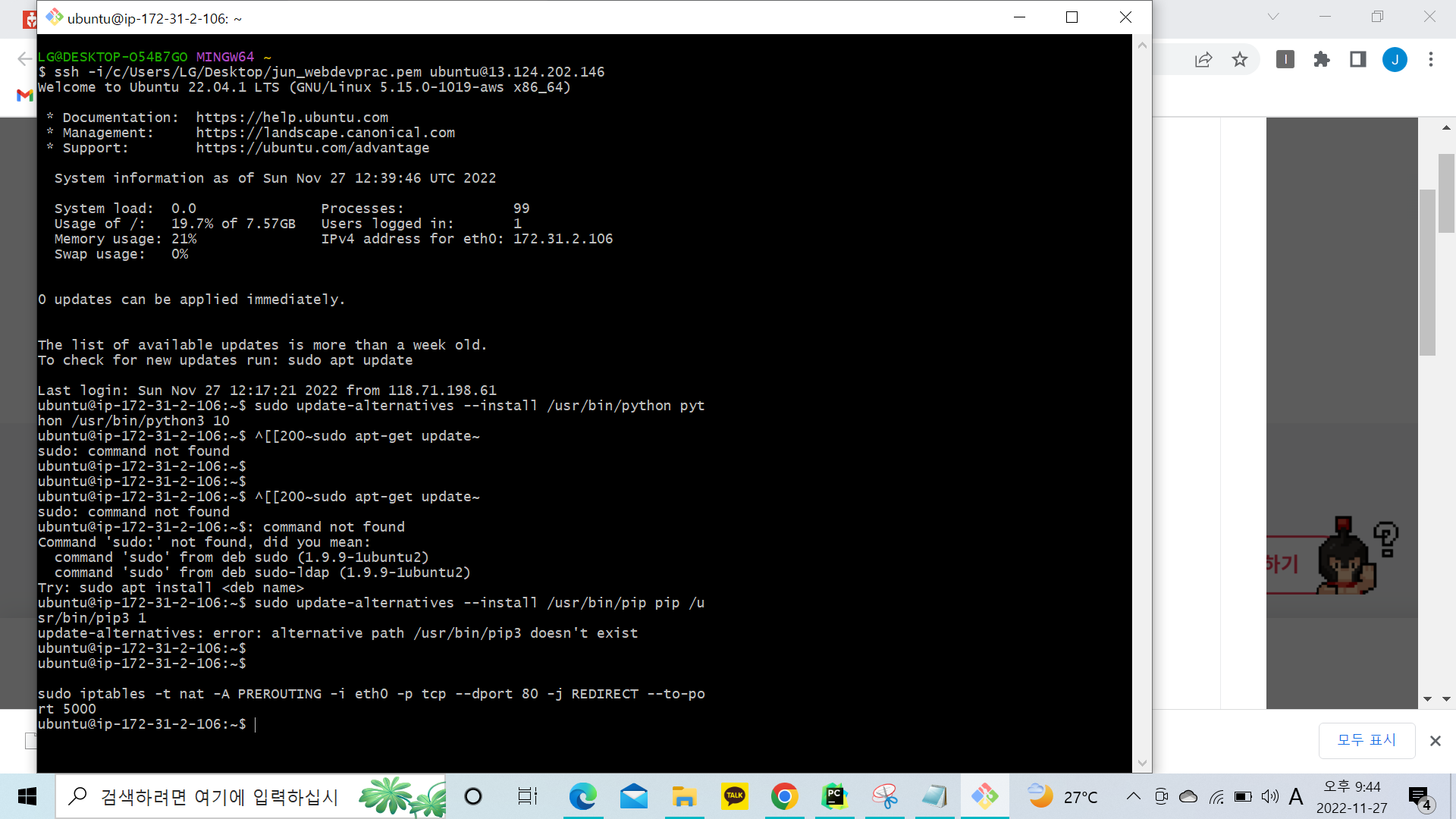
작성한 코드 및 에러 메세지
LG@DESKTOP-O54B7GO MINGW64 ~
$ ssh -i/c/Users/LG/Desktop/jun_webdevprac.pem ubuntu@13.124.202.146
Welcome to Ubuntu 22.04.1 LTS (GNU/Linux 5.15.0-1019-aws x86_64)
* Documentation: https://help.ubuntu.com
* Management: https://landscape.canonical.com
* Support: https://ubuntu.com/advantage
System information as of Sun Nov 27 12:39:46 UTC 2022
System load: 0.0 Processes: 99
Usage of /: 19.7% of 7.57GB Users logged in: 1
Memory usage: 21% IPv4 address for eth0: 172.31.2.106
Swap usage: 0%
0 updates can be applied immediately.
The list of available updates is more than a week old.
To check for new updates run: sudo apt update
Last login: Sun Nov 27 12:17:21 2022 from 118.71.198.61
ubuntu@ip-172-31-2-106:~$ sudo update-alternatives --install /usr/bin/python python /usr/bin/python3 10
ubuntu@ip-172-31-2-106:~$ ^[[200~sudo apt-get update~
sudo: command not found
ubuntu@ip-172-31-2-106:~$
ubuntu@ip-172-31-2-106:~$
ubuntu@ip-172-31-2-106:~$ ^[[200~sudo apt-get update~
sudo: command not found
ubuntu@ip-172-31-2-106:~$: command not found
Command 'sudo:' not found, did you mean:
command 'sudo' from deb sudo (1.9.9-1ubuntu2)
command 'sudo' from deb sudo-ldap (1.9.9-1ubuntu2)
Try: sudo apt install <deb name>
ubuntu@ip-172-31-2-106:~$ sudo update-alternatives --install /usr/bin/pip pip /usr/bin/pip3 1
update-alternatives: error: alternative path /usr/bin/pip3 doesn't exist
ubuntu@ip-172-31-2-106:~$
ubuntu@ip-172-31-2-106:~$
sudo iptables -t nat -A PREROUTING -i eth0 -p tcp --dport 80 -j REDIRECT --to-port 5000
ubuntu@ip-172-31-2-106:~$
오류 발생 시, 작성한 코드 전체와 에러 메시지를 첨부해 주세요.
Tip 1) </> 아이콘을 눌러 코드박스를 만들어 보세요.
Tip 2) Ctrl+A(맥의 경우 Command+A) 단축키로 코드를 한 번에 선택할 수 있어요!


