import React from 'react';
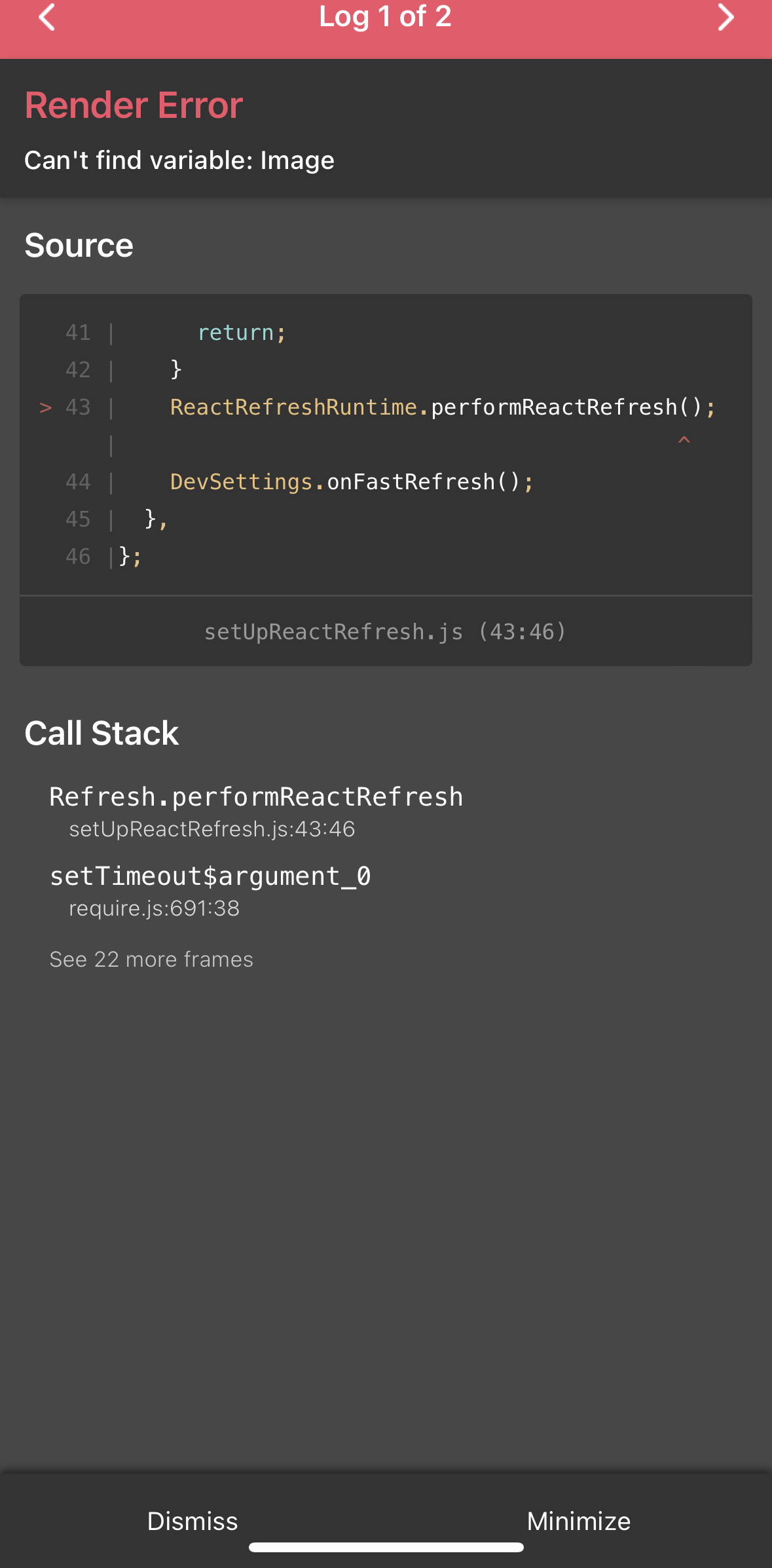
import {View, Text, StyleSheet, TouchableOpacity} from 'react-native';
export default function AboutPage() {
const aboutImage = "https://storage.googleapis.com/sparta-image.appspot.com/lecture/about.png"
return (
<View style={styles.container}>
<Text style={styles.title}>HI! 스파르타 코딩 앱개발반에 오신것을 환영합니다</Text>
<View style={styles.content}>
<Image style={styles.aboutImage} source={{uri:aboutImage}} resizeMode={"cover"}/>
<Text style={styles.contentText01}>많은 내용을 간결하게 담아내려 노력했습니다!</Text>
<Text style={styles.contentText02}>꼭 완주 하셔서 꼭 여러분것으로 만들어가시길 바랍니다</Text>
<TouchableOpacity style={styles.contentButton}>
<Text style={styles.contentButtonText}>kjsdd36@naver.com</Text></TouchableOpacity>
</View>
</View>)
}
const styles = StyleSheet.create({
container:{
flex: 1,
backgroundColor:'#000066',
alignItems:"center"
},
title:{
flex: 1,
fontWeight: 'bold',
color: '#fff',
fontSize: 35,
margin: 30,
marginTop: 100,
},
content:{
flex: 5,
backgroundColor: '#fff',
borderRadius: 20,
margin: 30,
marginBottom: 100,
},
aboutImage:{
flex: 1,
width: 'auto',
height: 'auto',
borderRadius: 30,
alignSelf: 'center'
},
contentText01:{
margin: 20,
fontWeight:'bold',
fontSize: 25,
textAlign: 'center'
},
contentText02:{
margin: 20,
fontWeight:'bold',
fontSize: 18,
textAlign: 'center'
},
contentButton:{
width: 'auto',
height: 'auto',
backgroundColor:'#FFCC00',
borderRadius:20,
margin: 30,
alignSelf: 'center',
padding: 30,
},
contentButtonText:{
fontSize: 20,
color: '#fff',
}
})
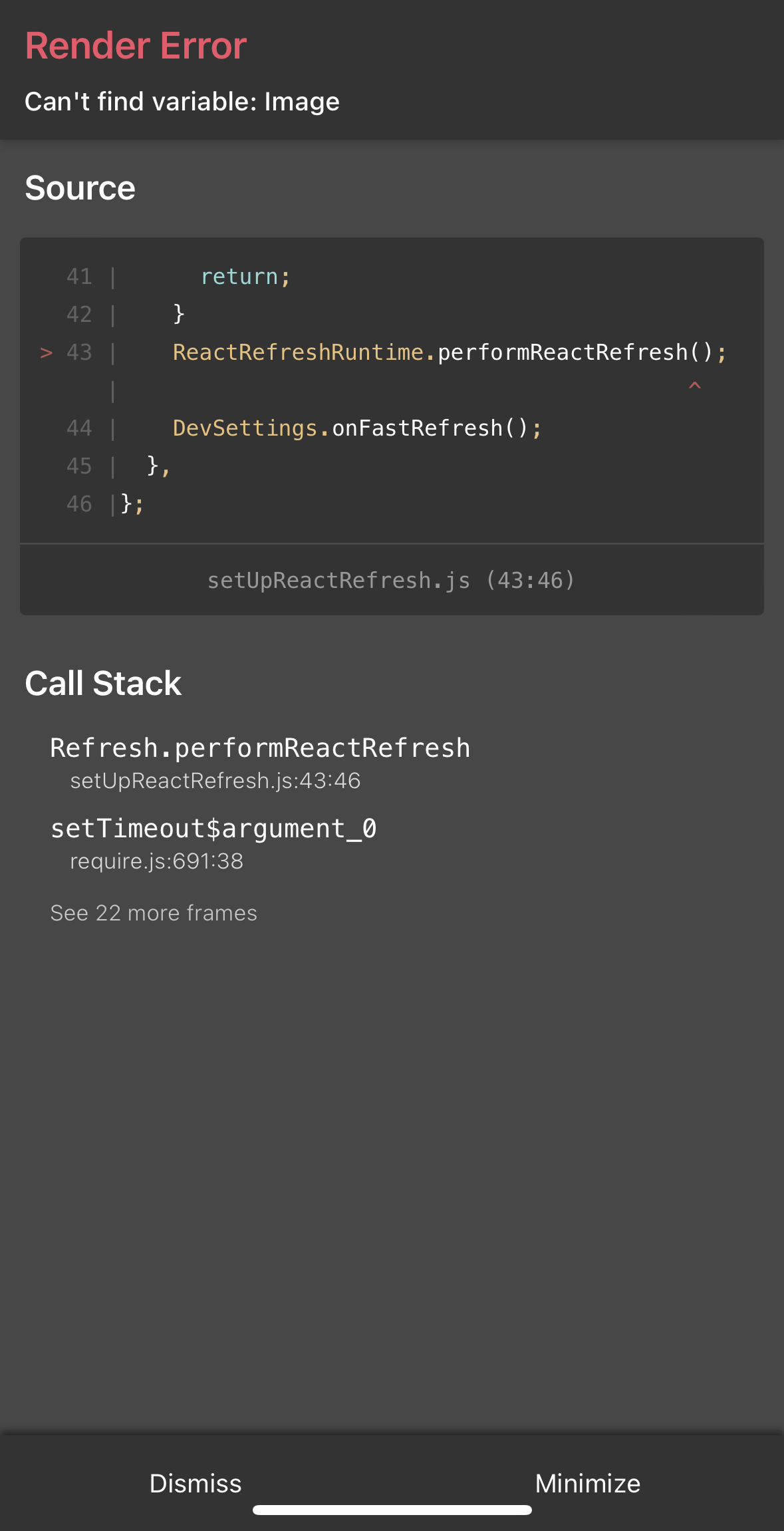
작성한 코드 및 에러 메세지
Render Error