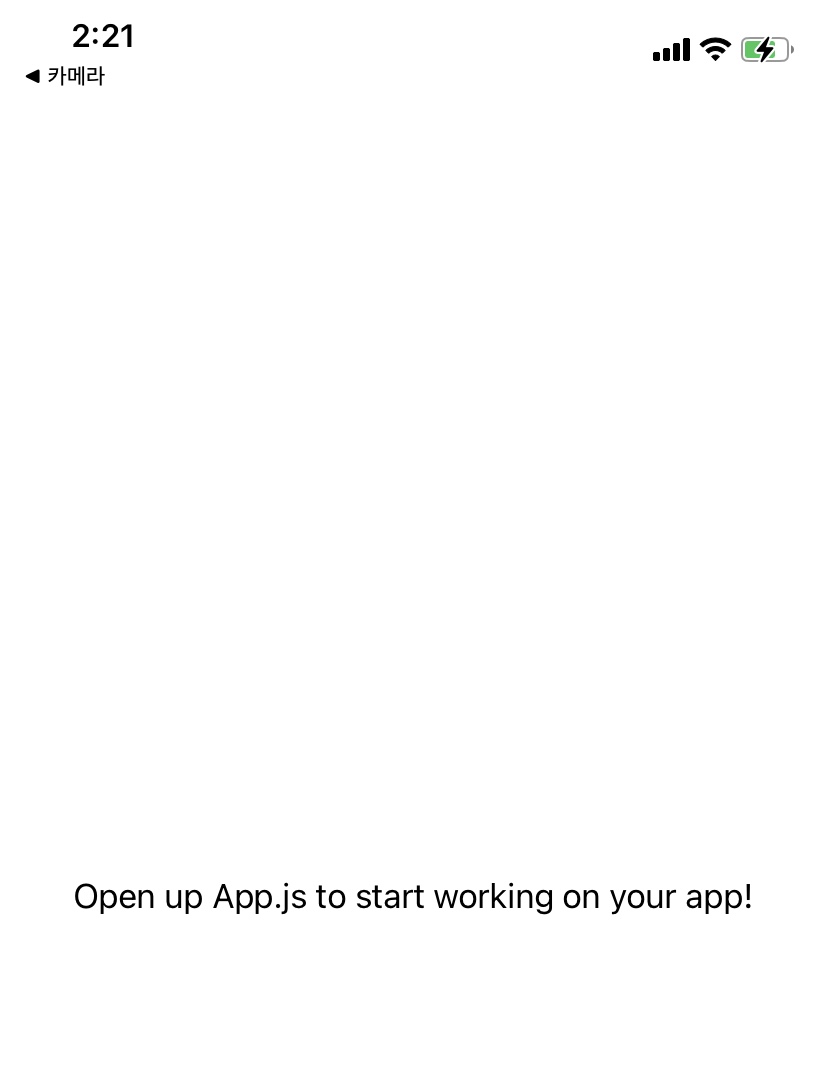
안녕하세요 튜터님.
4-6까지 진행하는 과정에서 제가 뭔가 잘못한 것 같은데 정확히 모르겠어요.
expo init sparta-myhoneytip-myeong
을 하니
The default interactive shell is now zsh.
To update your account to use zsh, please run `chsh -s /bin/zsh`.
For more details, please visit https://support.apple.com/kb/HT208050.
(base) gomyeongjiui-MacBookPro:sparta komyeongji$ expo init sparta-myhoneytip-myeong
Migrate to using:
› npx create-expo-app --template
The directory sparta-myhoneytip-myeong has files that might be overwritten:
.Rhistory
.expo
.expo-shared
App.js
app.json
assets
babel.config.js
components
data.json
firebaseConfig.js
navigation
node_modules
package.json
pages
yarn.lock
Try using a new directory name, or moving these files.
(base) gomyeongjiui-MacBookPro:sparta komyeongji$ cd sparta-myhoneytip-myeong
(base) gomyeongjiui-MacBookPro:sparta-myhoneytip-myeong komyeongji$ expo start
This command is being executed with the global Expo CLI. Learn more.
To use the local CLI instead (recommended in SDK 46 and higher), run:
› npx expo start
Starting project at /Users/komyeongji/Desktop/sparta/sparta-myhoneytip-myeong
Starting Metro Bundler
▄▄▄▄▄▄▄▄▄▄▄▄▄▄▄▄▄▄▄▄▄▄▄▄▄▄▄
█ ▄▄▄▄▄ █ ██▀▀▄▀▄██ ▄▄▄▄▄ █
█ █ █ █ ▀█ ▀██▀█ █ █ █
█ █▄▄▄█ █▀ █▄ ▀▄▀█ █▄▄▄█ █
█▄▄▄▄▄▄▄█▄█ ▀▄█ ▀▄█▄▄▄▄▄▄▄█
█▄ ▀█ ▄█▀█▄█▄█▄▀▄██ ▀▄▄ ▄█
██▀▄ ▄█▄ █ ▄█▀██▄▀▀ █▄ ▀██
█ █▄▄ ▄▄▀ █▀▄ █▄▀▄▀▄▀▀▄ ▀██
███ ▀▀▄ █▄▀ █▄█▄▄▄█▄▀ ▀███
█▄▄████▄▄▀▀▀▀▀▀▄▄ ▄▄▄ ▀ ▄▄█
█ ▄▄▄▄▄ █▀▄ ██▀▀ █▄█ ▀▀▀▀█
█ █ █ █▄█ ▀▀█▄█▄▄ ▄▄▀ ▀▀█
█ █▄▄▄█ █▀▀▀ ██▀▄██▄▀█▀▀ ██
█▄▄▄▄▄▄▄█▄▄▄███▄████▄▄▄▄▄▄█
› Metro waiting on exp://192.168.35.218:19000
› Scan the QR code above with Expo Go (Android) or
the Camera app (iOS)
› Press a │ open Android
› Press i │ open iOS simulator
› Press w │ open web
› Press r │ reload app
› Press m │ toggle menu
› Press ? │ show all commands
Logs for your project will appear below. Press Ctrl+C to exit.
Started Metro Bundler
보고 계신 화면 전체

(어플화면)
바코드로 들어가면 어플이 초기화된 것 같은 화면이 뜨네요.