커뮤니티

포인트
쿠폰
내 강의실
국비 신청 내역
증명서
계정
로그아웃
학습 질문
개발 일지
나의 활동
답변 완료
이미지 왼쪽 정렬 방법
undefined주차


김*연
댓글
5
・
추천
0
・
조회수
16
조회수
16
답변 완료
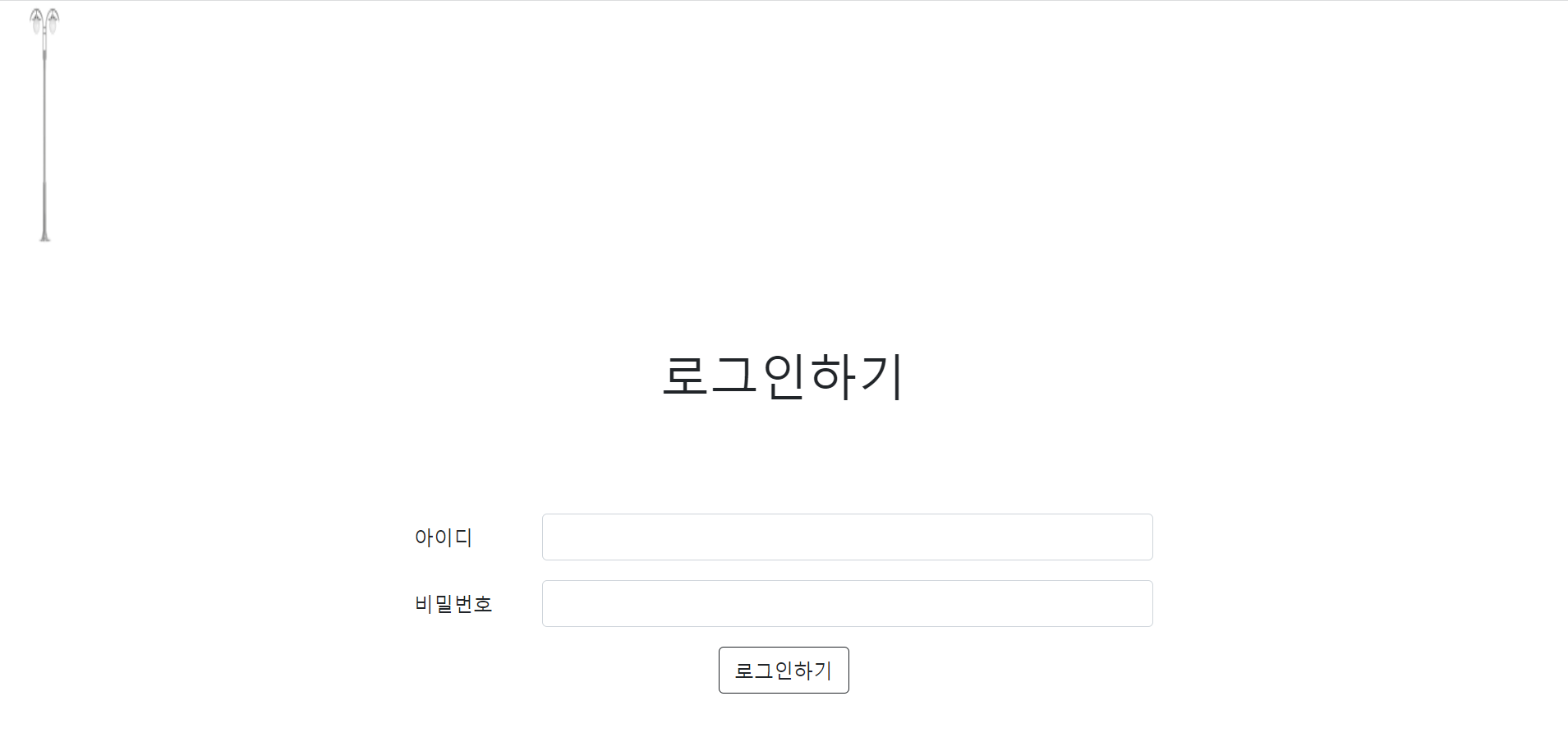
제가 만든 페이지인데요 저기에서 가로등 사진을 로그인하는 창쪽으로 내리고 싶은데 코드를 순서대로 짜니 이미지가 저 옆으로 안가더라구요...
어떻게 해야 가로등 사진을 로그인하기 옆으로 옮길 수 있나요?
작성한 코드 및 에러 메세지
<!DOCTYPE html>
<html lang="ko">
<head>
    <meta charset="UTF-8">
    <meta name="viewport" content="width=device-width, initial-scale=1, shrink-to-fit=no">

    <link href="https://cdn.jsdelivr.net/npm/bootstrap@5.0.2/dist/css/bootstrap.min.css" rel="stylesheet"
        integrity="sha384-EVSTQN3/azprG1Anm3QDgpJLIm9Nao0Yz1ztcQTwFspd3yD65VohhpuuCOmLASjC" crossorigin="anonymous">
    <script src="https://ajax.googleapis.com/ajax/libs/jquery/3.5.1/jquery.min.js"></script>
    <script src="https://cdn.jsdelivr.net/npm/bootstrap@5.0.2/dist/js/bootstrap.bundle.min.js"
        integrity="sha384-MrcW6ZMFYlzcLA8Nl+NtUVF0sA7MsXsP1UyJoMp4YLEuNSfAP+JcXn/tWtIaxVXM"
        crossorigin="anonymous"></script>
    <script src="https://ajax.googleapis.com/ajax/libs/jquery/3.4.1/jquery.min.js"></script>
    <title>login</title>
    <script>
        function ming(){

        }
    </script>
    <style>
        .mytitle{
            padding: 80px;
            text-align: center;
        }
        .mylogin{
            width: 600px;
            margin: auto;
        }
        .mylogin>button{
            display: flex;
            flex-direction: column;
            justify-content: center;
            align-items: center;
        }
        .btn-outline-dark{
            margin: auto;
        }
        .col-sm-10{
            if()
        }

    </style>
</head>
<body>
     <div style="text-align : start;">
    <img
   src="http://orangelight.co.kr/web/product/big/20191227/8ebff54795e1acd9223b4dc25e29da66.jpg"
    width="80px" height="200px"
    >
    <h1 class="mytitle">로그인하기</h1>
    <form class="mylogin">
          <div class="row mb-3">
            <label for="inputEmail3" class="col-sm-2 col-form-label">아이디</label>
            <div class="col-sm-10">
              <input type="email" class="form-control" id="inputEmail3">
            </div>
          </div>
          <div class="row mb-3">
            <label for="inputPassword3" class="col-sm-2 col-form-label">비밀번호</label>
            <div class="col-sm-10">
              <input type="password" class="form-control" id="inputPassword3">
            </div>
          </div>
          <button onclick="window.location.href='/car'" type="button" class="btn btn-outline-dark">로그인하기</button>
        </form>
</body>
</html>
이게 해당코드소스입니다!


댓글 알림
