커뮤니티

포인트
쿠폰
내 강의실
국비 신청 내역
증명서
계정
로그아웃
학습 질문
개발 일지
나의 활동
답변 완료
2-9 오류는 안나는데 업데이트버튼 클릭 시 반응이 없습니다
undefined주차


전*경
댓글
4
・
추천
0
・
조회수
11
조회수
11
답변 완료
똑같이 따라했는데 잘 되다가 if문 작성 시 반응이 안됩니다
업데이트를 눌려도 아무런 반응이 없고
에러창도 안뜨는데 반응이 없어서 어느부분이 잘못된건지 잘 모르겠습니다.
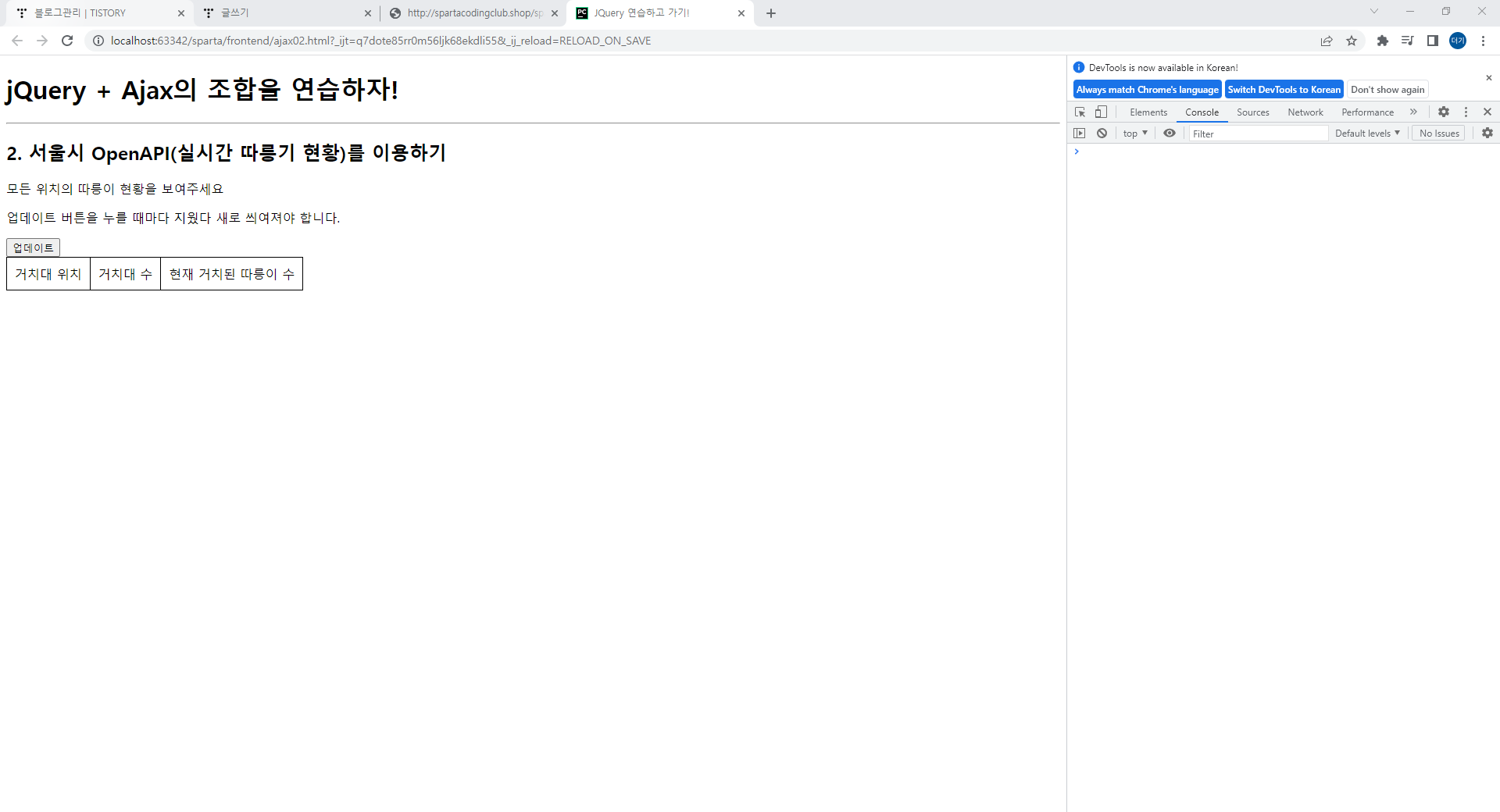
작성한 코드 및 에러 메세지
오류 발생 시, 작성한 코드 전체와 에러 메시지를 첨부해 주세요.
Tip 1) </> 아이콘을 눌러 코드박스를 만들어 보세요.
Tip 2) Ctrl+A(맥의 경우 Command+A) 단축키로 코드를 한 번에 선택할 수 있어요!
<!doctype html>
<html lang="ko">

<head><meta charset="UTF-8"><title>JQuery 연습하고 가기!</title><!-- JQuery를 import 합니다 --><script src="https://ajax.googleapis.com/ajax/libs/jquery/3.4.1/jquery.min.js"></script>

    <style type="text/css">
        div.question-box {
            margin: 10px 0 20px 0;
        }

        table {
            border: 1px solid;
            border-collapse: collapse;
        }

        td,
        th {
            padding: 10px;
            border: 1px solid;
        }

        .urgent{
            color : red;
        }
    </style>

    <script>function q1() {
            $('#names-q1').empty()
            $.ajax({
                type: "GET",
                url: "http://spartacodingclub.shop/sparta_api/seoulbike",
                data: {},
                success: function (response) {
                    let rows = response['getStationList']['row']
                    for (let i = 0; i < rows.length; i++) {
                        let name = rows[i]['stationName']
                        let rack = rows[i]['rackTotCnt']
                        let bike = rows[i]['parkingBikeTotCnt']

                        let temp_html = ``

                        if (bike < 5) {
                           let temp_html = `<tr class="urgent">
                                        <td>${name}</td>
                                        <td>${rack}</td>
                                        <td>${bike}</td>
                                      </tr>`
                        } else{
                            let temp_html = `<tr>
                                        <td>${name}</td>
                                        <td>${rack}</td>
                                        <td>${bike}</td>
                                      </tr>`
                        }

                        $('#names-q1').append(temp_html)
                    }

                }
            })
        }
    </script>

</head>

<body>
<h1>jQuery + Ajax의 조합을 연습하자!</h1>

<hr/>

<div class="question-box"><h2>2. 서울시 OpenAPI(실시간 따릉기 현황)를 이용하기</h2><p>모든 위치의 따릉이 현황을 보여주세요</p><p>업데이트 버튼을 누를 때마다 지웠다 새로 씌여져야 합니다.</p><button onclick="q1()">업데이트</button><table><thead><tr><td>거치대 위치</td><td>거치대 수</td><td>현재 거치된 따릉이 수</td></tr></thead><tbody id="names-q1"></tbody></table></div>
</body>

</html>


댓글 알림
