커뮤니티

포인트
쿠폰
내 강의실
국비 신청 내역
증명서
계정
로그아웃
학습 질문
개발 일지
나의 활동
답변 완료
정은지 방명록 홈페이지 메세지 입력과 기록남는것이 안되요, 서버 컴퓨터는 컴퓨터를 꺼도 항상 켜지게 할 수 있을까요?
undefined주차


최*연
댓글
2
・
추천
0
・
조회수
24
조회수
24
답변 완료
호스트값에 무엇을 넣어야 하나요? 사용자명에 ubuntu를 넣으면 되나요? 비밀번호는 무엇을 넣어야 하나요? 포트는 22인가요?
왜 서버에 연결되지 못함이라는 오류가 뜨는건가요??
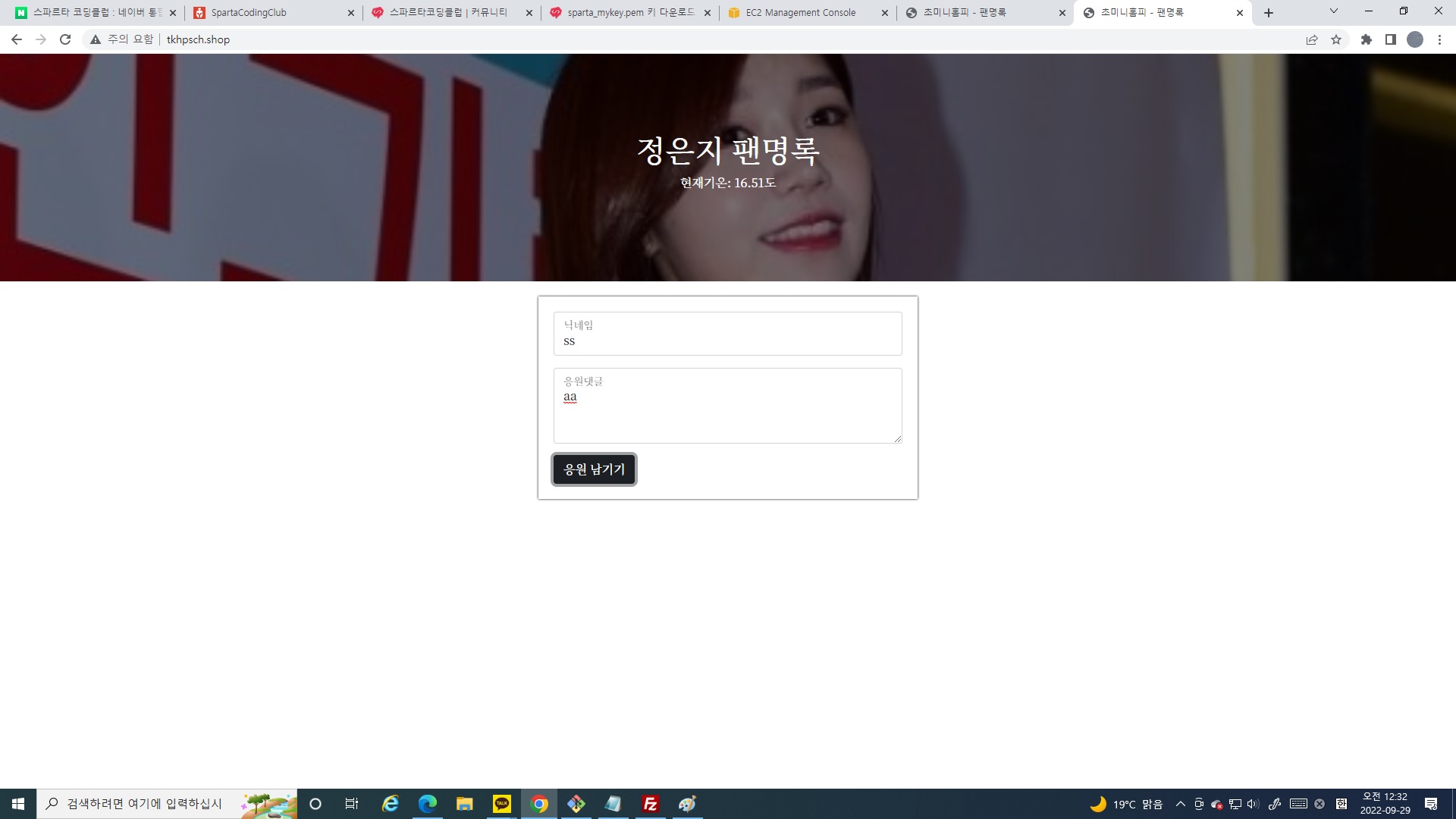
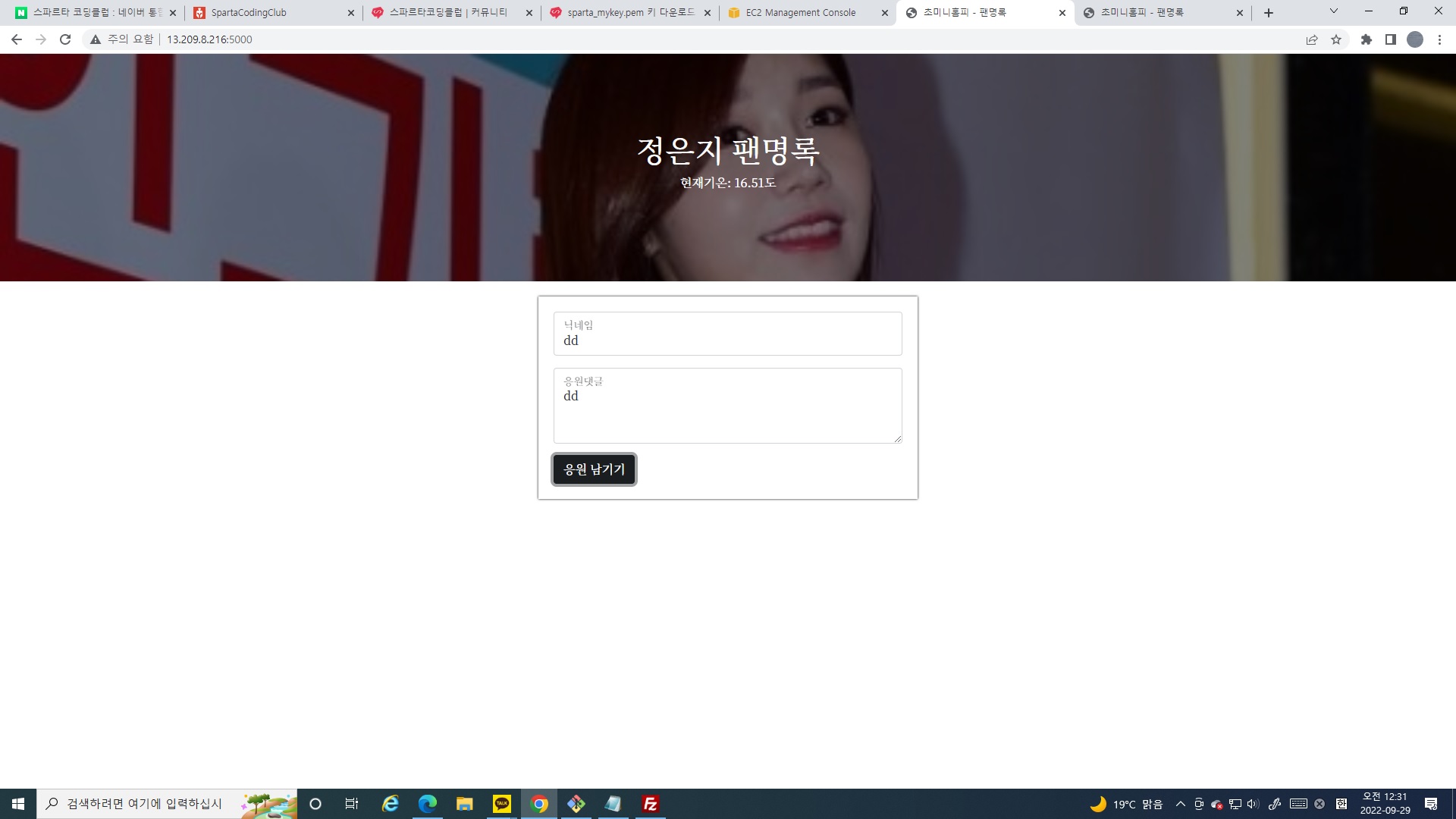
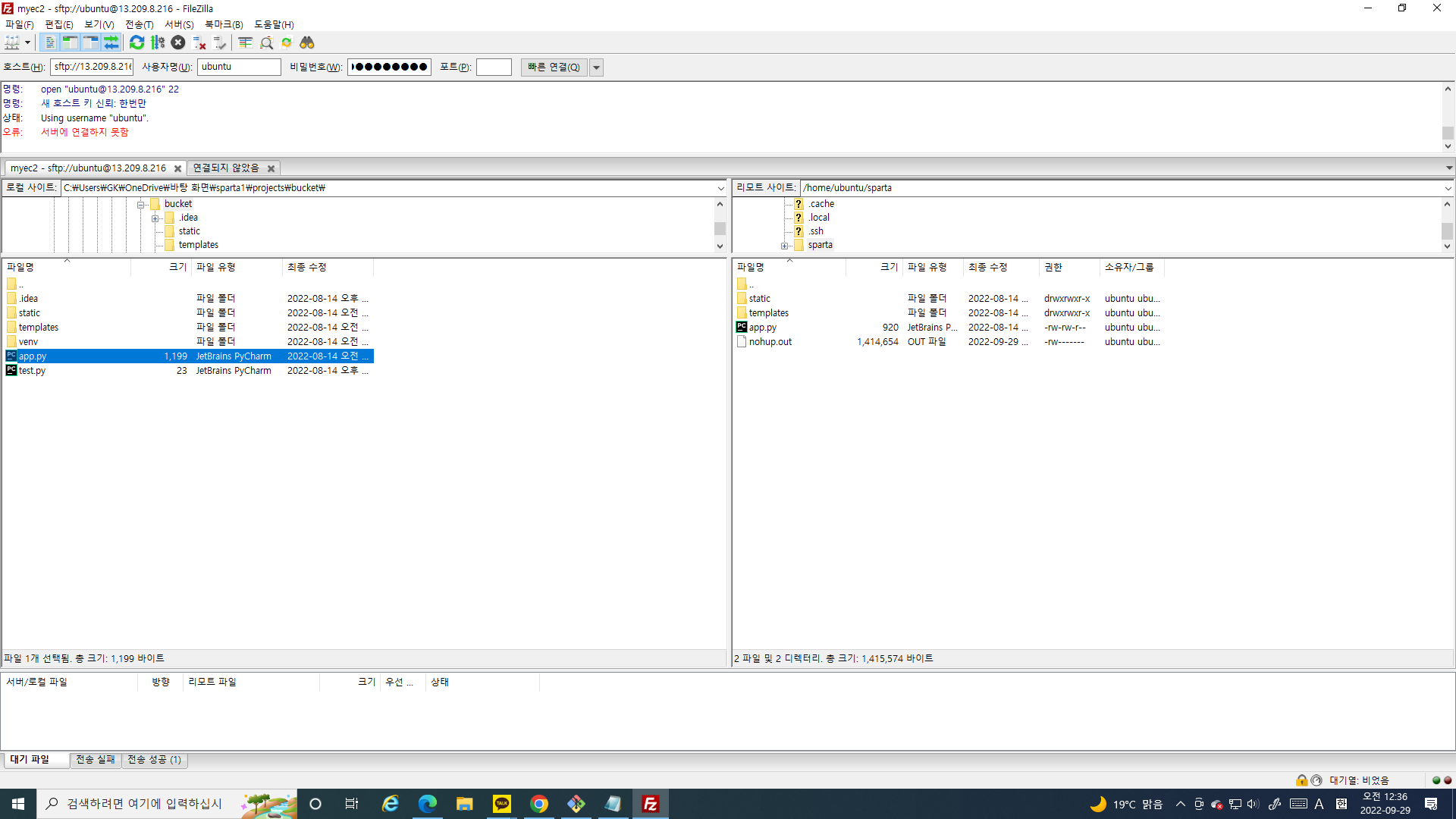
작성한 코드 및 에러 메세지
오류 발생 시, 작성한 코드 전체와 에러 메시지를 첨부해 주세요.
Tip 1) </> 아이콘을 눌러 코드박스를 만들어 보세요.

GK@DESKTOP-7CH3TP7 MINGW64 ~
$ ssh -i '/c/Users/GK/OneDrive/바탕 화면/sparta_tkhpschkey.pem' ubuntu@13.209.8.216
Welcome to Ubuntu 22.04 LTS (GNU/Linux 5.15.0-1011-aws x86_64)


 * Documentation:  https://help.ubuntu.com
 * Management:     https://landscape.canonical.com
 * Support:        https://ubuntu.com/advantage


  System information as of Wed Sep 28 15:04:42 UTC 2022


  System load:  0.0               Processes:             100
  Usage of /:   35.8% of 7.58GB   Users logged in:       0
  Memory usage: 38%               IPv4 address for eth0: 172.31.44.44
  Swap usage:   0%


 * Ubuntu Pro delivers the most comprehensive open source security and
   compliance features.


   https://ubuntu.com/aws/pro


50 updates can be applied immediately.
To see these additional updates run: apt list --upgradable


*** System restart required ***
Last login: Sun Aug 14 10:06:20 2022 from 220.90.236.167
ubuntu@ip-172-31-44-44:~$ mkdir sparta
mkdir: cannot create directory ‘sparta’: File exists
ubuntu@ip-172-31-44-44:~$ ls
sparta
ubuntu@ip-172-31-44-44:~$ cd sparta
ubuntu@ip-172-31-44-44:~/sparta$ ls
app.py  nohup.out  static  templates
ubuntu@ip-172-31-44-44:~/sparta$ cd ..
ubuntu@ip-172-31-44-44:~$ ls
sparta
ubuntu@ip-172-31-44-44:~$ cd sparta/
ubuntu@ip-172-31-44-44:~/sparta$ ls
app.py  nohup.out  static  templates  test.py
ubuntu@ip-172-31-44-44:~/sparta$ python test.py
hello sparta!!
ubuntu@ip-172-31-44-44:~/sparta$ ls
app.py  nohup.out  static  templates
ubuntu@ip-172-31-44-44:~/sparta$ python app.py
 * Serving Flask app 'app'
 * Debug mode: on
Address already in use
Port 5000 is in use by another program. Either identify and stop that program, or start the server with a different port.
ubuntu@ip-172-31-44-44:~/sparta$ pip install flask
Defaulting to user installation because normal site-packages is not writeable
Requirement already satisfied: flask in /home/ubuntu/.local/lib/python3.10/site-packages (2.2.2)
Requirement already satisfied: itsdangerous>=2.0 in /home/ubuntu/.local/lib/python3.10/site-packages (from flask) (2.1.2)
Requirement already satisfied: Werkzeug>=2.2.2 in /home/ubuntu/.local/lib/python3.10/site-packages (from flask) (2.2.2)
Requirement already satisfied: Jinja2>=3.0 in /usr/lib/python3/dist-packages (from flask) (3.0.3)
Requirement already satisfied: click>=8.0 in /usr/lib/python3/dist-packages (from flask) (8.0.3)
Requirement already satisfied: MarkupSafe>=2.1.1 in /home/ubuntu/.local/lib/python3.10/site-packages (from Werkzeug>=2.2.2->flask) (2.1.1)
ubuntu@ip-172-31-44-44:~/sparta$ python app.py
 * Serving Flask app 'app'
 * Debug mode: on
Address already in use
Port 5000 is in use by another program. Either identify and stop that program, or start the server with a different port.
ubuntu@ip-172-31-44-44:~/sparta$ python app.py
 * Serving Flask app 'app'
 * Debug mode: on
Address already in use
Port 5000 is in use by another program. Either identify and stop that program, or start the server with a different port.
ubuntu@ip-172-31-44-44:~/sparta$ ls
app.py  nohup.out  static  templates
ubuntu@ip-172-31-44-44:~/sparta$ cd sparta/
-bash: cd: sparta/: No such file or directory
ubuntu@ip-172-31-44-44:~/sparta$ ls
app.py  nohup.out  static  templates
ubuntu@ip-172-31-44-44:~/sparta$ nohup python app.py &
[1] 190510
ubuntu@ip-172-31-44-44:~/sparta$ nohup: ignoring input and appending output to 'nohup.out'


[1]+  Exit 1                  nohup python app.py
ubuntu@ip-172-31-44-44:~/sparta$
ubuntu@ip-172-31-44-44:~/sparta$
Tip 2) Ctrl+A(맥의 경우 Command+A) 단축키로 코드를 한 번에 선택할 수 있어요!


댓글 알림
