커뮤니티

포인트
쿠폰
내 강의실
국비 신청 내역
증명서
계정
로그아웃
학습 질문
개발 일지
나의 활동
답변 완료
2-2 문의드립니다!
[왕초보] 나만의 수익성 앱, 앱개발 종합반
2주차


김*지
댓글
3
・
추천
0
・
조회수
20
조회수
20
답변 완료
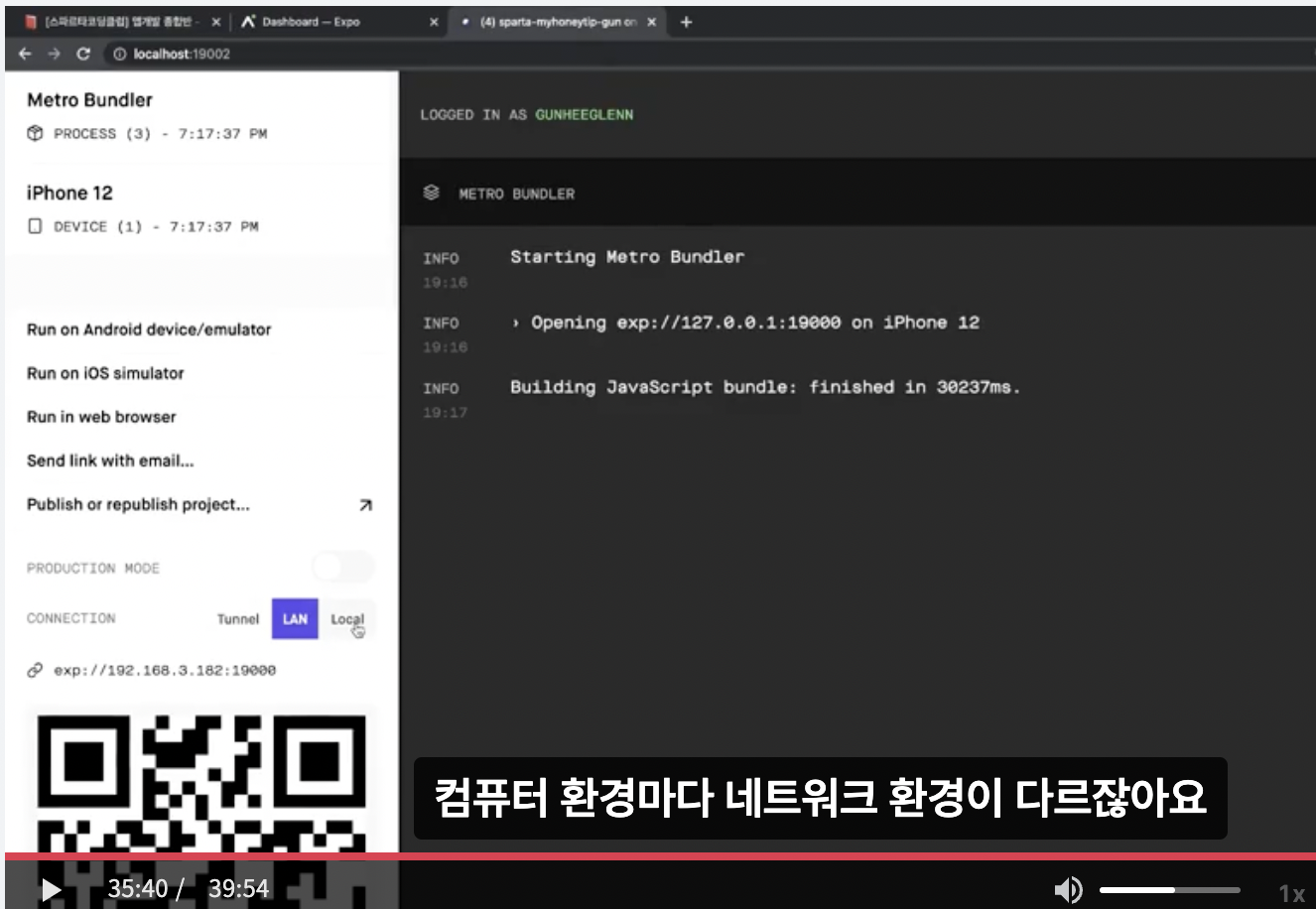
expo start 실행 시 강의 영상처러
아래 화면으로 자동으로 넘어가지 않는데
접속할 수 있는 방법이 따로 있을까요?!
minjikim@Minjiui-iMac sparta-study % cd sparta-myhoneytip-ji
minjikim@Minjiui-iMac sparta-myhoneytip-ji % expo start --tunnel


This command is being executed with the global Expo CLI. Learn more: https://blog.expo.dev/the-new-expo-cli-f4250d8e3421
To use the local CLI instead (recommended in SDK 46 and higher), run:
› npx expo start


Starting project at /Users/minjikim/Desktop/sparta-study/sparta-myhoneytip-ji
Starting Metro Bundler
Successfully ran `adb reverse`. Localhost URLs should work on the connected Android device.
Using legacy dev server: false
Started Metro Bundler
Tunnel connected.
Tunnel ready.
▄▄▄▄▄▄▄▄▄▄▄▄▄▄▄▄▄▄▄▄▄▄▄▄▄▄▄▄▄▄▄▄▄▄▄
█ ▄▄▄▄▄ █▀ █▀▀██▄▄▄ ▄▄▄▄▄██ ▄▄▄▄▄ █
█ █   █ █▀ ▄ ██▄█▄▀▀ █▄▀█ █ █   █ █
█ █▄▄▄█ █▀█ █▄   █ ▄▄   ▄▀█ █▄▄▄█ █
█▄▄▄▄▄▄▄█▄█▄█ ▀▄▀▄█ █ ▀▄█ █▄▄▄▄▄▄▄█
█▄▄   ▀▄   ▄█▄█▄▄▄▄▀ █▀▄▀█▄▀▄█ █▄▀█
█▄▀███▄▄▀█ ▀ ▄█▀ █████ ▀▀▀▄ ▀▀▄▀█▀█
█▀▀▄▄  ▄▀█▄▀▄▀▀▀█▄ █▀ ██▀█▄▀▄▄▀█▀ █
█▀ ▀▄ █▄    █▀ ▄▄██ █▄  ▀▄█ █▀ ▀███
█▀▄▄ ▄▄▄▀▄█▄█▄█▄█▄▄█ ▀█▄  ▄▀▄▄██▀▀█
█▄▄▄█▄▀▄▀▀▄█ ▄█▀ ▀█ █▀  ▀ ▀▄▄ █ ▄██
█▀ █▀ █▄███▀▄▀▀▀▄   ▀ █ ▀█▄▀ ▄▄▀▀ █
█ █▀█▄▀▄▀ ▄▀█▀ ▄▄▄▄▀█▄ ▀▀█▀▀▀▄█▀ ██
█▄███▄▄▄█ ▄██▄█▄▄▀▄▀  █▄▄ ▄▄▄ ▀█▄▀█
█ ▄▄▄▄▄ █▄▄█ ▄█▀  █▀█  █  █▄█ ▄ ▄▀█
█ █   █ █ ▀▀▄▀▀▀▄▀ ▀▀▀█▄█  ▄▄  ▀▀ █
█ █▄▄▄█ █   █▀ ▄▄██▄▀▀▀ ▄█▀ █▀▀▀███
█▄▄▄▄▄▄▄█▄█▄█▄█▄▄▄▄█▄██▄▄▄▄▄██▄█▄██


› Metro waiting on exp://h2-6ws.minjicolor.sparta-myhoneytip-ji.exp.direct:80
› Scan the QR code above with Expo Go (Android) or the Camera app (iOS)


› Press a │ open Android
› Press i │ open iOS simulator
› Press w │ open web


› Press r │ reload app
› Press m │ toggle menu


› Press ? │ show all commands


Logs for your project will appear below. Press Ctrl+C to exit.
iOS Bundling complete 7389ms
iOS Running app on iPhone


댓글 알림
